
FGenEds
AI Study Tool
FGenEds turns your lecture-slide PDFs into concise cheat sheets with AI, so you can study gen eds faster.
- Pricing
- Free
- Category
- Development
- Listed
- Aug 4, 2023
- Updated
- Oct 20, 2026
Promoted
 Pixmax.aiPixmax.ai is an all-in-one AI workspace for videos, visual stories, and marketing content.
 RewindType any X/Twitter handle. Get their year back as a narrated video story. Then ask it anything.
 KurodyneSell the tools from your AI side projects. Listing is free.
 Sidrune AI85% off. Stable Claude API for agent developers. Pay as you go. Invoices & refunds available.
 SEOify - Improve your SEO & rankingsBuild links to rank in Google. Improve your DR with links you can start building now.Advertise here270,000+ people visit Dang.ai every month.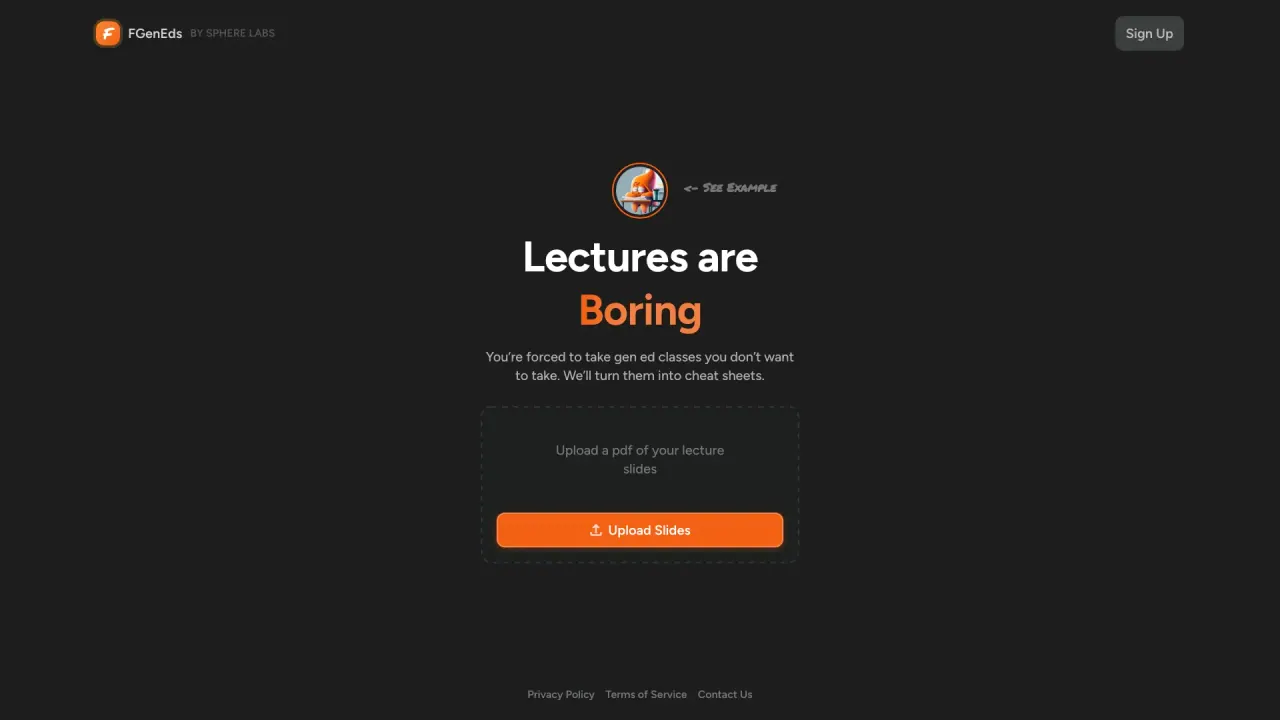
What does FGenEds do?
FGenEds helps make gen ed classes easier by turning boring lecture materials into focused cheat sheets. Instead of rereading slides cover to cover, you upload your lecture slides as a PDF and let the tool extract key points to produce a concise study sheet you can download.
The core workflow is simple: upload your PDF, then use the generated cheat sheet as a quick reference while you study. This can be especially helpful when you need to review a lot of content in a short amount of time or want a cleaner, shorter overview than your original slides.
FGenEds is designed for students who want a practical study aid for lecture slides, particularly for general education classes. For best results, use well-organized slides since the quality of the cheat sheet depends on how your material is presented.
You’ll start with 2 free cheat sheets left. Pricing details aren’t listed publicly on the page, but a Pricing section is available. For privacy and data handling considerations when uploading PDFs, review the Privacy Policy and Terms of Service.
What does FGenEds do for my lecture slides?
It converts your lecture-slide PDF into a concise cheat sheet by extracting key points from the uploaded content.
How do I create a cheat sheet?
Upload your lecture slides as a PDF, then use the generated cheat sheet for studying. The cheat sheet is available to download.
What file format can I upload?
You can upload PDF files of your lecture slides.
How many free cheat sheets do I get?
You start with 2 free cheat sheets left.
Does the cheat sheet include every detail from my slides?
It provides a general summary and may not capture every detail you want, so treat it as a study aid rather than a complete replacement for the original material.
Can I upload sensitive or private lecture content?
Be mindful of privacy when uploading sensitive materials, and review the Privacy Policy for how your data is handled.
Is this your tool?
Claim FGenEds to manage this listing, or upgrade to Pro for featured-first placement and a newsletter feature.