
VisualizeeAI
AI Rending Tool
VisualizeeAI turns a sketch, photo, or 3D model screenshot into photoreal interior and product renders—and can generate videos too.
- Pricing
- Paid
- Category
- Interior design
- Listed
- Oct 24, 2023
- Updated
- Nov 22, 2026
Promoted
 MuzieCreate professional AI music videos starring you. Bring a song or make one, done in minutes.
 AI Checker PlusAI detector that highlights which passages AI wrote. Free check, no sign-up. Plagiarism too.
 Pixmax.aiPixmax.ai is an all-in-one AI workspace for videos, visual stories, and marketing content.
 SEOify - Improve your SEO & rankingsBuild links to rank in Google. Improve your DR with links you can start building now.Advertise here330,000+ people visit Dang.ai every month.
What does VisualizeeAI do?
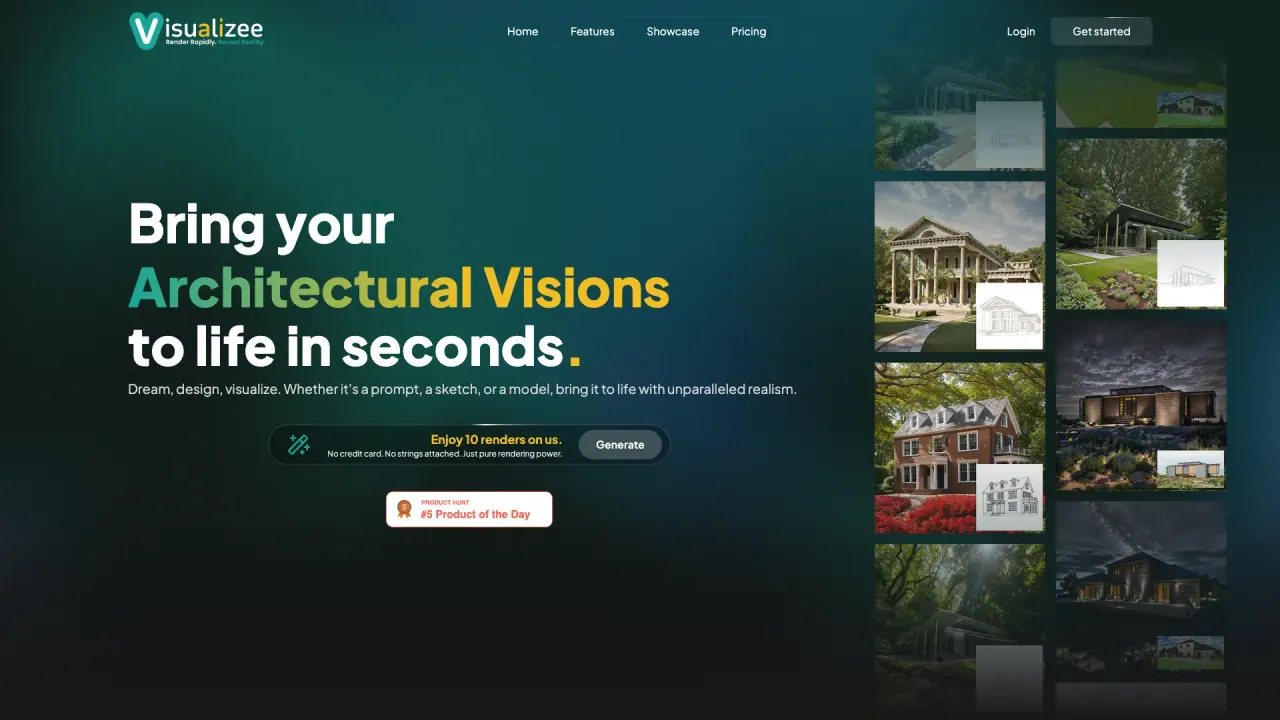
VisualizeeAI helps interior designers, architects, and other 3D creators generate photoreal visualizations from the materials they already have—such as a SketchUp screenshot, a sketch, or a photo. You start from your concept, then describe what to change in plain language to get a render that keeps the layout and camera (or the room/picture context) while updating the selected elements.
The workflow is straightforward: begin with a screenshot of a 3D model or an image, then use prompts to adjust specifics like lighting, materials, furniture, floors, or staging. VisualizeeAI supports common steps used in design reviews—creating “day to night” variations, asking for multiple styles from a single request, and using a box to limit changes to only a marked area. For presentation needs, paid plans also support exporting images at higher resolutions for print boards or big screens.
Choose how fast or detailed you want the output. Quick drafts are suited for exploring ideas, while best-quality renders are aimed at final visuals. You can also generate short videos from your room to show a cinematic transition (time varies by plan).
Pricing ranges from a free trial to monthly subscriptions, with Hobby and Pro tiers plus a Max plan for high-volume rendering. Free includes a no-credit-card start and watermarked personal-use renders. Hobby is available at $12/mo (or $144 first year during Black Friday) and Pro is $24/mo (or $288 first year during Black Friday). Max is priced at $60/mo (billed yearly).
What inputs can I use to generate a render with VisualizeeAI?
You can bring a screenshot from SketchUp or other 3D tools, a sketch, or a photo. If you don’t have a fully textured model, that’s fine—an untextured model screenshot can work.
How do I tell VisualizeeAI what to change?
After you upload a model screenshot (or provide a sketch/photo), you describe the changes in plain words. You can also mark an area with a box so only the items inside that box change.
Which 3D tools does VisualizeeAI work with?
It supports rendering from SketchUp, Revit, AutoCAD, ArchiCAD, Rhino, and 3ds Max. If you’re using another program, a screenshot is enough to start.
Can VisualizeeAI generate videos, not just images?
Yes. Video generation is available on paid plans, with different maximum resolutions depending on the plan tier (Hobby up to 720p, Pro up to 1080p, and Max up to 4K).
Is there a free option, and do I need a credit card?
You can try it free with no credit card. Free renders are watermarked for personal use, and they start at high quality for your first render.
What plans are available and what’s included at a high level?
You can choose Hobby, Pro, or Max. Each plan affects monthly render allowances, image size/quality support, and whether video and 3D model outputs are included, with Hobby aimed at personal projects and occasional client work, Pro for weekly client work, and Max for studios rendering every day.
This listing is claimed
Own VisualizeeAI? Sign in with the email used to claim it to manage this listing, or upgrade to Pro for featured-first placement and a newsletter feature.