SloydAI
3d Modeling Tool With AI Generators
Instantly create stunning 3D models with SloydAI's AI-powered generator. The ultimate 3D modeling tool.
- Pricing
- Paid
- Category
- Interior design
- Listed
- Aug 4, 2023
- Updated
- May 25, 2026
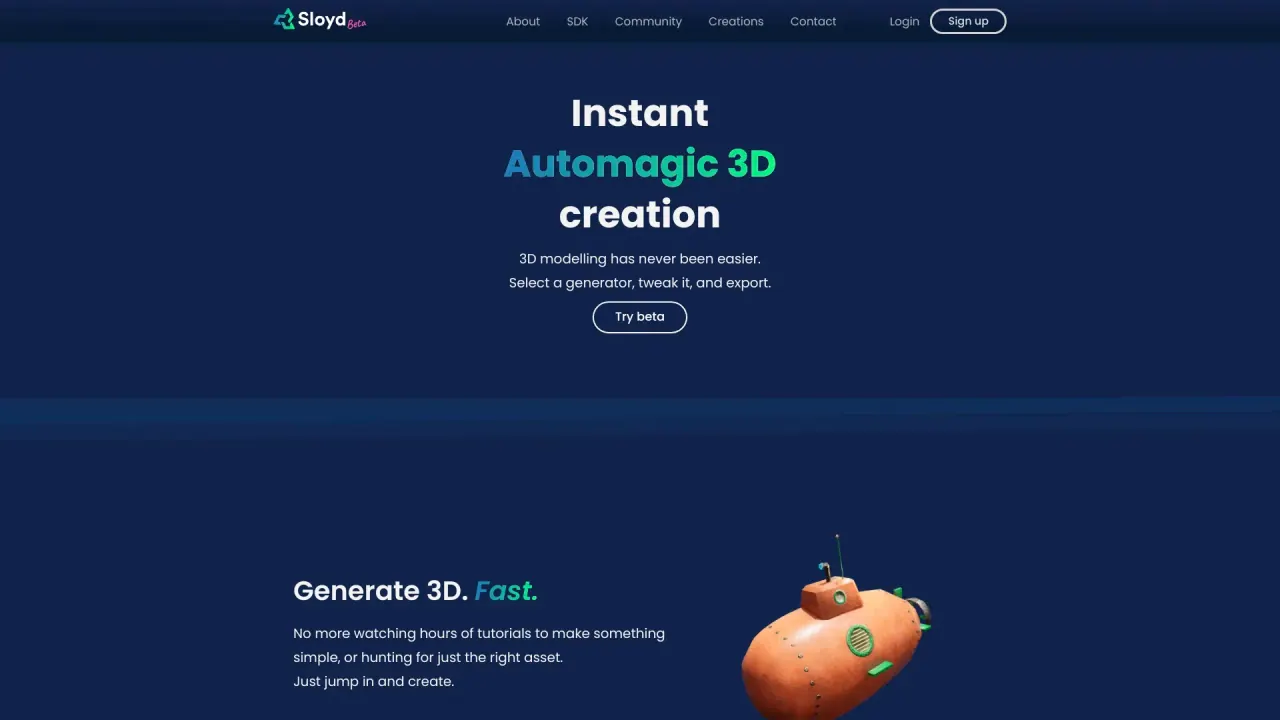
What does SloydAI do?
Is SloydAI web-based or do I need to install software?
Yes. SloydAI runs entirely in your browser with no software to install, so you can start creating 3D models immediately. It’s designed for quick experimentation as well as longer, production-style workflows.
How many 3D models can I create?
You can generate as many 3D models as you need. SloydAI is designed for iteration and exploration, so you don’t need to manage credits while refining ideas.
What kinds of 3D models can I create with SloydAI?
You can create a wide range of models—props, characters, creatures, furniture, buildings, and other objects used in games, prototyping, and 3D printing. You can generate from text prompts, from images, or start from customizable templates depending on how much control you need.
What are 3D templates and how do they work?
SloydAI’s templates are handcrafted, parametric 3D models that you can customize using simple controls or AI assistance. They’re designed for consistency and control, making it easier to create variations, production-ready assets, and optimized geometry.
How does text-to-3D and image-to-3D work in the Template Editor?
When you use text-to-3D inside the Template Editor, SloydAI uses AI to assemble models from a library of parametric 3D parts created by professional artists and the community. This approach yields optimized topology and consistent results in seconds, while still giving you control over the final shape and details.
What customization options are available?
You can refine models with sliders and toggles to adjust shapes, proportions, and details; apply textures instantly; and continue editing. The platform also provides a library of templates and style presets, plus the ability to leverage AI assistance for quick adjustments.
Can I export assets to game engines or other tools?
Yes. SloydAI supports plug-ins and workflows that send assets to Unity, Unreal, Blender, and other apps with a single click.
What formats can I export models in?
OBJ, FBX, STL, and GLB.
Are there style presets or custom AI training?
Yes. SloydAI includes AI art style presets to ensure consistent results, and you can create your own custom AI styles by providing references.
What is included in the SloydAI package? (What’s Included)
The package includes: Unlimited AI 3D generation; art style presets and custom AI training; auto-rigging and AI animation; hundreds of optimized 3D templates; plugin access; topology control and AI part splitting; AI image generation and editing; manifold and ready for 3D printing; commercial license; use case specific apps.
Is there a commercial license for assets?
Yes. A commercial license is included with SloydAI, allowing use of generated assets in commercial projects.
How much does SloydAI cost?
SloydAI offers pricing plans that include a Free tier, with additional Basic and Pro plans. There is a 14-day free trial. Exact plan details and limits are listed on the Pricing page.
How can I get started with SloydAI?
- Open the SloydAI web app. 2) Click the plus icon to start a new project. 3) Explore the available generators (templates). 4) Choose a generator template and begin customizing.
Is there a community or templates library?
Yes. SloydAI features a community and a library of hundreds of optimized templates. You can explore community creations and, if you want, join the Discord community.
Do I need to install software or register to use SloydAI?
No installation is required, and the browser-based interface is designed to be user-friendly and accessible without mandatory installation or registration to start.
What is topology control and AI part splitting?
Topology control lets you set target polygon counts and manage geometry, while AI part splitting breaks models into parts to facilitate editing, animation, and production workflows.
Where can I get help or documentation?
You can access Help & Support through the site, including an FAQ and Documentation.
How do I use plugins to integrate with Unity, Unreal, Blender, or other apps?
SloydAI offers plugins that let you generate assets in the web app and send them to Unity, Unreal, Blender, and other apps with a single click.
How does SloydAI ensure consistent results when using text-to-3D inside templates?
The Template Editor’s text-to-3D workflow assembles models from a library of parametric parts created by professionals and the community, enabling optimized topology and consistent results while allowing final shape control.
Is this your tool?
Claim SloydAI to manage this listing, or upgrade to Pro for featured-first placement and a newsletter feature.