
Avanty
AI Sql Assistant
AI Sql Assistant for Metabase. Get SQL queries written, edited, and understood faster with Avanty, the intelligent Copilot for data analysts.
What does Avanty do?
What is Avanty?
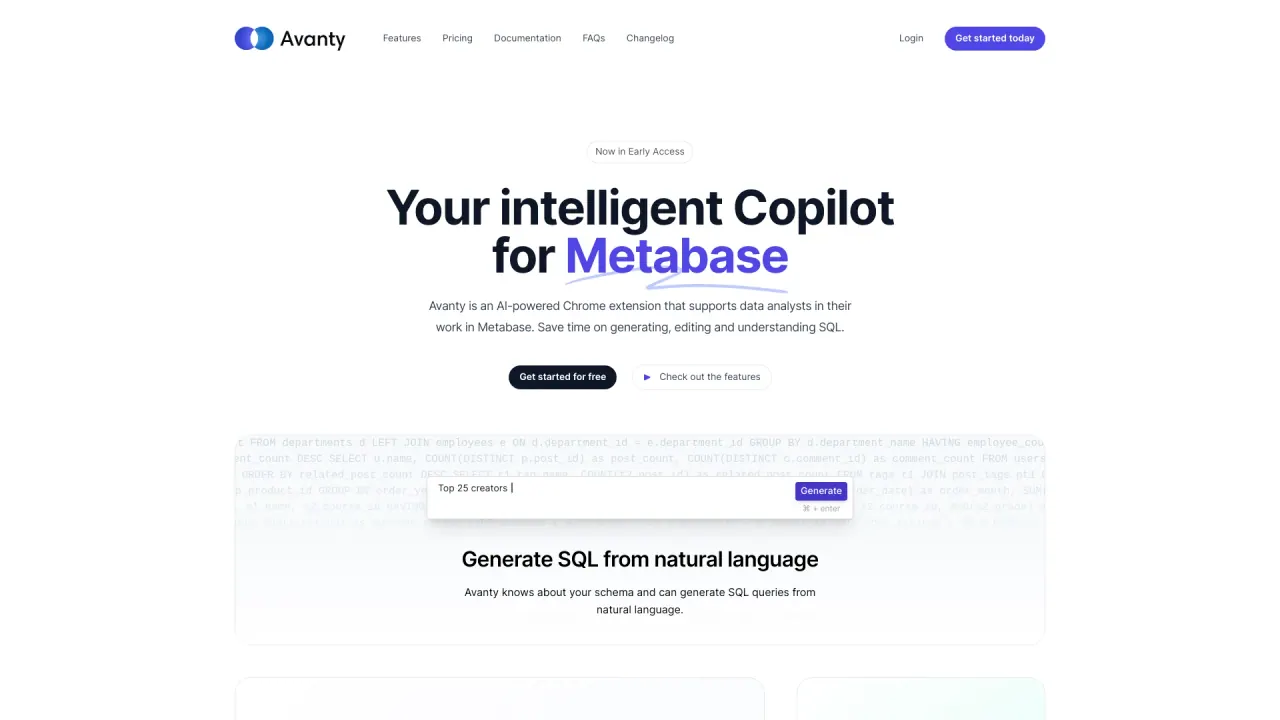
Avanty is an AI-powered Chrome extension that supports data analysts in Metabase by helping generate, edit, and understand SQL.
How does Avanty work with Metabase?
Avanty is a Chrome extension that detects SQL queries inside Metabase and provides features to write, edit, understand, and explain SQL queries. It also supports generating SQL from natural language, editing queries, adding comments, auto-formatting, and suggesting chart titles when saving.
Can Avanty be used with self-hosted Metabase?
Yes. Avanty works with self-hosted Metabase instances as well as Metabase Cloud.
Is my data safe with Avanty?
Yes. Avanty never touches data stored in your Metabase instance. It only uses the SQL queries you write and the Metabase API to retrieve metadata about your instance (including your database schema) and it never executes SQL on its own.
What languages does Avanty support for natural language commands?
Avanty currently works best with English. Support for other languages is being improved.
Is there a free trial?
Yes. Avanty offers a 14-day free trial that allows 50 query edits and generations. A credit card is required to sign up for the trial, and you will be charged at the end of the trial period. You can cancel anytime, and you’ll receive an email reminder 3 days before the trial ends.
What are the pricing options?
- Early Access: $19 per month. Includes AI explanations, automatic commenting, and auto-formatting.
- Team Plan: $15 per user, with a minimum of 3 users. Includes team-wide settings synchronization and auto-formatting; Slack integration is coming soon.
(Start with a free trial.)
Are there usage limits?
Yes. For some resource-intensive features (such as editing and generating SQL queries), there is a limit of 60 queries per day.
What kind of support is available?
For paying subscribers, email and Slack support with guaranteed response within 24 hours. Slack community support is available with responses typically within 24 hours.
Can Avanty help me learn SQL?
Yes. Avanty can help you learn SQL by generating queries from natural language and providing step-by-step explanations of complex queries.
Is Avanty 100% accurate?
Not always. Generated SQL might sometimes miss columns or misinterpret intent. It typically saves time and usually requires only minor tweaks.
How do I get started with Avanty?
- Install the Avanty Chrome extension. 2) Sign up for an account. 3) Connect Avanty to your Metabase instance. 4) Start generating SQL from natural language, then edit and explain queries as needed. If you’re on the Team Plan, configure team-wide settings.
What features are available today?
- Generate SQL from natural language
- Edit SQL within Metabase
- Explain complex queries
- Add comments to queries
- Auto-formatting of SQL
- Auto-suggestions for chart titles when saving
- Keyboard-friendly editing
Is Avanty suitable for teams?
Yes. The Team Plan is designed for teams and includes team-wide settings; Slack integration is planned for the future.
Where can I find more information or support resources?
You can access the Documentation, Privacy Policy, and Terms of Use from the site, and get support via Slack (and email for paying subscribers).
Is this your tool?
Claim Avanty to manage this listing, or upgrade to Pro for featured-first placement and a newsletter feature.