
Zivy
AI Slack Management Tool
Zivy tracks conversations across all your Slack channels and brings the important stuff into one smart dashboard.
Promoted
 KurodyneSell the tools from your AI side projects. Listing is free.
 Sidrune AI85% off. Stable Claude API for agent developers. Pay as you go. Invoices & refunds available.
 Pixmax.aiPixmax.ai is an all-in-one AI workspace for videos, visual stories, and marketing content.
 RewindType any X/Twitter handle. Get their year back as a narrated video story. Then ask it anything.
 SEOify - Improve your SEO & rankingsBuild links to rank in Google. Improve your DR with links you can start building now.Advertise here270,000+ people visit Dang.ai every month.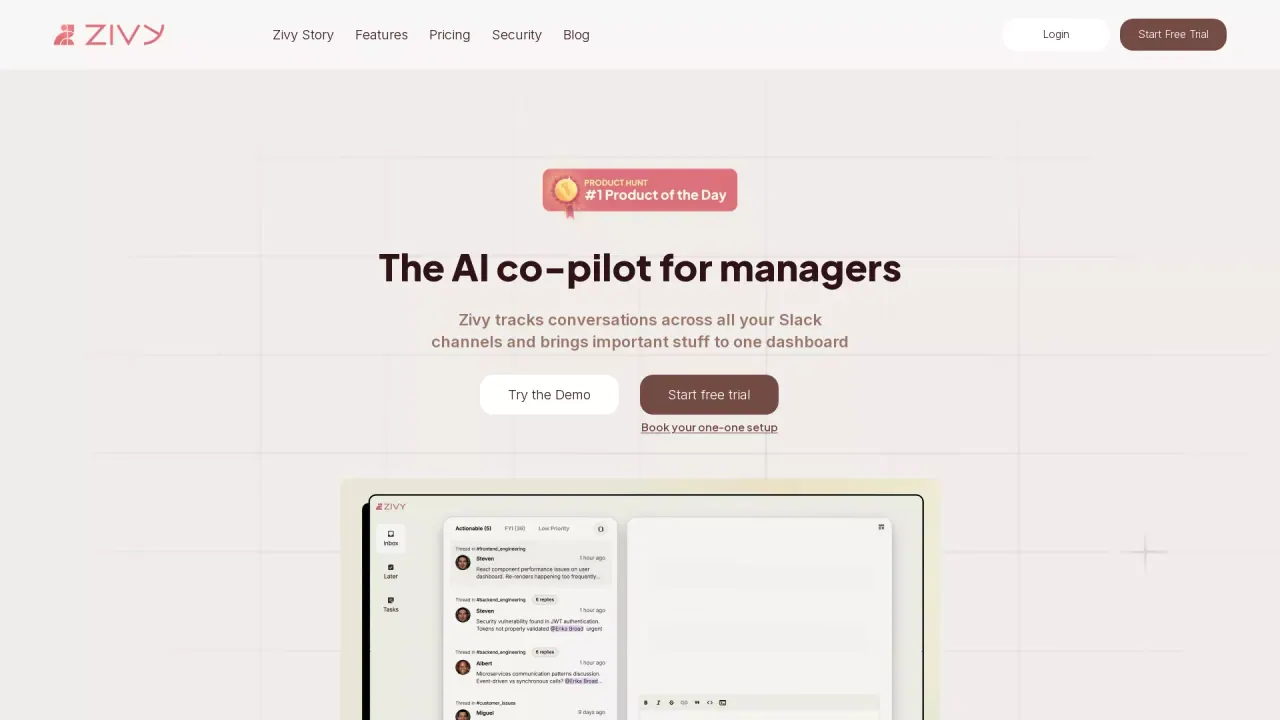
What does Zivy do?
How secure is my data with Zivy and what certifications does it have?
Zivy integrates with your Slack workspace and Google account using OAuth2, securely accessing workspace data through official APIs. Your messages are encrypted end-to-end, whether at rest or in transit, and stored in SOC 2 and ISO 27001 certified data centers. Zivy is ISO 27001, GDPR, and SOC 2 certified, with annual security audits. For more details, you can visit the Zivy Trust Centre.
How do I start using Zivy with Slack?
Getting started is easy:
- Connect Zivy to your Slack workspace
- Complete Zivy’s interactive demo
- Let Zivy organize your conversations
What features does Zivy offer to boost productivity in Slack?
Zivy provides a complete toolkit to tame Slack chaos, including:
- Noise Filter: sorts messages into needs your input, good to know, and everything else
- Automatic Follow-ups: nudges teammates when updates are due
- AI Thread Summary: quickly see what happened in a thread
- Instant Replies: AI-drafted responses in your voice
- Thread TL;DR: see a concise summary without scrolling
- Lightning-fast navigation shortcuts
- One-click scheduling to Google Calendar
- Personalized AI filters: tailor your feed to your role and context
How does Zivy connect to Slack and Google accounts, and what permissions does it require?
Zivy connects to your Slack workspace and Google account using OAuth2, securely accessing workspace data via official APIs. This means permissions are granted through standard OAuth flows and are managed according to Slack and Google’s security practices.
How does Zivy handle follow-ups and reminders?
Automatic Follow-ups help keep requests from slipping through the cracks. For example, if you asked someone for an update three days ago, Zivy remembers and nudges them for you.
What are Thread TL;DR and AI Thread Summary?
- Thread TL;DR: Skip the endless scrolling and see exactly what happened in a thread without reading the entire thread.
- AI Thread Summary: get a concise, point-by-point summary of thread activity, so you don’t have to read every message.
How can I tailor Zivy to my needs (Personalized AI filters)?
Personalized AI filters let you tailor your feed to your role and context. You tell Zivy what matters, and it prioritizes messages and tasks that are most urgent for you.
What is the refund policy and guarantees?
Zivy offers a 30-day money-back guarantee. In addition, the Zivy Guarantee includes Premium support and a 1:1 setup call.
Where can I view pricing?
Pricing information is available on the Pricing page of the site.
Is there a free trial or demo I can try?
Yes. You can Try the Demo and Start a Free Trial to experience Zivy before committing.
How can I learn more or get help with Zivy?
For security details and compliance, visit the Zivy Trust Centre. If you have questions, you can refer to the FAQs or contact Support. The site also offers community resources and professional services for custom needs.
This listing is claimed
Own Zivy? Sign in with the email used to claim it to manage this listing, or upgrade to Pro for featured-first placement and a newsletter feature.