
PostlyAI
AI Social Media Scheduler
Generate engaging SEO-friendly social media content 10X faster with PostlyAI's AI Social Media Scheduler.
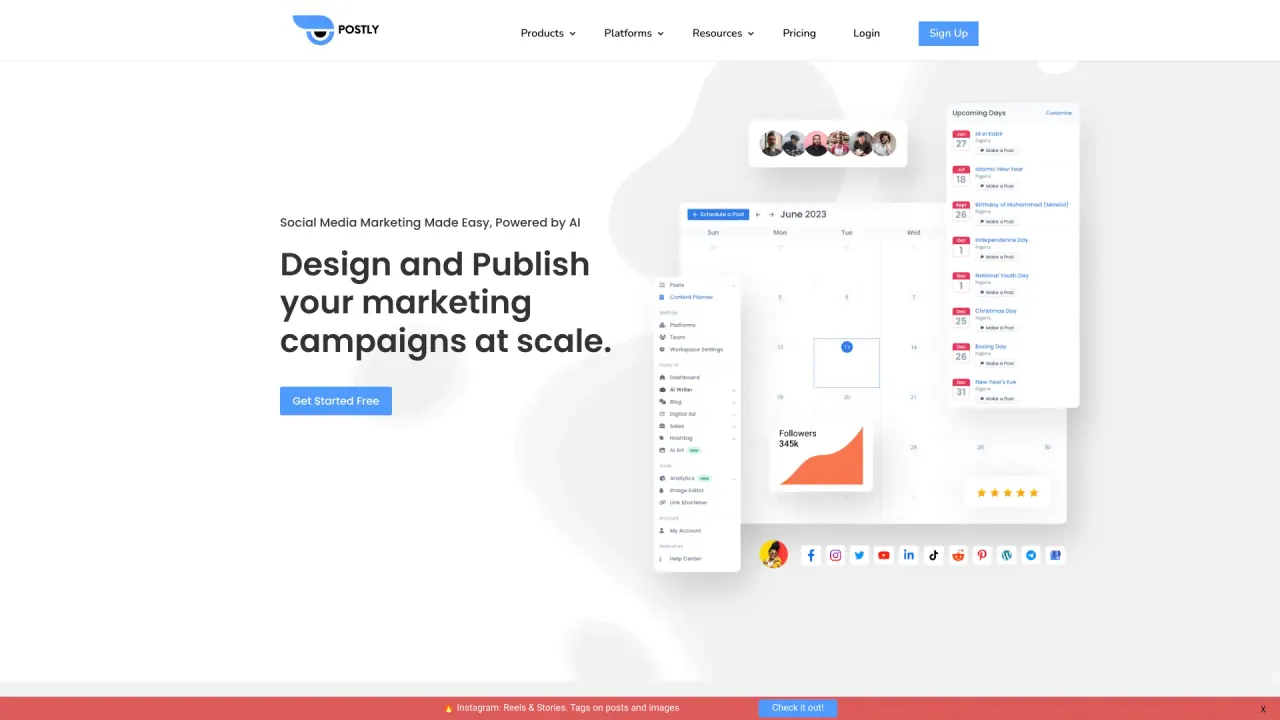
What does PostlyAI do?
What platforms can you publish your content on with PostlyAI?
PostlyAI supports publishing to a wide range of platforms from within one unified workflow. Platforms include Facebook, Instagram, YouTube, LinkedIn, TikTok, Pinterest, X (Twitter), Google Business Profile, Bluesky, Threads, and Telegram. The API examples also show publishing to multiple platforms (e.g., X, Instagram, TikTok).
What is Postly X-Pro and what does it offer?
Postly X-Pro provides advanced publishing, automations, and analytics for X (formerly Twitter) within the Postly workflow. It includes features for X growth, publishing formats (e.g., threads, long-form posts), reply filters, and monitoring tools to help you optimize performance on X without added complexity.
What is AI Studio and how does it help with content creation?
AI Studio lets you bring AI-powered tools into your content workflows. It combines AI capabilities for text, image, and video outputs and includes a Brand Kit to keep output on-brand. You can generate captions, images, and video-ready content, and turn AI Studio outputs into an automatic posting cadence with Auto Post.
What are API Automations and how do they fit into Postly?
API Automations let you drive publishing through APIs, Google Sheets, no-code connectors, and webhooks without rebuilding your stack. It includes a REST API, native publishing channel access, signed webhooks with retries, and no-code connectors (e.g., Zapier, n8n, Make).
What is Postly Cloud and the Media Hub?
Postly Cloud is the media management layer that keeps assets organized and reusable, with Canva workflows for design and media management. It offers features like Auto Image Fix and Video Validator, plus Postly Cloud Media Storage for hosting your media.
How many publishing options does PostlyAI offer, and can you name a few?
PostlyAI offers 11 publishing options. Examples include Bulk Post, Recurring Post, YouTube Shorts Scheduler, and Auto Shorten Links. These options are designed to keep publishing organized, simple, and scalable.
Can I publish across multiple platforms from a single workflow?
Yes. Postly’s unified workflow is built to plan, create, publish, and optimize across multiple platforms from one place, with a content calendar, publishing tools, and analytics to support scaling your output.
How secure is PostlyAI?
PostlyAI uses established security practices, including hosting with AWS and Google services, MongoDB for data storage, HTTPS with RSA 2048-bit encryption, restricted access for engineers, and regular updates and backups. There have been user reports concerning permissions requests (e.g., for Google Business Profile); potential users should review security policies and permissions requested when connecting sensitive accounts.
Does PostlyAI integrate with Google Sheets?
Yes. Google Sheets integration is included, allowing you to connect Sheets to Postly without middleware or extra cost to support data-driven publishing workflows.
Does PostlyAI offer built-in link shortening?
Yes. Auto Shorten Links is one of the publishing options, enabling shortened, trackable links as part of your posts.
Where can I find API documentation and developer tools?
API documentation is available through the Developer Platform, including live docs. You can access REST endpoints, webhooks, and example payloads to build automations and publish everywhere from your own stack.
How does pricing work and where can I compare plans?
Pricing information is available on the Pricing page with plan comparisons. You can view and compare plans to choose the option that fits your needs; details are provided on the site without hidden guarantees.
What are the main benefits of using PostlyAI?
PostlyAI consolidates your content workflow in one place, helping you publish more consistently and with less operational drag. It enables multi-platform publishing from a single workflow, AI-assisted content creation, automated publishing, robust media management, and analytics to grow your audience—whether you’re a creator, a small team, or an agency.
How do I get started with PostlyAI?
You can begin by exploring the platform via the Get Started options and viewing pricing to choose a plan. The site provides clear entry points to start your publishing workflow, set up your channels, and begin publishing.
Is this your tool?
Claim PostlyAI to manage this listing, or upgrade to Pro for featured-first placement and a newsletter feature.