
FeedHive
AI Social Media Content Tool
Create social media content at scale with AI and automation using FeedHive. Manage, schedule, and collaborate with this powerful AI social media content tool.
What does FeedHive do?
What is FeedHive and who is it for?
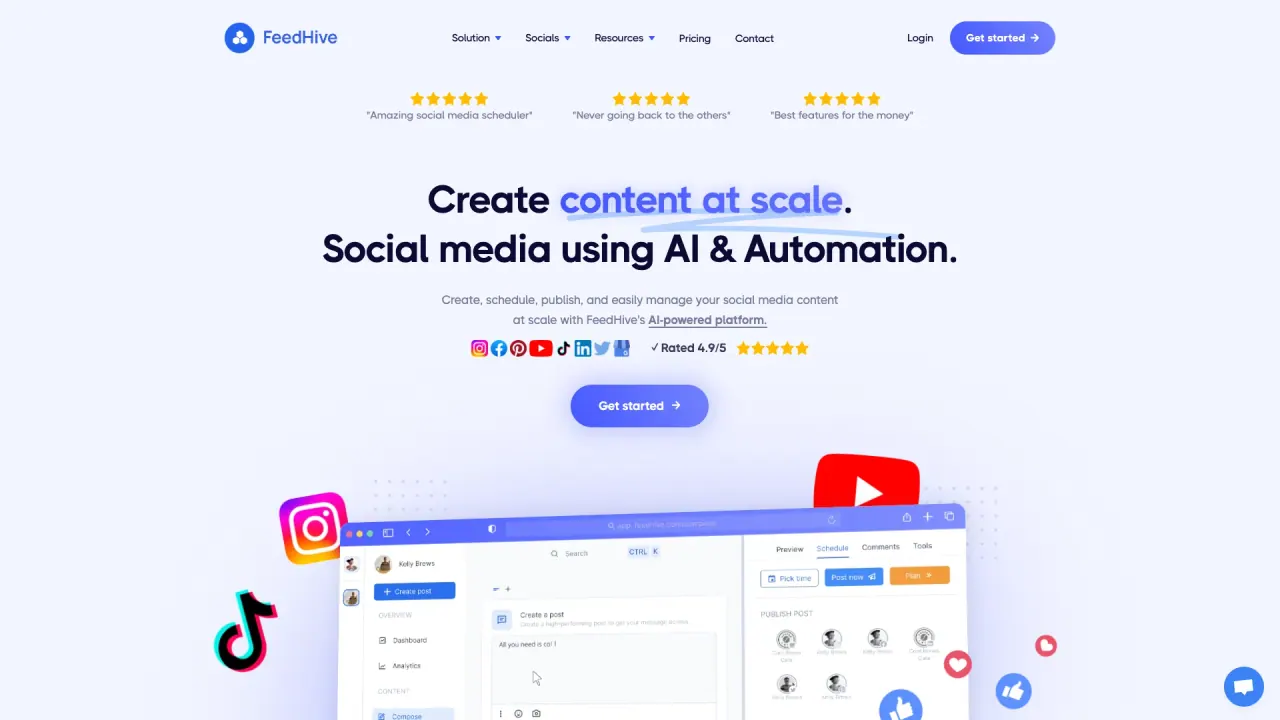
FeedHive is an AI-powered social media management platform that lets you create, schedule, publish, and manage content at scale. Trusted by over 30,000 businesses, agencies, and content creators, it helps you tailor content to your brand, audience, and goals and write engaging posts with AI. It supports publishing to all major social channels with a single click and includes platform-specific formatting, cross-posting, and more.
What platforms can I publish to with FeedHive?
Publish to all your social channels with a single click; choose which channels to post to and have FeedHive format posts for each platform. Supported platforms include Facebook, Instagram, YouTube, TikTok, LinkedIn, Pinterest, Google Business, and others.
How does FeedHive's AI Writing Assistant work and what model is it based on?
The AI Writing Assistant helps brainstorm ideas, improve your content, and write more engaging posts. It includes a built-in AI agent trained for writing, a fine-tuned model based on GPT-5, and over 5,000 AI-generated templates. It can generate relevant and trending hashtags, provide AI-powered insights that predict post performance before publishing, and can replace tools like ChatGPT, Copy.ai, Peppertype.
Can I collaborate with my team and clients?
Yes. FeedHive includes collaboration and approval workflows, lets team members collaborate within the platform, and allows inviting clients to view and approve content—ideal for agencies managing multiple accounts.
What scheduling features does FeedHive offer?
Features include Smart Scheduling, drag-and-drop visual content planning and scheduling, and cross-posting. Smart Scheduling plans your posts and automatically adjusts to each platform’s timing.
What are Post Conditions and Recycle Posts?
Post Conditions let you create follow-up comments on your best performing posts triggered by predefined conditions. Recycle Posts suggests your best performing posts to recycle and publish with a click.
What is LinkDrip and how does link shortening work?
LinkDrip handles link shortening automatically; FeedHive shortens all links at publish time, so you don’t need external tools.
What Instagram-specific features are available?
Instagram Grid Preview to visually plan your feed; Instagram Carousels to publish carousel posts with up to 10 images/videos; Instagram Stories support; and posts can be adjusted to fit each platform’s format.
What other media tools are available to design visuals?
FeedHive integrates media tools and editing options like TinyKiwi or Adobe Express to design, edit, and prepare visuals that stand out.
What are Dynamic Variables?
Dynamic Variables let you inject variable text into posts at publish time, using dynamic and custom variables.
What is the Social Inbox?
The Social Inbox allows you to engage directly with followers from within FeedHive.
Do you offer a white label solution?
Yes. FeedHive offers a White Label Solution that lets you host the platform on your own domain with your logo and branding.
Is there a free trial and can I cancel?
FeedHive offers a 7-day free trial for all plans. You can cancel anytime without strings attached.
How do I sign up and start using FeedHive?
Create a free account (sign up free), choose a plan, and connect your social accounts to start creating, publishing, and managing content.
Is this your tool?
Claim FeedHive to manage this listing, or upgrade to Pro for featured-first placement and a newsletter feature.