
MailMentor
AI Sales Message Generator
Generate AI-powered sales messages effortlessly with MailMentor. Boost revenue with personalized communication.
Promoted
 Sidrune AI85% off. Stable Claude API for agent developers. Pay as you go. Invoices & refunds available.
 Pixmax.aiPixmax.ai is an all-in-one AI workspace for videos, visual stories, and marketing content.
 SEOify - Improve your SEO & rankingsBuild links to rank in Google. Improve your DR with links you can start building now.Advertise here270,000+ people visit Dang.ai every month.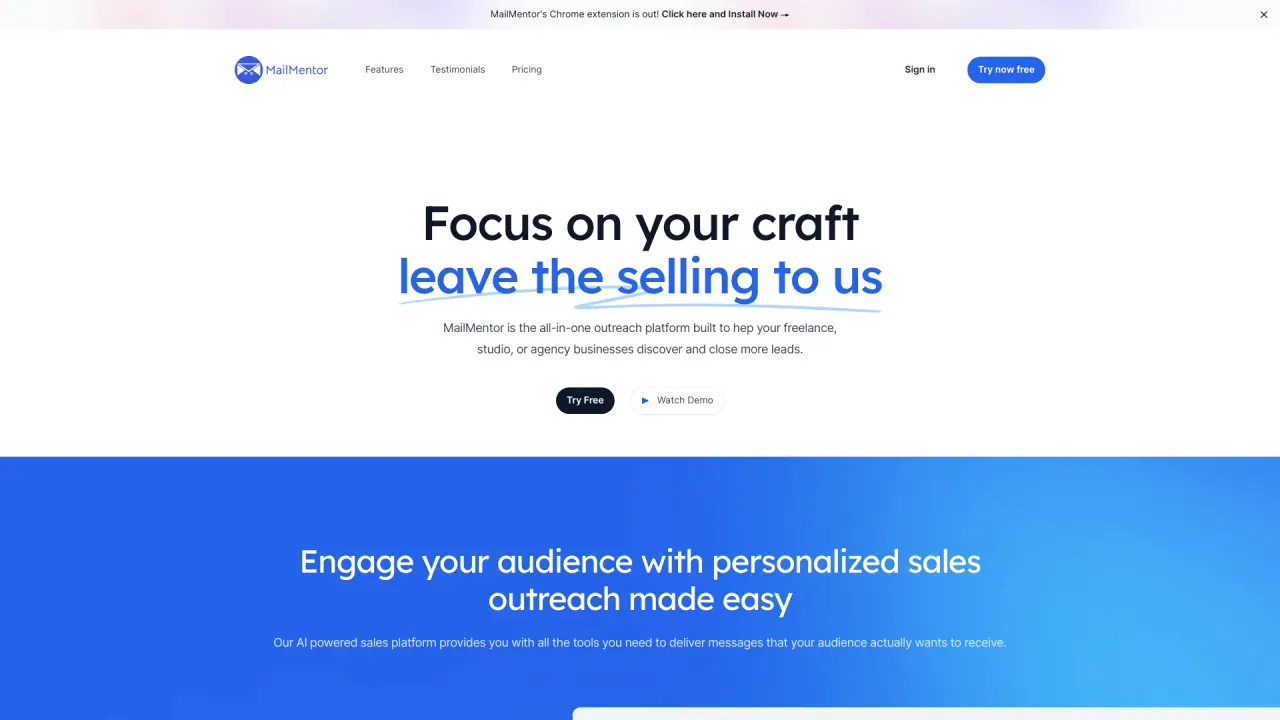
What does MailMentor do?
What is MailMentor and what does it do?
MailMentor is an AI-enabled web scraper that scans websites to identify prospects and build outreach-ready lists. It helps you find and connect with leads, stores them in a user-friendly dashboard, and supports outreach to close more deals.
How does the MailMentor Chrome extension work and how do I install it?
Install the MailMentor Chrome extension in your browser. Once installed, the extension sits with you as you browse, serving as your gateway to uncovering untapped prospects. When you encounter a page with information you want to collect, open the MailMentor browser plugin to trigger a scan of the page.
How do I capture leads on a page with MailMentor?
Browse pages as you normally would. When you find information you want to collect, open the MailMentor browser plugin to trigger a scan of that page, and MailMentor will extract prospects for you.
How are prospects stored and managed?
After a scan completes, MailMentor automatically collates and organizes the extracted leads into a user-friendly dashboard. Your prospects are securely stored and ready for outreach, including leads not found in traditional databases like Apollo or ZoomInfo.
What are the main features of the MailMentor Chrome extension?
- Web scraping: scrape prospects and their contact information from any site you visit
- Chrome extension: keep prospecting while you browse
- Unlimited contact exports: export contacts as CSV or send to other systems via webhooks
- AI Sequence Builder: build email sequences with a few clicks
- AI Email Writer: craft sales messages with AI
- Gmail Email Outreach: reach out directly from Gmail
- Scrape prospects from any site: extract from any webpage
- Availability Incorporation: AI messages include your Google Calendar availability
- Case Study Incorporation: AI messages include relevant case studies
- Sales Message Optimizer: fine-tune messages for better results
- Integrate Using Webhooks: connect MailMentor to external systems and workflows
Can I export leads and to where?
Yes. Any scraped contact can be exported as a CSV or sent to other systems via webhooks.
Can I outreach via Gmail and include calendar availability?
Yes. MailMentor includes a Gmail Email Outreach capability for direct outreach, and messages generated can automatically include your Google Calendar availability.
What is AI Email Writer?
AI Email Writer is a feature that helps you craft sales messages with AI, improving efficiency and engagement in outreach.
What is AI Sequence Builder?
AI Sequence Builder lets you create sequences of emails with just a few clicks, streamlining multi-step outreach campaigns.
What is Sales Message Optimizer?
Sales Message Optimizer tunes your sales messages to improve effectiveness and outcomes.
What is Case Study Incorporation?
Case Study Incorporation automatically includes the most relevant case study for a given contact in your outreach messages.
What is Availability Incorporation?
Availability Incorporation ensures that AI-generated messages include your Google Calendar availability.
What is Integrate Using Webhooks?
Webhooks let you connect MailMentor to external systems or workflows, enabling seamless data transfer and automation.
From which sites can I scrape leads?
MailMentor can scan and extract prospects from any website you browse by triggering a page scan with the browser plugin.
What are common use cases for MailMentor?
- Capturing Leads From News Articles
- Finding Clients for Recruiting
- Using B2B Case Studies in outreach
- Finding Leads With AI Prospecting
How is MailMentor different from traditional lead databases?
MailMentor surfaces leads that aren’t found in databases like Apollo or ZoomInfo by using an AI-enabled web scraper to identify prospects directly from websites and content.
Who uses MailMentor?
Over 4,000 sellers rely on MailMentor to find data and focus on closing deals, with use cases spanning news-driven leads, recruiting prospects, and case-study–driven outreach.
How do I get started with MailMentor?
Install the Chrome extension, browse pages to find prospects, trigger scans with the extension, and manage your leads in the dashboard to begin outreach.
Is this your tool?
Claim MailMentor to manage this listing, or upgrade to Pro for featured-first placement and a newsletter feature.