Dezgo
AI Image Generator
Dezgo is a free AI image generator for creating and editing images with text-to-image and image-to-image models.
Promoted
 Pixmax.aiPixmax.ai is an all-in-one AI workspace for videos, visual stories, and marketing content.
 Sidrune AI85% off. Stable Claude API for agent developers. Pay as you go. Invoices & refunds available.
 SEOify - Improve your SEO & rankingsBuild links to rank in Google. Improve your DR with links you can start building now.Advertise here270,000+ people visit Dang.ai every month.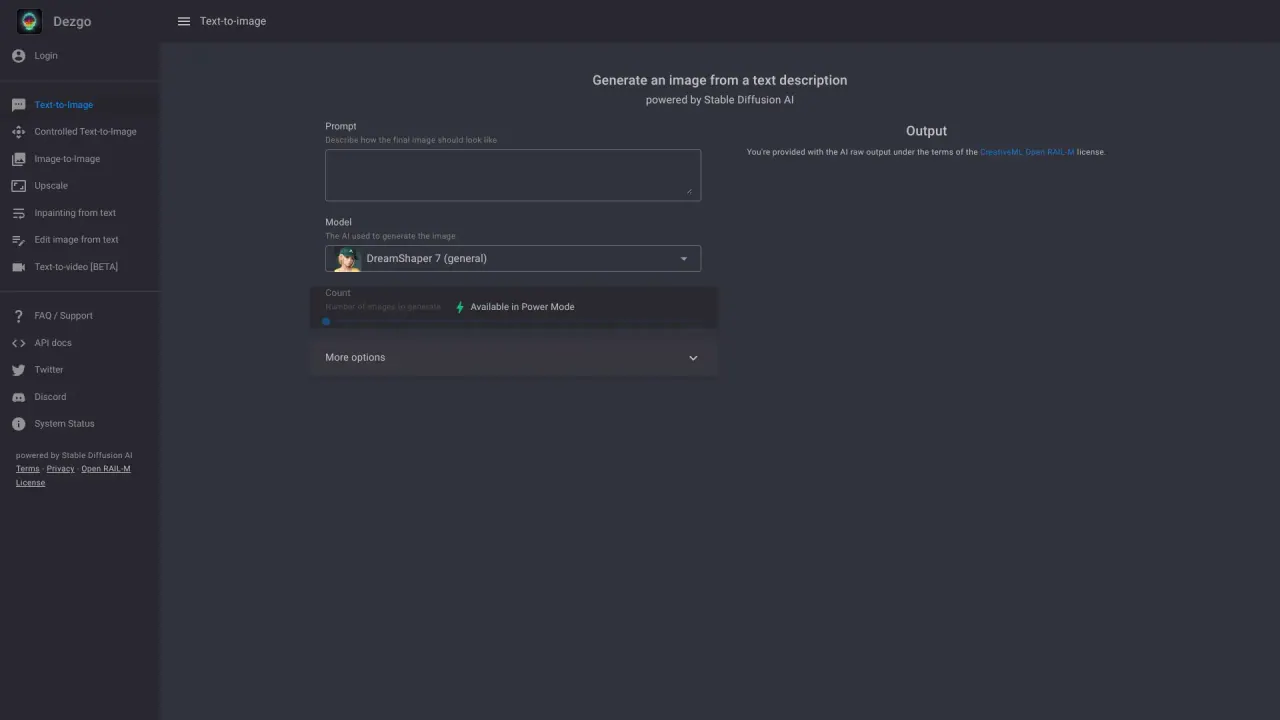
What does Dezgo do?
Dezgo helps you generate images from text (text-to-image) or transform an existing image (image-to-image). Choose from multiple model options, then fine-tune your results with built-in parameters and editing tools.
For text-to-image, Dezgo offers model families such as Muse Image, Nano Banana 2, Qwen Image 3, Grok Imagine, Nano Banana, Nano Banana Pro, Flux 2, Flux 2 Pro, Flux 1, XL Lightning, SD1, and XL. For image-to-image, you can use many of the same models—like Muse Image, Nano Banana 2, Qwen Image 3, Grok Imagine, Nano Banana, Nano Banana Pro, Flux 2, Flux 2 Pro, and SD1—to guide the output based on a reference image.
Beyond generation, Dezgo includes Image Tools for common workflows such as removing the background, upscaling, inpainting from text, and editing an image from text. It also supports controlled text-to-image for more structured prompting.
If you’re looking to create visuals quickly, you’ll also find new model families designed for improved generation and editing behavior, including Qwen Image 3 (bilingual prompt support and prompt expansion), Muse Image (agentic image generation and strong typography), and Nano Banana 2 (fast generation with resolutions from 0.5K to 4K, with optional web grounding). Some tools and models are marked FREE on the platform, including several core image models and image tools.
What can I generate on Dezgo?
You can create images using text-to-image and image-to-image models, then refine results with built-in image tools like background removal, upscaling, and text-guided edits.
Which models are available for text-to-image?
Dezgo includes Muse Image, Nano Banana 2, Qwen Image 3, Grok Imagine, Nano Banana, Nano Banana Pro, Flux 2, Flux 2 Pro, Flux 1, XL Lightning, SD1, and XL for text-to-image.
Can I use image-to-image to edit an existing picture?
Yes. Upload an image and run it through image-to-image models such as Muse Image, Nano Banana 2, Qwen Image 3, Grok Imagine, Nano Banana, Nano Banana Pro, Flux 2, Flux 2 Pro, and SD1.
What image editing tools does Dezgo offer?
You can remove backgrounds, upscale images, inpaint from text, and edit images from text using the Image Tools section.
Are any models or tools free to use?
Yes—multiple tools and models are marked FREE on Dezgo, including several text-to-image and image-to-image models and all image tools listed (background removal, upscaling, inpainting from text, and edit image from text).
Does Dezgo have any upcoming features?
Text-to-Speech and Text-to-Speech Voice Cloning are listed as upcoming.
Is this your tool?
Claim Dezgo to manage this listing, or upgrade to Pro for featured-first placement and a newsletter feature.