
Clay
AI Relationship Manager
Effortlessly cultivate meaningful relationships with Clay, the AI Relationship Manager.
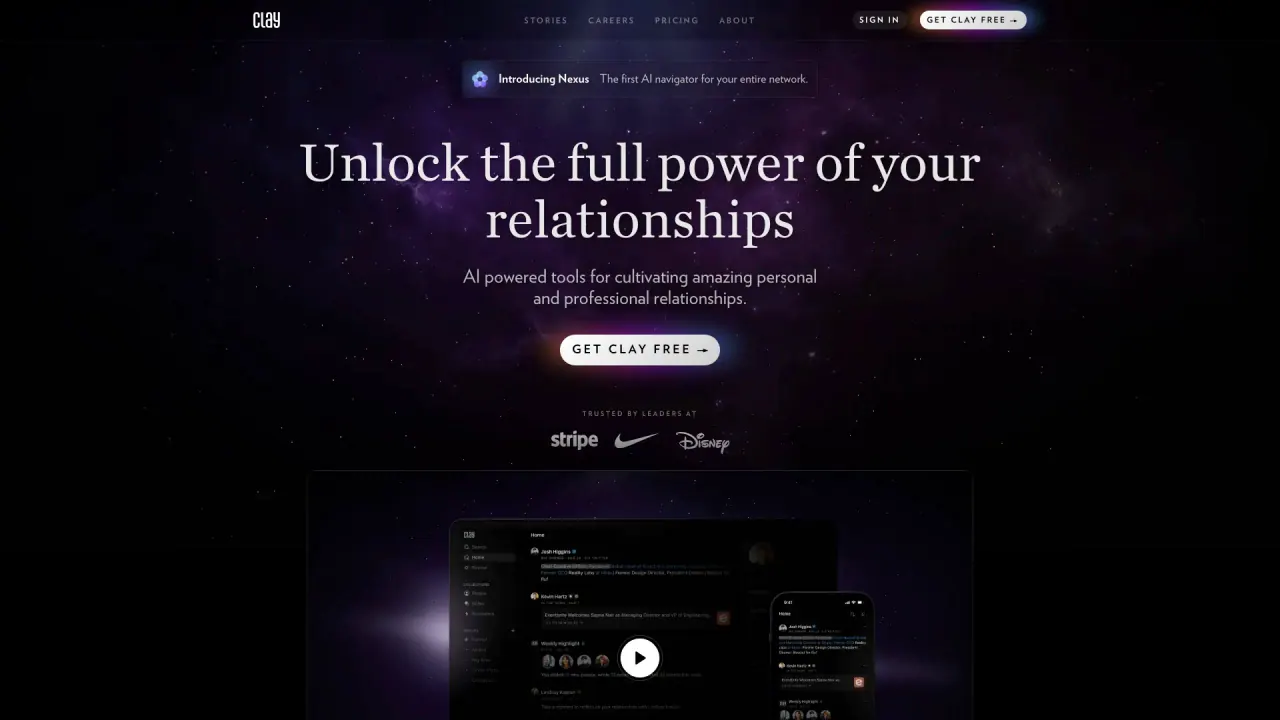
What does Clay do?
What platforms can I use Clay on?
Clay works across macOS, Windows, web, and iOS apps. You can use the web version in your browser or download the desktop/mobile apps to manage your network on any device.
What integrations does Clay offer for seamless contact management?
Clay offers integrations with Notion, Twitter, and Vision Pro. These integrations automatically import and update your contact information, helping you manage personal and professional relationships more efficiently.
What is the Nexus AI navigator and how does it help my networking?
The Nexus AI navigator is Clay’s AI-powered assistant for your network. It helps you search, organize, and surface prompts to reconnect with important contacts, so you can strengthen relationships and stay proactive.
How does Clay help me manage and stay updated with my relationships?
Clay automatically imports all your relationships in real time, enriches them with work and education information, and proactively updates you with life events—without the noise of social media. You can also set reminders and get intelligent prompts to reach out at the right moments.
Is Clay a CRM, and how does it differ from traditional CRMs?
Clay positions itself as moving beyond the CRM. It automatically organizes, intelligently searches, and keeps your entire network in sync, focusing on relationships rather than just contact records.
What do real users say about Clay?
Users describe Clay as thoughtfully designed and aesthetically built, with a clean interface. They value its seamless integration with email, calendar, and text messages, reminders and review dashboards, and AI-driven insights that help optimize networking.
How can I get started with Clay and is there a free option?
You can get started with Clay Free and access the platform via macOS, Windows, web, or iOS apps.
Is this your tool?
Claim Clay to manage this listing, or upgrade to Pro for featured-first placement and a newsletter feature.