
AI Portrait Gen
Verified
AI Portrait Photo Generator Tool
Realistic AI portrait generator to create professional looking photos.
Promoted


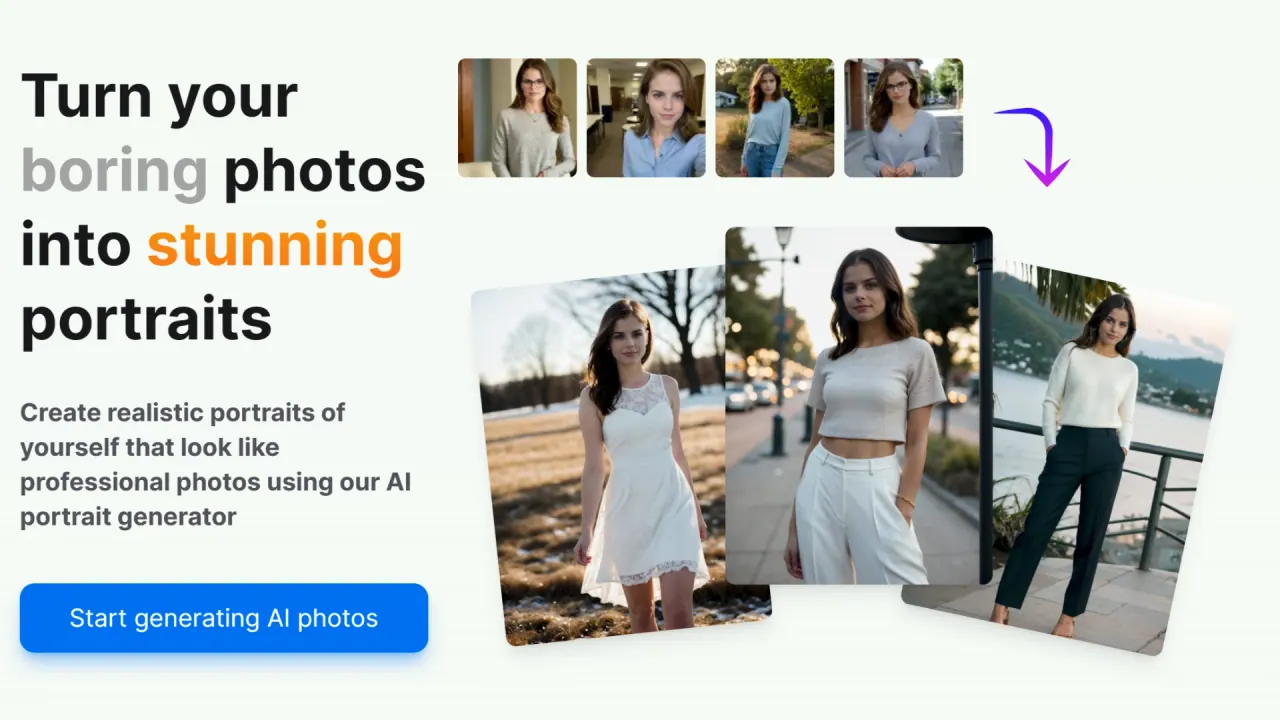
What does AI Portrait Gen do?
How does AI Portrait Gen work?
Begin by creating a model profile and uploading a few photos (phone photos work great). Then create a new photoshoot, choose the type and number of portraits, and start the generation. The AI learns your model’s features during training, allowing you to generate new portraits, which you can download or view online.
How can I customize my portrait photos?
You can customize by choosing outfits, locations, and the number of portraits. Use the "simple mode" for a handpicked or randomized set of settings, or use "creative mode" to write your own prompts describing outfits, settings, or styles. You can also use the negative prompt input to avoid specific elements.
Can I create multiple models?
Yes. You can create as many models as you want. Each model is set up by providing basic information and photos; after training, you can generate many portraits for that model.
Are my photos and personal information secure with AI Portrait Gen?
Yes. All your personal information and photos are kept private. We do not sell your data, nor use it to train other AI systems.
Do I have to subscribe to AI Portrait Gen?
No subscriptions. Pay only for what you need by purchasing credits, and use them at any time.
What kind of photos can I generate?
From professional corporate headshots to stylized casual photos, AI Portrait Gen covers a wide range of looks and styles.
Which photos should I choose for training my model?
Phone camera photos work great—no need for anything fancy. Upload a few good photos, then use the editing menu to crop, rotate, and adjust. When preparing, you can select shot types to help balance the resulting set of photos.
How long does it take to get my AI portraits?
Model preparation typically takes around 20 minutes, and generating each photo takes about 30 seconds.
Where can I view or download my AI portraits?
You receive your AI-generated portraits and can either download them or view them online.
This listing is claimed
Own AI Portrait Gen? Sign in with the email used to claim it to manage this listing, or upgrade to Pro for featured-first placement and a newsletter feature.