
Mymind
AI Note Organizer
The AI Note Organizer - Save, organize, and remember everything effortlessly with Mymind.
Promoted
 Sidrune AI85% off. Stable Claude API for agent developers. Pay as you go. Invoices & refunds available.
 Pixmax.aiPixmax.ai is an all-in-one AI workspace for videos, visual stories, and marketing content.
 RewindType any X/Twitter handle. Get their year back as a narrated video story. Then ask it anything.
 KurodyneSell the tools from your AI side projects. Listing is free.
 SEOify - Improve your SEO & rankingsBuild links to rank in Google. Improve your DR with links you can start building now.Advertise here270,000+ people visit Dang.ai every month.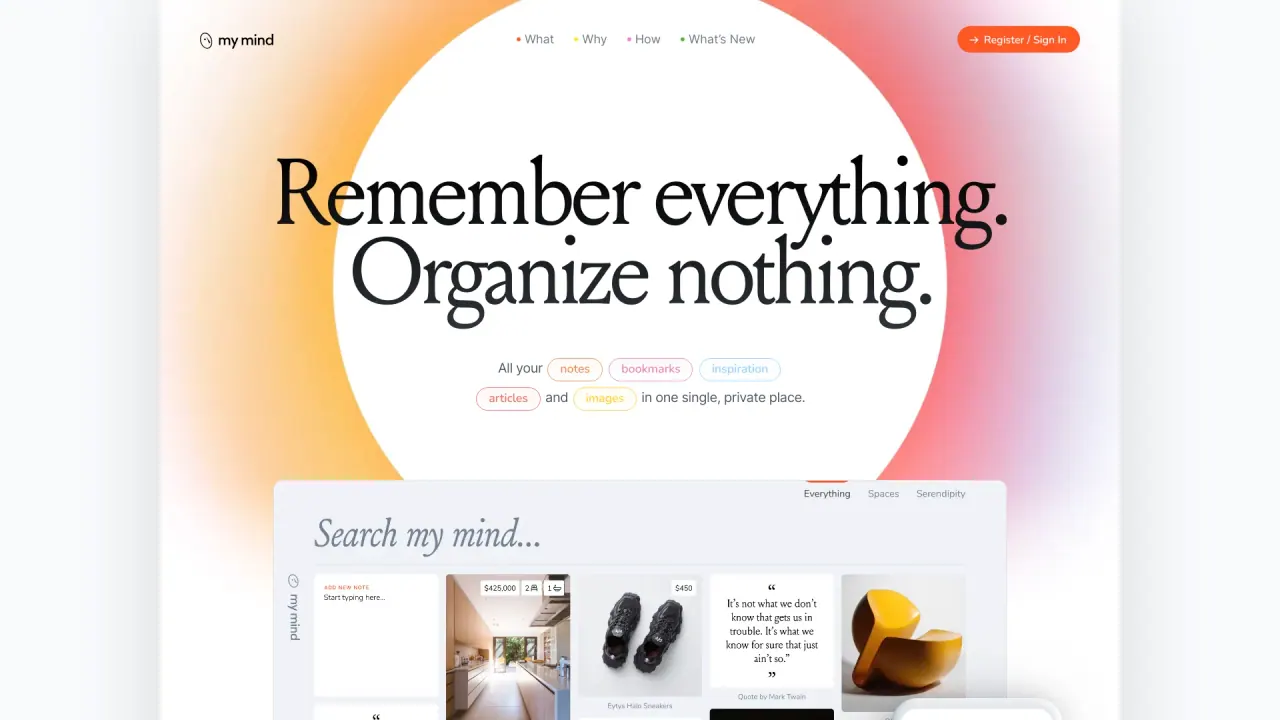
What does Mymind do?
What is Mymind and what can I do with it?
Mymind is a private, all-in-one space for your notes, bookmarks, inspiration, articles and images. It stores everything in one place without the need to file or tag it, and uses artificial intelligence to automatically organize and visualize your content. You can save, read, and reorganize content across devices, with features like intelligent search, AI summaries, bidirectional linking, moodboards, and focus-friendly reading.
How does Mymind use AI to help me organize and find things?
Mymind’s AI recognizes what you save (articles, products, books, recipes, etc.), remembers important details, and organizes items visually in a way that makes sense to you. It offers associative search—you can find content by color, keyword, brand, date, or other cues—and can summarize and enrich saved content to provide more context.
What is Smart Bookmarking and how does it work?
Smart Bookmarking lets you save any URL with a single click. The mind automatically identifies what the item is (article, product, book, recipe) and presents it in a visually meaningful way. It supports frictionless note-taking—you can jot quick ideas and later expand them in Focus Mode. When you read, you can save entire articles to remove distractions like ads and pop-ups.
What are Instant Collections / Smart Spaces?
Instant Collections let you create Smart Spaces that automatically sort what you save. Your mind knows where each item belongs, helping you organize content without manual tagging or filing.
How does reading work in Mymind?
You can read saved content without clutter or distractions. Mymind strips out ads and extraneous clutter from articles so you can focus on the content.
What is Bidirectional Linking?
Bidirectional linking lets you add links between notes as you research and develop ideas. This helps you connect related content without interrupting your workflow or needing to hunt things down later.
What are Serendipity and Top of Mind?
- Serendipity provides a purposefully slow, peaceful way to surface forgotten items in your mind so you can decide what to keep or discard.
- Top of Mind gives you a focused space to pin shifting priorities and inspirations so they’re visible every time you open your mind.
Does Mymind sync across devices and which platforms are supported?
Yes. Mymind keeps all your notes, bookmarks, inspiration, articles and images in a single private place and syncs across devices. It supports iOS, Android, and browser extensions (Chrome, Edge, Safari) as well as a MacOS app.
How do I sign up for Mymind?
You can sign up using one of several options:
- Sign up with Google
- Sign in with Apple
- Sign up with email
How private is my data in Mymind?
Mymind emphasizes privacy and a privacy-first approach. The platform focuses on keeping content private and organized without invasive tracking, aligning with its manifesto of protecting your mind from unnecessary social pressure and exploitation.
How can I get help or learn more about Mymind?
Help and guidance are available via Guides and a contact form, plus video tutorials. You can also sign in to your account to access onboarding and learning resources.
What about pricing and plans?
Pricing information and plan details are available on the site’s pricing page. The site mentions there are different plans and pricing options, with details provided on the pricing page.
Is this your tool?
Claim Mymind to manage this listing, or upgrade to Pro for featured-first placement and a newsletter feature.