
GenColor AI
Verified
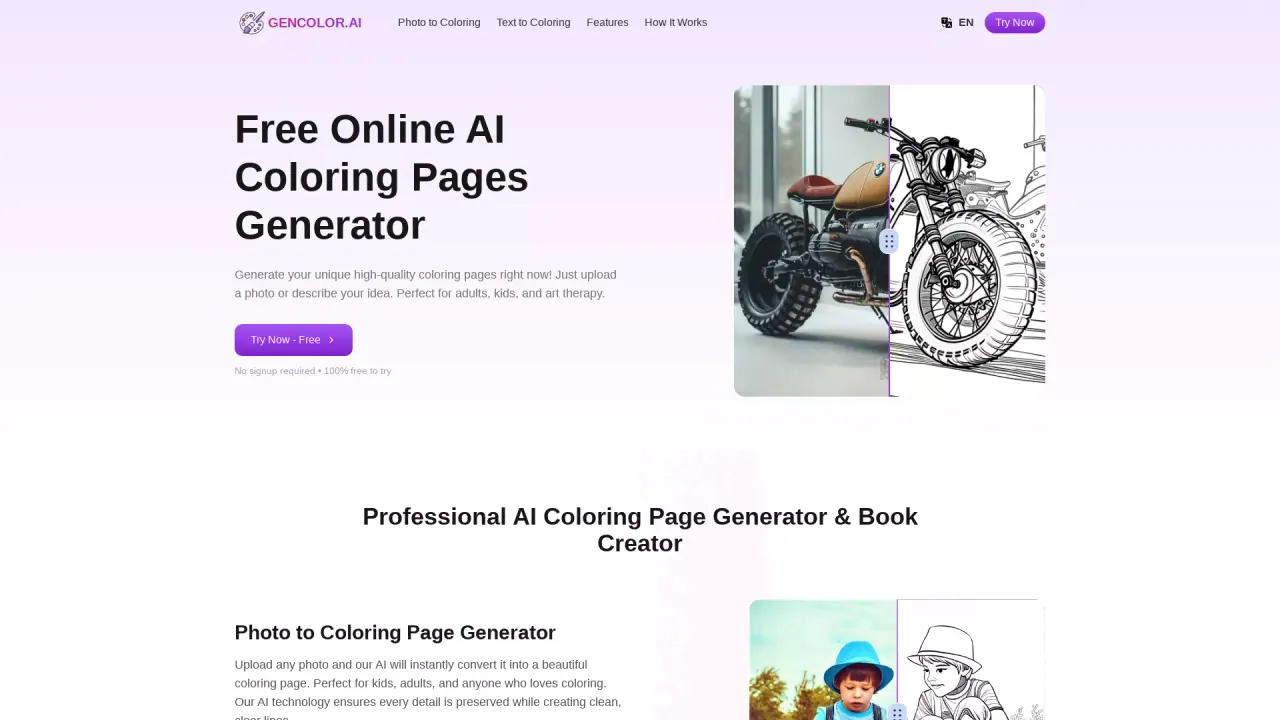
AI Coloring Pages Generator
Transform photos and text into high-quality coloring Pages in seconds – Free, Easy, and No Login Required!
- Pricing
- Free
- Category
- Productivity
- Listed
- Jan 27, 2025
- Updated
- May 25, 2026
What does GenColor AI do?
Do I have to pay to use GenColor AI, or is there a free option?
GenColor AI offers a free, signup-free trial to generate coloring pages. Basic features are free to use, and there is no time limit on use. For more advanced features and formats, paid subscription plans are available.
How do I convert a photo into a coloring page?
Use the Photo Upload option. The AI instantly converts your photo into a coloring page with clean lines suitable for all skill levels. The result can be downloaded in high-quality formats (PDF or PNG) and is instantly printable.
How does the Text to Coloring Page feature work?
Enter a text description of the scene you want. The AI generates a detailed coloring page based on your description, ideal for storytelling and custom designs. You can download the result as print-ready PDF or PNG files.
What formats can I download coloring pages in?
You can download high-resolution PDF files or print-ready PNG formats.
What are the photo requirements for generating coloring pages from photos?
- Supported image formats: JPEG and PNG
- Upload clear, high-resolution photos with a clear theme
- Photo size should ideally be within 5MB for faster upload and processing
Can I use the generated coloring pages for commercial purposes?
Generated pages are for personal use. For commercial use, please check the terms of use or contact GenColor AI’s customer service for authorization details.
How does the background removal feature work?
GenColor AI uses deep-learning-based semantic segmentation to identify the foreground and background, then removes the background in one click to provide a simple coloring foundation.
How does GenColor AI handle faces in coloring pages?
We use face key-point detection and facial feature recognition to keep facial proportions and expressions consistent with the original image, making the coloring page look accurate and expressive.
Is GenColor AI accessible on mobile devices?
Yes. GenColor AI works on mobile phones, tablets, and computers, so you can create coloring pages anytime, anywhere with an internet connection.
How can I get help if I encounter problems?
Click "Contact Us" at the bottom of the website to reach us by email or through online customer service. The support team typically responds quickly to assist.
Is there a word-count limit for the text input?
There’s no strict word-count limit, but concise and clear descriptions help the AI understand your needs and generate better results.
How do I start creating a coloring page?
Step 1: Choose your method—Photo Upload or Text-to-Image. Step 2: Create your page by uploading a photo or entering a text description. Step 3: Download & print your high-quality coloring page.
Are there discounts or promotions?
Yes. There is a Limited-Time Offer: Save 40% on Annual Plans.
Is there a time limit on the free version?
No. There is no time limit on using the free features. You can continue to use GenColor AI for free as long as you like.
Is this your tool?
Claim GenColor AI to manage this listing, or upgrade to Pro for featured-first placement and a newsletter feature.