
AudioShake
AI Music Tool
AudioShake helps you turn songs into downloadable stems with AI, supporting popular audio formats for vocal, bass, drum, and more.
- Pricing
- Free trial
- Category
- Music
- Listed
- Aug 4, 2023
- Updated
- Oct 20, 2026
Promoted
 Pixmax.aiPixmax.ai is an all-in-one AI workspace for videos, visual stories, and marketing content.
 Sidrune AI85% off. Stable Claude API for agent developers. Pay as you go. Invoices & refunds available.
 SEOify - Improve your SEO & rankingsBuild links to rank in Google. Improve your DR with links you can start building now.Advertise here270,000+ people visit Dang.ai every month.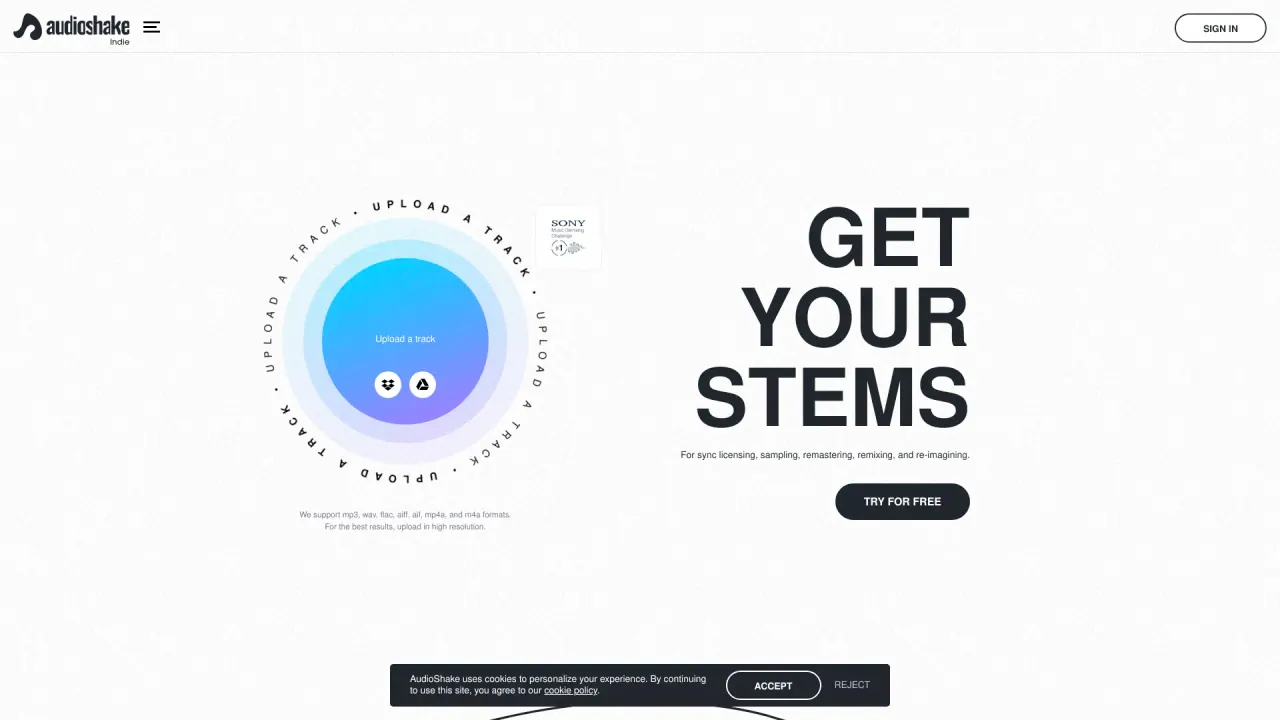
What does AudioShake do?
AudioShake is an AI-powered tool for fast, easy stem and instrumental creation. Upload a track and let AudioShake separate it into multiple components, then download your stems for use in new creative and licensing workflows.
The platform supports MP3, WAV, FLAC, AIFF, M4A, and MP4. For best results, use high-resolution files. AudioShake provides stems across Vocal, Bass, Drum, and Other categories, giving you flexibility when remixing, remastering, sampling, or re-imagining a song.
A typical workflow is straightforward: upload your song, AudioShake separates it into stems, and then you download the resulting files. This makes it useful for tasks like sync licensing preparation, recovering stems for creative projects, or generating instrumental materials for further production.
AudioShake offers a free trial. You can upload a song, have it separated into stems, and download the stems to evaluate the output before purchasing. Different offerings are available depending on needs, including AudioShake Indie for indie artists, labels, and producers, AudioShake Live for enterprise customers, and an API for developers.
Which audio formats can I upload to AudioShake?
AudioShake supports MP3, WAV, FLAC, AIFF, M4A, and MP4. Uploading high-resolution files can help you get better results.
What stem types does AudioShake generate?
AudioShake creates stems in these categories: Vocal, Bass, Drum, and Other.
How do I create stems with AudioShake?
Upload your track, AudioShake separates it into stems, then you download the stems to use in your projects.
What can I use the stems for?
Stems can be used for sync licensing, sampling, remastering, remixing, and re-imagining music.
Is there a free trial?
Yes. You can try by uploading a song, separating it into stems, and downloading the stems to evaluate before purchasing.
Does AudioShake offer options for different user types?
Yes—there are offerings for indie artists, labels, and producers (AudioShake Indie), enterprise customers (AudioShake Live), and developers who want an API.
Is this your tool?
Claim AudioShake to manage this listing, or upgrade to Pro for featured-first placement and a newsletter feature.