
Roshi AI
AI Learning Material Creator
Roshi AI helps teachers create custom, interactive lessons in seconds with dialogues, visuals, and targeted activities.
Promoted
 Pixmax.aiPixmax.ai is an all-in-one AI workspace for videos, visual stories, and marketing content.
 AI Checker PlusAI detector that highlights which passages AI wrote. Free check, no sign-up. Plagiarism too.
 RewindType any X/Twitter handle. Get their year back as a narrated video story. Then ask it anything.
 KurodyneSell the tools from your AI side projects. Listing is free.
 Sidrune AI85% off. Stable Claude API for agent developers. Pay as you go. Invoices & refunds available.
 SEOify - Improve your SEO & rankingsBuild links to rank in Google. Improve your DR with links you can start building now.Advertise here270,000+ people visit Dang.ai every month.
What does Roshi AI do?
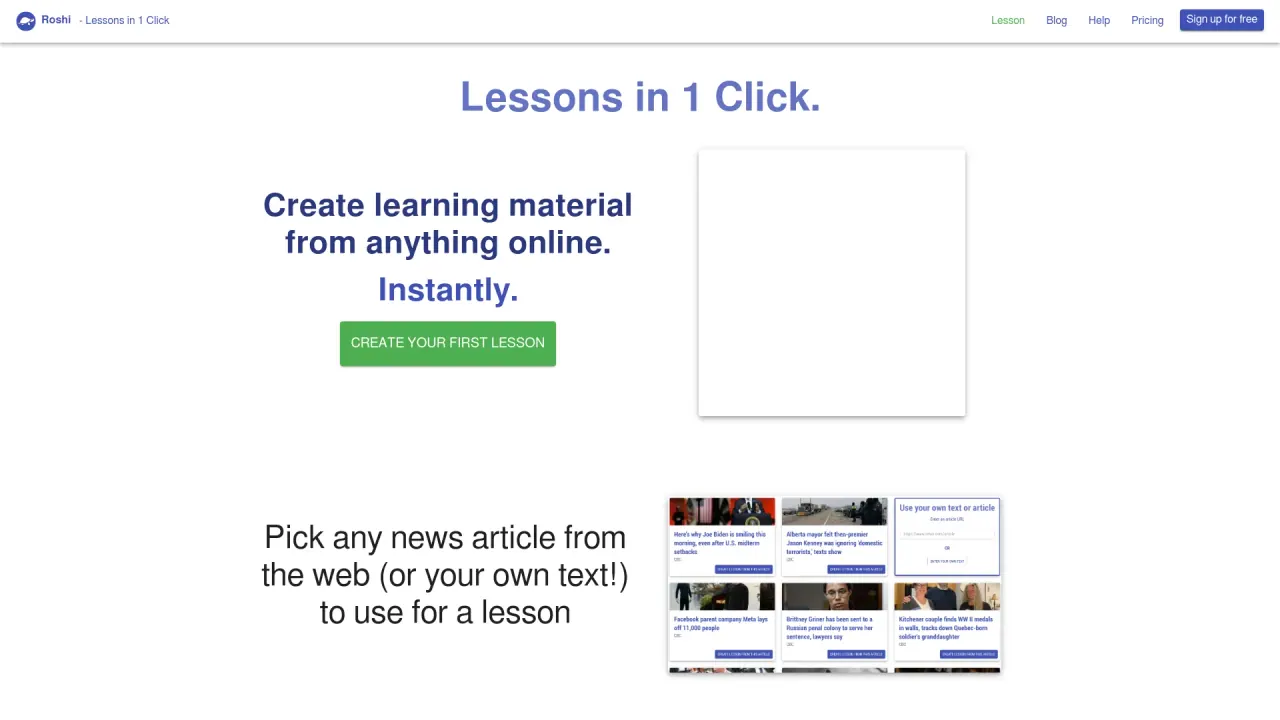
Roshi AI is a learning material creator that helps teachers craft interactive resources in just a few clicks. Instead of building everything from scratch, you describe what you need using prompts, and Roshi generates lesson content designed to match your goals—fast.
With Roshi, you can create fully voiced dialogues using custom voices and pronunciation. You can also generate visuals such as images, brochures, and other document-style materials. For more structured instruction, Roshi creates targeted activities based on specialized criteria (for example, CLB), so lesson components can align with your learners’ needs.
The workflow is simple: describe your desired learning material with a prompt, watch Roshi generate it using AI, then share the result. Roshi content can be shared to Moodle, Google Classroom, and other learning platforms, making it easier to move from creation to classroom use.
Roshi is positioned to save teachers time—reporting “over 4 hours of work per week.” You can try it for free.
What can I create with Roshi AI?
You can generate fully voiced dialogues (with custom voices and pronunciation), visuals like images and brochures, and targeted activities based on criteria such as CLB.
How do I start creating a lesson in Roshi AI?
Describe the learning material you want using a prompt, then let Roshi generate the content using AI. After that, you can share the lesson to learning platforms.
Does Roshi AI support sharing lessons to learning platforms?
Yes. Generated content can be shared on Moodle, Google Classroom, and other learning platforms.
Can Roshi generate lessons with specific learner criteria like CLB?
Yes. Roshi can create targeted activities based on specialized criteria, including CLB.
Is Roshi AI available to try for free?
Yes—there is a free try option (TRY FOR FREE) to get started.
How much time can Roshi AI save?
Roshi is designed to save teachers over 4 hours of work per week by speeding up lesson creation.
This listing is claimed
Own Roshi AI? Sign in with the email used to claim it to manage this listing, or upgrade to Pro for featured-first placement and a newsletter feature.