
Ghola
AI Introspection Chatbot
Unleash self-discovery with Ghola: AI introspection chatbot tool
Promoted
 Sidrune AI85% off. Stable Claude API for agent developers. Pay as you go. Invoices & refunds available.
 Pixmax.aiPixmax.ai is an all-in-one AI workspace for videos, visual stories, and marketing content.
 RewindType any X/Twitter handle. Get their year back as a narrated video story. Then ask it anything.
 KurodyneSell the tools from your AI side projects. Listing is free.
 SEOify - Improve your SEO & rankingsBuild links to rank in Google. Improve your DR with links you can start building now.Advertise here270,000+ people visit Dang.ai every month.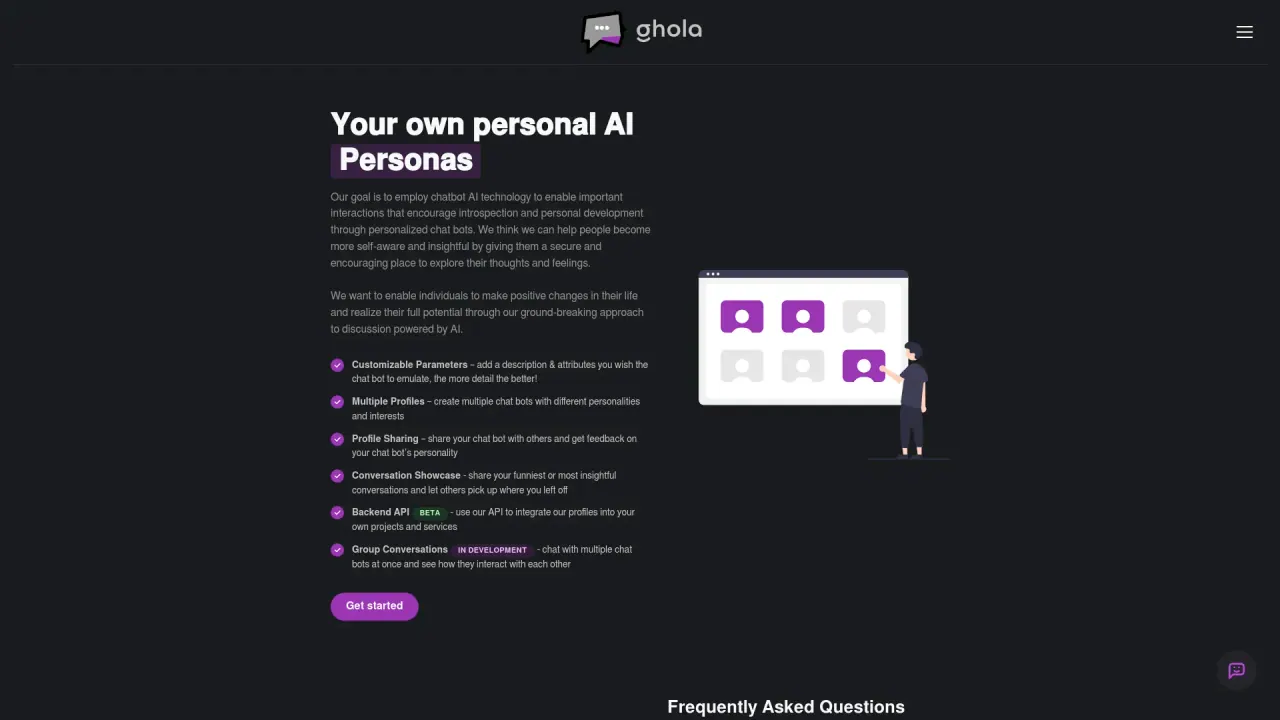
What does Ghola do?
Are AI chatbots secure and private?
Ghola AI emphasizes a secure and private environment for introspection and personal growth. While specific security measures aren’t published, users are encouraged to review the Privacy Policy and Terms & Conditions to understand how data is handled, and to contact support with any privacy concerns.
Can I create more than one AI to talk to?
Yes. Ghola AI supports multiple chatbot profiles with distinct personalities and interests. You can customize each chatbot with detailed descriptions and attributes to tailor interactions.
How can Ghola AI assist in personal development and introspection?
Ghola AI uses chatbot technology to facilitate important interactions that encourage introspection and personal growth. By providing a secure and supportive environment, Ghola allows users to explore their thoughts and feelings through personalized chatbots. These chatbots can emulate specific personalities and interests, enabling users to reflect on their experiences and gain insights, ultimately promoting self-awareness and the potential to make positive life changes.
Is Ghola free to use?
Yes. Ghola AI is currently available at no cost.
What features does Ghola offer?
- Customizable Parameters – add a description & attributes you wish the chat bot to emulate, the more detail the better
- Multiple Profiles – create multiple chat bots with different personalities and interests
- Profile Sharing – share your chat bot with others and get feedback on your chat bot’s personality
- Conversation Showcase – share your funniest or most insightful conversations and let others pick up where you left off
- Backend API – use our API to integrate our profiles into your own projects and services
- Group Conversations (BETA) – chat with multiple chat bots at once and see how they interact with each other
- Profile Documents IN DEVELOPMENT – augment your chat bot with PDFs, images, and other documents for your chat bot to reference
- Get started / Github – access resources to begin using Ghola and explore the codebase.
How can I share my chatbot with others?
Profile Sharing – share your chat bot with others and get feedback on your chat bot’s personality.
How do I create and customize my Ghola chatbot?
- Sign In: Use your Google account to log in.
- Create a New Chatbot: Go to the chatbot creation section and input details like name, profile picture, and personality traits.
- Customize: Adjust the chatbot’s settings to your preference.
- Save and Interact: Save your chatbot and begin interacting with it to see how it responds and adapts to your style of conversation.
What is Group Conversations (Beta)?
Group Conversations (BETA) - chat with multiple chat bots at once and see how they interact with each other.
What is Profile Documents (IN DEVELOPMENT)?
Profile Documents IN DEVELOPMENT - augment your chat bot with PDFs, images, and other documents for your chat bot to reference.
Does Ghola offer a Backend API?
Backend API - use our API to integrate our profiles into your own projects and services.
Is this your tool?
Claim Ghola to manage this listing, or upgrade to Pro for featured-first placement and a newsletter feature.