
Stable Diffusion
AI Image Generation Tool
Create stunning art with Stable Diffusion - the ultimate AI Image Generation Tool
What does Stable Diffusion do?
What is Stable Diffusion and how does it generate images from text?
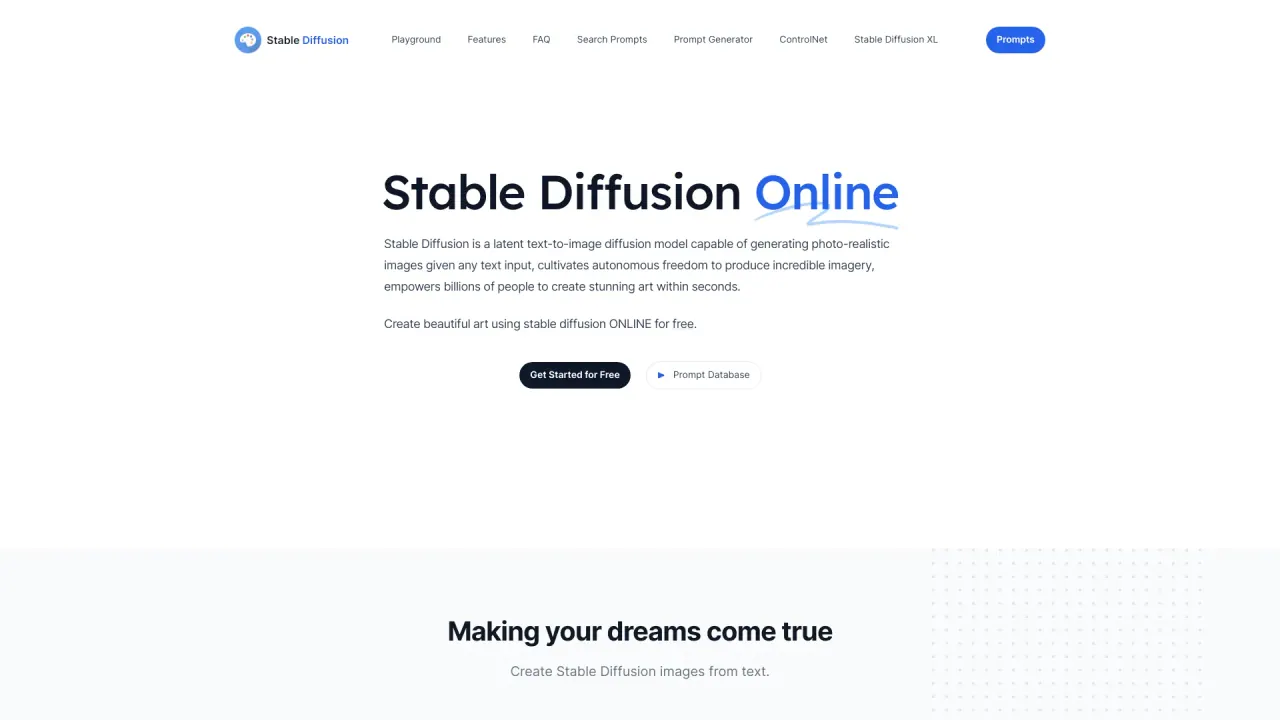
Stable Diffusion is a powerful deep learning model that converts text descriptions into high-quality, photo-realistic images. It uses a diffusion process that first compresses image data into a latent space, then gradually adds noise and learns to reverse the process to recreate the image from scratch. The latest version is Stable Diffusion XL (SDXL), which features a larger UNet backbone and improved attention. You can use Stable Diffusion online for free or run it locally via an API or on your own hardware.
What model/version powers this platform?
This platform uses Stable Diffusion XL (SDXL). SDXL increases model capacity with a larger UNet backbone and cross-attention context, plus a second text encoder. We also offer SDXL Turbo, an enhanced variant that can generate images in a single step in real time using Adversarial Diffusion Distillation (ADD).
What is SDXL Turbo?
SDXL Turbo is an improved version of SDXL 1.0. It uses Adversarial Diffusion Distillation (ADD) to synthesize images in a single step and in real time while preserving high sampling fidelity.
Is Stable Diffusion Online free to use?
Yes. Stable Diffusion Online offers a free online image generator.
What are the key features and benefits of the platform?
- Easy to use: enter a text prompt and generate images quickly.
- Prompt Database: search over more than 9 million Stable Diffusion prompts to inspire prompts.
- Privacy: anonymous use; we don’t collect or store personal information, nor your text or images.
- GPU-enabled, fast generation for quick results.
- Access to CC0-licensed generated images (see licensing below).
Can I use generated images commercially?
Yes. Images generated with Stable Diffusion can be used for commercial purposes. The Stable Diffusion model is released under a permissive license, and images created through the Stable Diffusion Online platform are CC0 1.0 Universal Public Domain Dedication.
How does Stable Diffusion work?
Stable Diffusion compresses images into a latent space, then progressively adds noise and learns to reverse this process to reconstruct the image from scratch. The generation is guided by text prompts to steer the output toward the requested content.
What are inpainting and outpainting?
Inpainting allows you to add or replace parts of an image, while outpainting extends the image beyond its original borders.
What kinds of GPUs will be able to run Stable Diffusion, and at what settings?
Most Nvidia and AMD GPUs with 8GB or more.
How can I use Stable Diffusion to generate images?
There are two main ways: via an API on your local machine or through an online platform. If you plan to install Stable Diffusion locally, you’ll need a computer with robust specifications to generate images quickly.
What is the CC0 license for images created through Stable Diffusion Online?
Images created through Stable Diffusion Online are fully open source, explicitly falling under the CC0 1.0 Universal Public Domain Dedication.
What was Stable Diffusion trained on? Was there opt-in or opt-out for training data?
The underlying data used to train Stable Diffusion includes LAION 5b, specifically the 2b English-language label subset. There was no opt-in or opt-out for the LAION 5b training data.
What is the copyright for using Stable Diffusion generated images?
The copyright for AI-generated images is complex and varies by jurisdiction.
What is the difference between Stable Diffusion and other AI image generators?
Stable Diffusion can generate high-quality images with a high degree of output control, including the ability to add or replace parts of images via inpainting and outpainting.
What is the Prompt Database and how many prompts are available?
Prompt Database provides access to more than 9 million Stable Diffusion prompts for inspiration and prompt crafting.
How can I improve prompt quality or get better results?
Try using prompts from the Prompt Database and adapt them to your needs to improve results.
What are the limitations of the platform?
- Quality variability: outputs may vary in quality depending on input clarity and complexity.
- Content sensitivity: outputs may be inappropriate or harmful if given sensitive subjects; use prompts responsibly.
- Text length and complexity: some prompts may be limited by length or complexity.
- Limited advanced customization compared to some other tools.
How can I contact support?
You can reach us at yuki@stablediffusionweb.com. We typically respond within 2–3 business days.
How is privacy handled on the platform?
We prioritize privacy: usage is anonymous, and we do not collect or store personal information, nor your text or images.
Where can I find the legal terms (License, Privacy Policy, Terms and Conditions)?
Legal pages include License, Privacy Policy, and Terms and Conditions.
Is this your tool?
Claim Stable Diffusion to manage this listing, or upgrade to Pro for featured-first placement and a newsletter feature.