Tether
AI Feedback And Bug Reporting Tool
Tether: Revolutionize collaboration with our AI feedback and bug reporting tool. Supercharged productivity!
- Pricing
- Freemium
- Category
- Development
- Listed
- Aug 4, 2023
- Updated
- May 25, 2026
What does Tether do?
What is Tether and what problem does it solve?
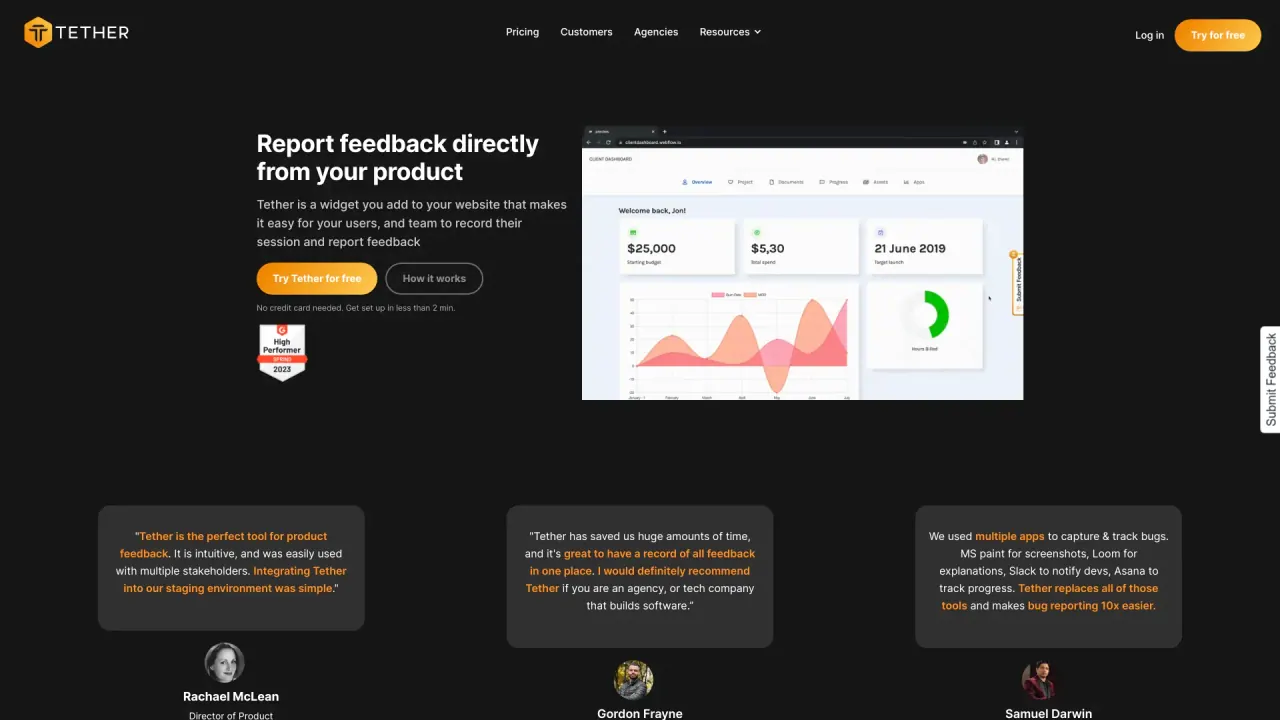
Tether is a widget you add to your website that makes it easy for your users and team to record sessions and report feedback. It consolidates feedback in one place, replacing scattered tools and back-and-forth messaging. Key capabilities include one-click screen recording, markup options, pixel-perfect screenshots, and data-rich reports with automatic technical metadata to help developers diagnose and fix issues quickly.
How is Tether installed and set up?
Tether is installed via a simple JavaScript code snippet that you add to your project. It takes less than 2 minutes to set up, and no developer is required. If you prefer not to add code, you can also use our Chrome extension to get started.
Does Tether work on mobile?
Yes. The Tether widget works on mobile as long as your web app is responsive; the Tether feedback button supports all responsive web apps.
What are the main features of Tether for feedback reporting?
- In-app screen capture and one-click screen recording with markup and pixel-perfect screenshots
- Data-rich reports with automatic technical metadata for developers
- Seamless integrations with tools you already use (e.g., Slack; Notion for automatic task creation)
- Chrome extension for quick setup without installing JavaScript
- Guest accounts for collaborating with clients while keeping internal feedback private
- A single source of truth for all feedback, keeping everything organized
- Fast setup and no engineering required
- Support via email, chat, and Slack (average response time < 2 minutes)
- Try for free; no credit card required, with a 14-day free trial available
Can I invite clients or external users to use Tether?
Yes. Tether supports guest accounts designed to collaborate with clients. Guests stay updated without seeing internal feedback.
Can I integrate with other tools like Slack and Notion?
Yes. Tether offers seamless integrations with Slack and Notion (Notion can automatically create tasks), and there are additional integrations available.
What data does Tether collect and how does it help developers?
Tether automatically captures technical metadata with each feedback item, providing data-rich reports that help developers quickly pinpoint issues and resolve them faster.
What does "single source of truth" mean for Tether?
Tether centralizes all feedback in one organized place, so your team isn’t chasing through emails or Slack threads to find issues and requests.
Is there a Chrome extension?
Yes. The Chrome extension lets you get started quickly without adding JavaScript code.
Who is Tether for?
Tether is built for teams of all sizes and is especially helpful for web agencies and SaaS companies that build software or web products.
How much does Tether cost and is there a trial?
Pricing scales based on team size; see the pricing page for details. A 14-day free trial is available, and you can try Tether for free with no credit card required.
How do I get support if I need help?
Support is available via email, chat, and Slack, with an average response time of under 2 minutes.
Is this your tool?
Claim Tether to manage this listing, or upgrade to Pro for featured-first placement and a newsletter feature.