
Bitskout
Verified
AI Document and Data Extraction Tool
Extract and analyze data from documents and emails with Bitskout, an AI document and data extraction tool.
- Pricing
- Free trial
- Category
- No Code
- Listed
- Jul 17, 2023
- Updated
- May 25, 2026
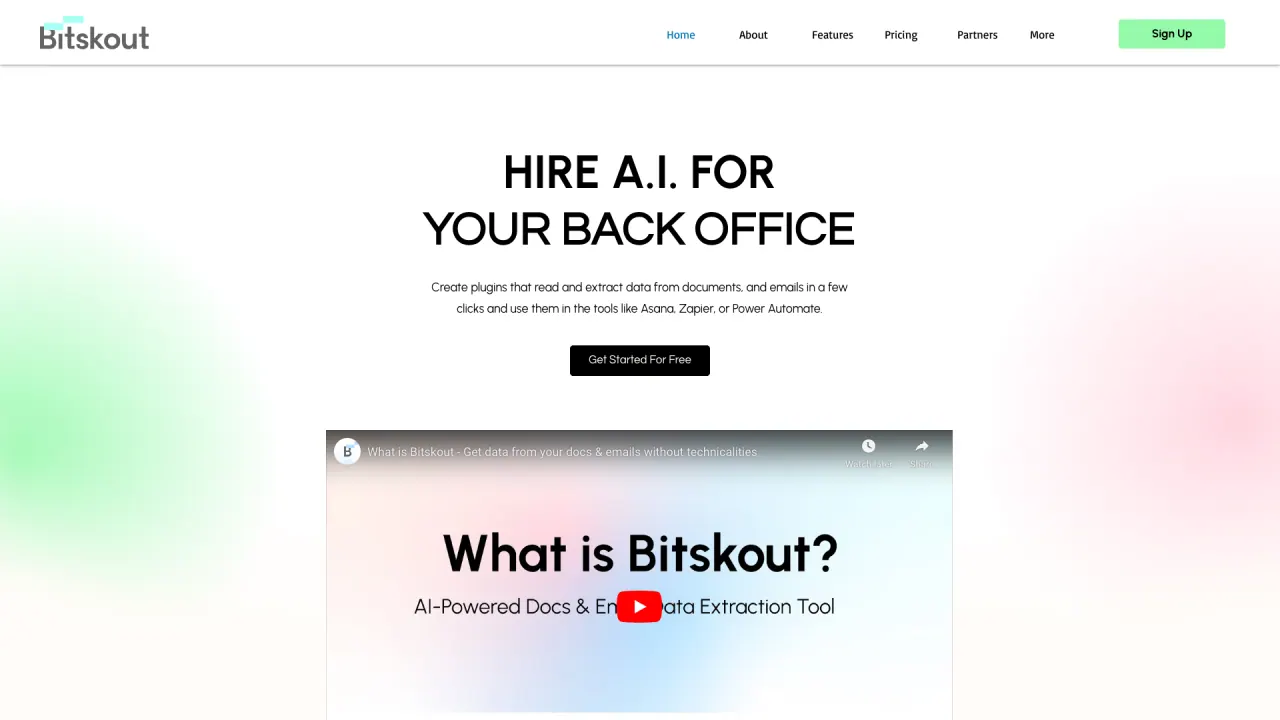
What does Bitskout do?
What can Bitskout extract and how can I use it?
Bitskout lets you create plugins that extract information from documents, images, and emails to your favorite tools. Use ready-made templates for common documents like invoices, business cards, and bank statements, or provide a few examples for your own document to Bitskout AI to create a custom plugin. Then use them in Monday.com, Asana, Power Automate, Zapier, or Make.com.
How do templates and custom plugins work?
Start with 40+ ready-made templates. Browse by team area or search to find plugins for Purchase Orders, Invoices, CVs, Bills of Lading, and more. You can also create your own plugins that read data from documents or emails and connect them to your tools.
What are Bitskout AI agents and how do they help me?
Bitskout agents let you ask questions about processed information and receive immediate answers. For example, you can ask things like “How much did we pay for Amazon in December?” and get answers, with appropriate permissions controlling what data the agent can access.
What tools does Bitskout integrate with and how can I use it in my workflows?
Bitskout integrates with monday.com, Asana, Zapier, and Power Automate. You can add Bitskout Rules in Asana or Bitskout recipes in monday.com, and use the plugin with any process via Zapier or Power Automate. Agents can operate through email or chat in Slack or Teams, and they can learn from data sources like websites, CRMs, document sources, and tools such as QuickBooks.
How do I get started with Bitskout?
You can start for free with no credit card required. Begin by installing from monday.com, choose a template to start with, or create your own plugin and connect Bitskout to your tools.
Is this your tool?
Claim Bitskout to manage this listing, or upgrade to Pro for featured-first placement and a newsletter feature.