
Rytr
AI Copywriting Assistant Tool
Rytr is an AI writing assistant that drafts emails, posts, and messages in your voice using connected relationship context you review before anything is sent.
- Pricing
- Freemium
- Category
- Copywriting
- Listed
- Apr 20, 2023
- Updated
- Oct 19, 2026
Promoted
 Sidrune AI85% off. Stable Claude API for agent developers. Pay as you go. Invoices & refunds available.
 Pixmax.aiPixmax.ai is an all-in-one AI workspace for videos, visual stories, and marketing content.
 AI Checker PlusAI detector that highlights which passages AI wrote. Free check, no sign-up. Plagiarism too.
 RewindType any X/Twitter handle. Get their year back as a narrated video story. Then ask it anything.
 KurodyneSell the tools from your AI side projects. Listing is free.
 SEOify - Improve your SEO & rankingsBuild links to rank in Google. Improve your DR with links you can start building now.Advertise here270,000+ people visit Dang.ai every month.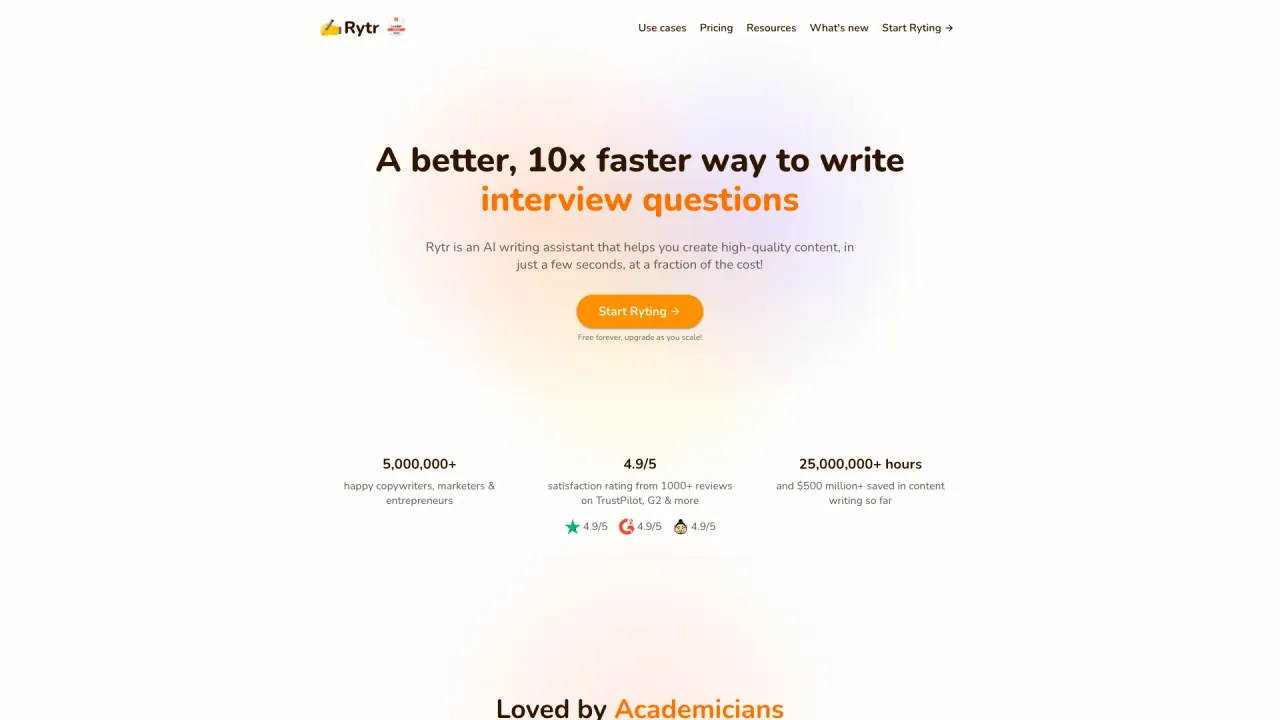
What does Rytr do?
Rytr helps you “know who needs you, what you promised, and what to say next,” then drafts the next message in your voice. It supports writing workflows for emails, Slack, LinkedIn, and in any text box—so you can improve, shorten, expand, or continue what you’re already working on.
Rytr’s Engage experience focuses on relationship follow-through: it surfaces who needs attention, prepares you before meetings, and drafts follow-ups based on the context it gathers. You review the draft and nothing sends until you approve it. Rytr also provides Create for turning a rough idea into polished copy—using writing templates and multiple rewrite options (continue, expand, shorten, reword, improve) so the result matches your tone.
Rytr includes a browser extension that brings context into your writing and shows relevant people on the page (Gmail, Slack, LinkedIn, and any text box). The extension can suggest drafts or help you work where you already are, without switching tabs. You stay in control of what’s added and you can correct or delete content before action.
Plans are available from Free forever up to paid tiers (Lite, Personal, Pro). Pricing is listed monthly, with an option to switch to yearly pricing and save 20% shown on the plan page. Character limits, number of connected sources, and monthly action/research limits vary by plan.
What does Rytr help me do day to day?
Rytr drafts follow-up messages and writing for emails, Slack, and other text areas. It also helps with meeting prep and briefs, so you know what changed and what to send next in your voice.
Can I review and edit what Rytr drafts before anything is sent?
Yes. Drafts are presented for you to review and edit, and nothing sends until you approve it.
Which places can Rytr connect to or work with for writing and context?
Rytr works with connected tools including Gmail, Outlook, Slack, Google Calendar, and Google Meet, plus it supports writing in any text box via the browser extension. It can also surface people and context alongside Gmail, Slack, and LinkedIn conversations.
What writing options does Rytr offer in its Create mode?
Create can help you finish or continue drafts, expand, shorten, reword, and improve text. You can also use writing use-cases/templates and adjust tone using available tone options.
Does Rytr include a Chrome browser extension?
Yes. The browser extension lets you work with Rytr capabilities directly in the browser, including improving or continuing text in any text box you use.
What plans and pricing are available?
Plans shown include Free forever plus paid tiers Lite ($9/mo), Personal ($19/mo), and Pro ($49/mo), with yearly pricing offering 20% savings. Each plan includes different limits for characters, connected sources, relationships, and monthly Engage actions/research runs.
Is this your tool?
Claim Rytr to manage this listing, or upgrade to Pro for featured-first placement and a newsletter feature.