
Pixyer
AI Background Generator
Generating professional e-commerce product photo from a snapshot with AI
- Pricing
- Free trial
- Category
- Ecommerce
- Listed
- Aug 19, 2024
- Updated
- May 25, 2026
Promoted
 Pixmax.aiPixmax.ai is an all-in-one AI workspace for videos, visual stories, and marketing content.
 RewindType any X/Twitter handle. Get their year back as a narrated video story. Then ask it anything.
 KurodyneSell the tools from your AI side projects. Listing is free.
 Sidrune AI85% off. Stable Claude API for agent developers. Pay as you go. Invoices & refunds available.
 SEOify - Improve your SEO & rankingsBuild links to rank in Google. Improve your DR with links you can start building now.Advertise here270,000+ people visit Dang.ai every month.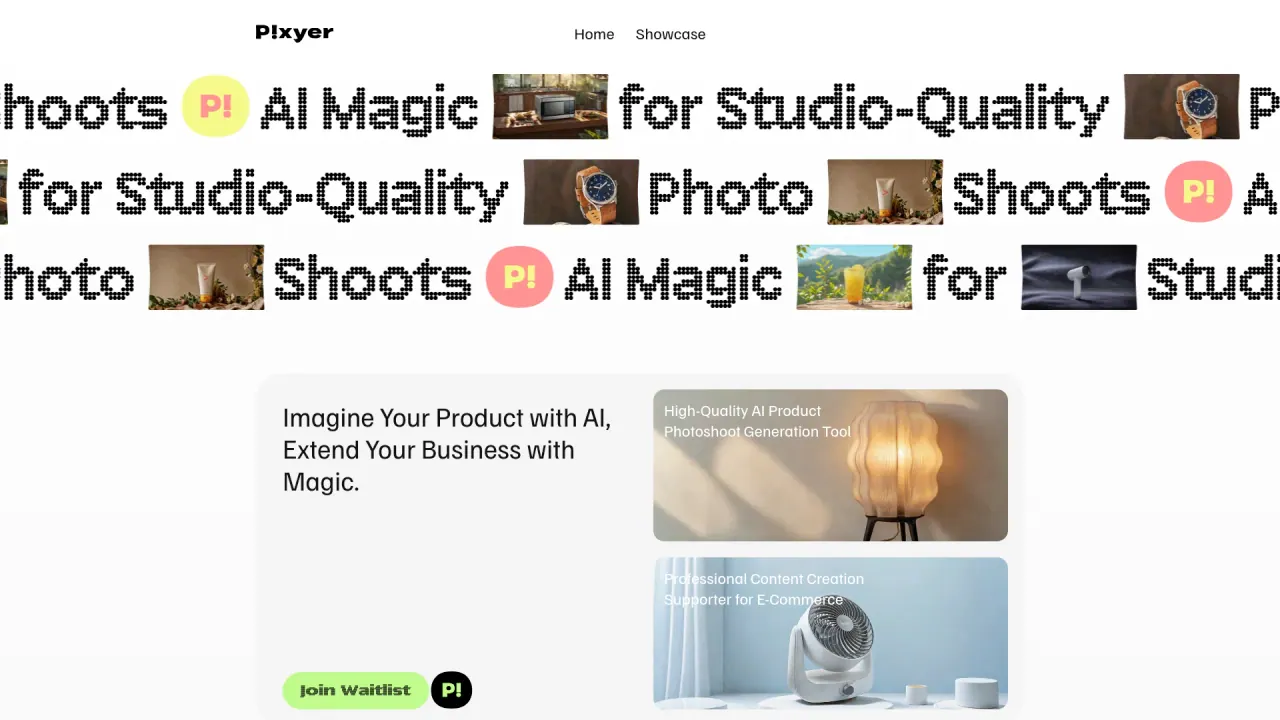
What does Pixyer do?
When will Pixyer end service and how should I prepare?
Pixyer services will end at 00:00 on Jan 1, 2026. Access will no longer be available. Please ensure all necessary data is backed up.
How do I create a product photoshoot with Pixyer?
Upload a Product Image — Pixyer will automatically remove the background. Choose Photo Style — Select a background style that best matches your product. Generate and Download — High-quality AI product photos in just a few seconds.
Can I generate product photos for free?
Yes, you can try Pixyer for free. There is also an Influencer Program that offers extra free credits.
How many images can I generate at a time?
The current information does not specify a batch or per-session limit. Please check the latest docs or contact support for current limits.
How do credits work in Pixyer?
Pixyer uses a credits system, and there is an Influencer Program that offers extra free credits. For full details on how credits are earned and spent, please refer to the official docs or reach out to support.
What kind of photos should I upload to Pixyer?
Upload a product image. Pixyer will automatically remove the background, then you can choose a photo style and generate your AI-enhanced photo.
Does Pixyer offer an API for bulk image generation?
Yes. Pixyer provides an API to automate high-quality AI-generated product photos and scale your business with bulk image generation. The API can generate images in the right sizes for marketplaces, social media, websites, email banners, and print.
Is there an influencer program? How can I get free credits?
Yes. There is an Influencer Program that offers extra free credits. To participate, apply via the program and you can contact support or connect via X at @pixyer\_official.
Can I export different sizes for different channels from one upload?
From marketplace listing photos to social media content, website imagery, email banners, and traditional print—get all sizes ready from one upload.
What background styles are available and how do I choose?
You choose a Photo Style to match your product with a background style. Examples shown include E-commerce, Social media, Cozy. You can preview and select the style that best fits your brand.
This listing is claimed
Own Pixyer? Sign in with the email used to claim it to manage this listing, or upgrade to Pro for featured-first placement and a newsletter feature.