
Dystr
AI Analysis Tool
Dystr accelerates engineering work by automating analysis workflows and coordinating AI-driven background tasks.
Promoted
 Pixmax.aiPixmax.ai is an all-in-one AI workspace for videos, visual stories, and marketing content.
 AI Checker PlusAI detector that highlights which passages AI wrote. Free check, no sign-up. Plagiarism too.
 RewindType any X/Twitter handle. Get their year back as a narrated video story. Then ask it anything.
 KurodyneSell the tools from your AI side projects. Listing is free.
 Sidrune AI85% off. Stable Claude API for agent developers. Pay as you go. Invoices & refunds available.
 SEOify - Improve your SEO & rankingsBuild links to rank in Google. Improve your DR with links you can start building now.Advertise here270,000+ people visit Dang.ai every month.
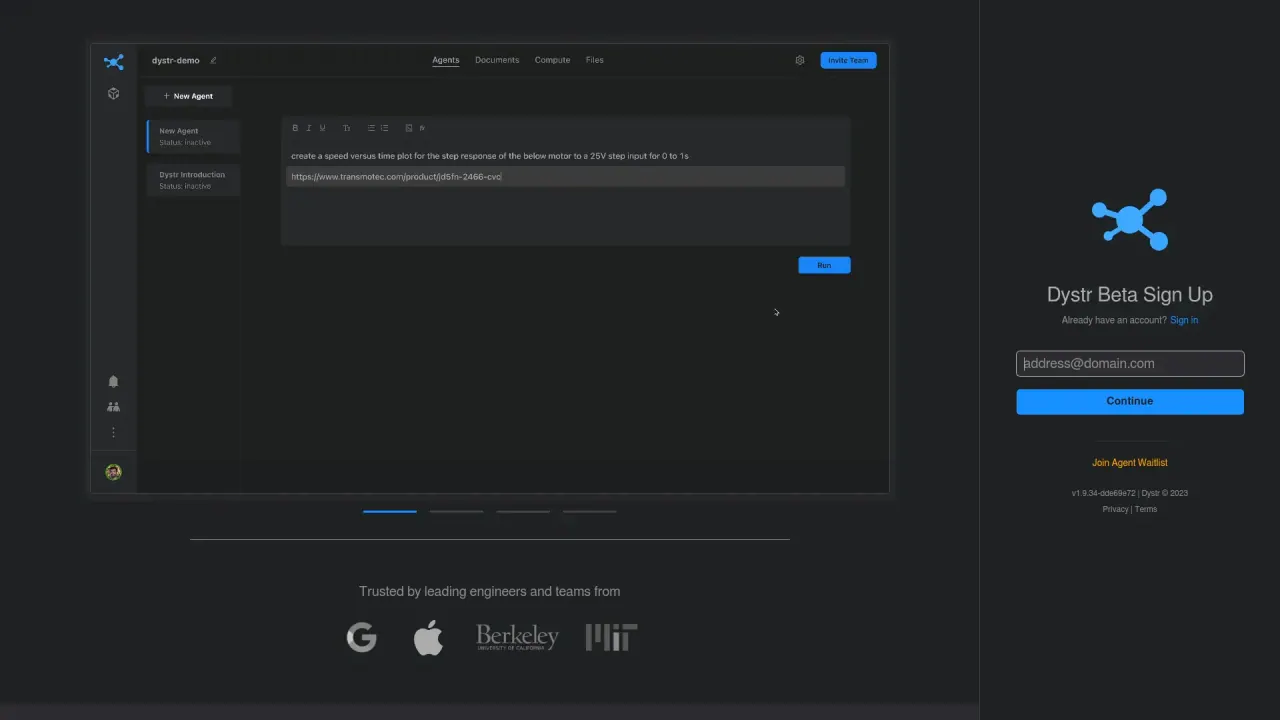
What does Dystr do?
Dystr is an AI analysis tool designed to help engineering teams increase velocity. It supports fast iteration on projects by organizing work in isolated project workspaces, so teams can run code and use AI workers without disrupting active efforts.
A core capability is managing how analysis runs and how work gets dispatched. Dystr can handle one-off AI requests, and it can also create background workers to automate repetitive processes. To support ongoing collaboration, it enables teams to preserve and fork analysis, helping keep datasets and calculations aligned while multiple contributors build on the same work.
Dystr also provides a hybrid way to operate AI workers. Work can be triggered by email, scheduled runs, or external systems, and you maintain control while integrating these automated tasks into existing engineering workflows.
Dystr’s ecosystem includes RunMat, a GPU-accelerated runtime for math. Run math in the browser, on desktop, or via a CLI, with automatic GPU/CPU scheduling and MATLAB input syntax. RunMat positions itself as extremely fast for large elementwise math workloads.
What does Dystr help engineers do?
Dystr helps engineers accelerate analysis workflows, so teams can iterate faster and spend more time on higher-priority work.
How does Dystr manage work without disrupting ongoing projects?
Dystr uses isolated project workspaces that act like sandboxes for running code and AI workers.
Can Dystr automate tasks instead of only handling one-off requests?
Yes. Dystr can create background workers to automate repetitive processes, not just respond to single AI requests.
How are Dystr AI workers triggered?
AI workers can be triggered by email, scheduled runs, or external systems, fitting into existing workflows.
What is RunMat within the Dystr ecosystem?
RunMat is a GPU-accelerated runtime for math that runs in the browser, desktop, or as a CLI, with MATLAB input syntax and automatic GPU/CPU scheduling.
Is RunMat designed for elementwise math workloads?
RunMat is positioned for very large elementwise math, highlighting speed improvements for that use case.
Is this your tool?
Claim Dystr to manage this listing, or upgrade to Pro for featured-first placement and a newsletter feature.