
AnyPicker
Visual Web Scraping Tool With AI
AnyPicker: The Intelligent Visual Web Scraping Tool for Effortless Data Extraction. Safely scrape websites with AI, export to Google Sheets, and bypass anti-scraping tech.
- Listed
- Aug 4, 2023
- Updated
- May 25, 2026
What does AnyPicker do?
What is AnyPicker?
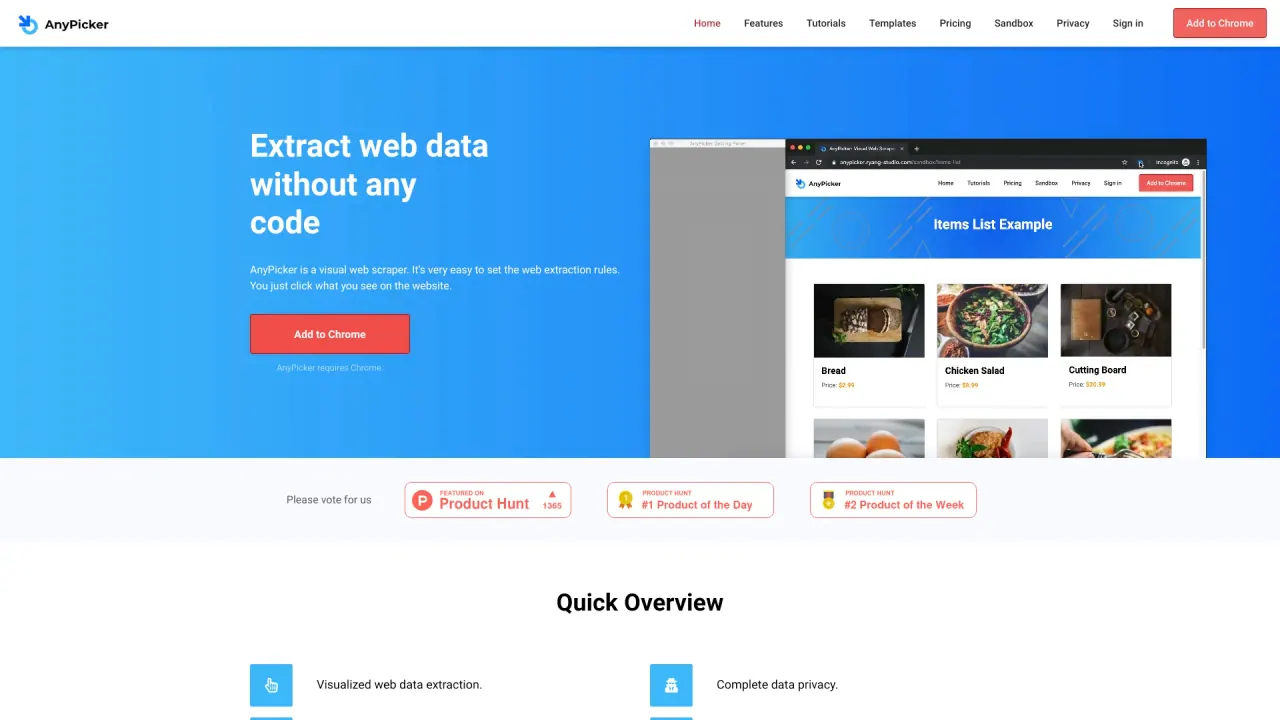
AnyPicker is a visual web scraper. You set the extraction rules by clicking what you see on the website, making it easy to pull data without writing code. It is delivered as a lightweight Chrome extension.
Does AnyPicker require Chrome?
Yes. AnyPicker requires Chrome and is used via its Chrome extension.
How does AnyPicker protect my data privacy?
AnyPicker processes all data on your local computer, helping keep your data private. When scraping password-protected sites, you only need to log in before starting, and you don’t need to share your login credentials with the tool.
Can I scrape password-protected websites with AnyPicker?
Yes. You simply log in before you start scraping; you do not have to share your login credentials with AnyPicker.
Can I scrape multiple pages at once, and are there any usage limits?
Yes. You can scrape multiple pages at the same time, and there are no usage limitations on the number of pages or sites you can scrape.
Can I preview results in real time while scraping?
Yes. You can preview scraping results in real time as the job runs.
What export options are available for scraped data?
You can export data as CSV to your local computer. Additionally, AnyPicker offers integration with Google Sheets, letting you save data with one click and keep it in Google Drive.
Does AnyPicker bypass anti-scraping technologies?
The product description claims it can bypass anti-scraping technologies and that it doesn’t need to simulate a person.
Where can I find pricing information?
Pricing information is available on the Pricing page of the AnyPicker site.
Is this your tool?
Claim AnyPicker to manage this listing, or upgrade to Pro for featured-first placement and a newsletter feature.