
PPC Ad Editor
Google Ads AI Collaboration Tool
Revolutionize your Google Ads campaigns with PPC Ad Editor - the ultimate AI collaboration tool for agencies.
- Pricing
- Paid
- Category
- Advertising
- Listed
- Aug 4, 2023
- Updated
- May 25, 2026
What does PPC Ad Editor do?
What is PPC Ad Editor and how does it speed up ad approvals?
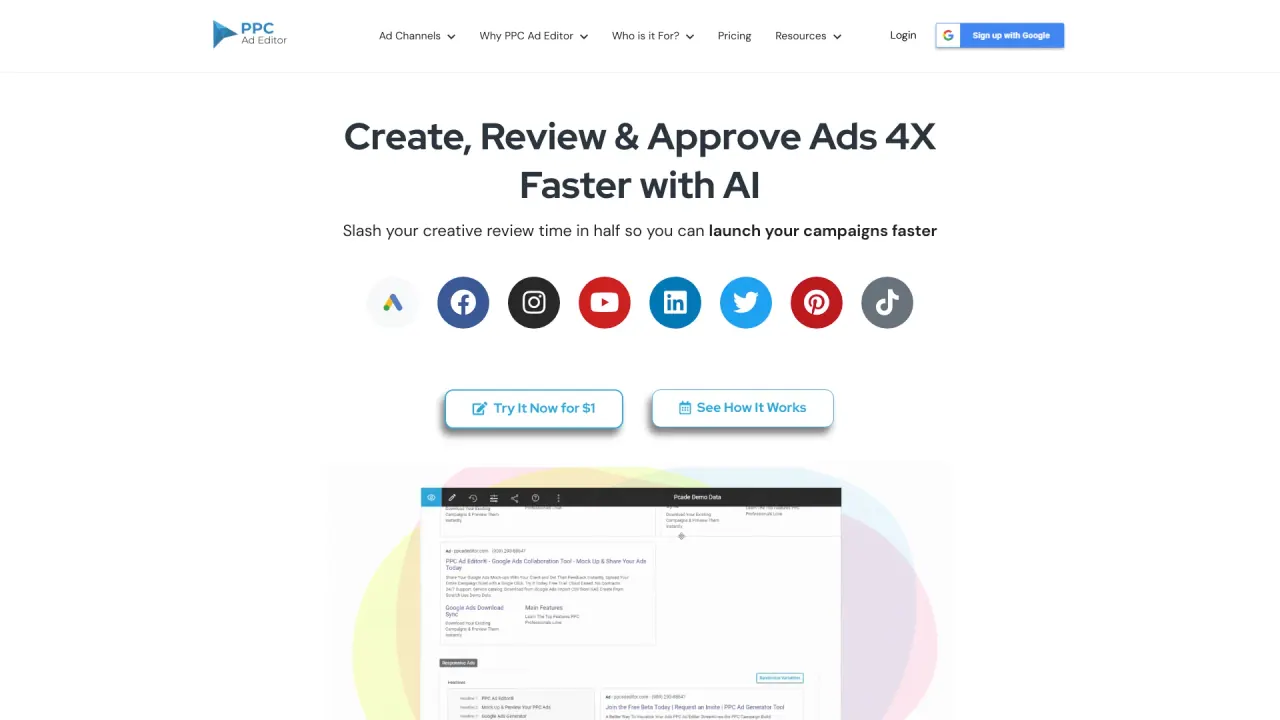
PPC Ad Editor is a live, interactive workspace that lets you build ad previews, share a single review link, and collect client feedback directly on the preview. This replaces spreadsheets, screenshots, and email threads, reducing back-and-forth and helping you secure sign-off before a dollar is spent. It supports previewing ads in Google, Meta, X (Twitter), TikTok, LinkedIn, and more, includes AI-powered copy generation, and offers one-click export to Google Ads Editor. It also provides a 14-day free trial with no credit card required.
How does PPC Ad Editor support collaboration among team members?
PPC Ad Editor enables real-time collaboration by letting you share a single link with clients and team members. They can comment directly on the ads in the preview, and comments stay attached to the right version. The workflow is designed for fast, centralized reviews and approvals, with support for multiple reviewers.
What platforms and ad types are supported?
PPC Ad Editor supports a wide range of platforms and ad types, including:
- Google: Responsive Search Ads, Responsive Display Ads, Performance Max Ads
- Meta (Facebook)
- YouTube
- Twitter/X
- TikTok
- HTML5 Ads
And you can preview ads in Google, Meta, YouTube, LinkedIn, X, TikTok, and Pinterest layouts.
Can I export ads to Google Ads Editor with one click?
Yes. PPC Ad Editor offers a one-click export to Google Ads Editor, enabling a smooth handoff and eliminating copy-paste errors.
Does PPC Ad Editor include an AI copy generator? How does it work?
Yes. PPC Ad Editor includes AI-powered copy generation to create headlines and descriptions instantly. It provides suggestions (e.g., headline ideas and descriptions) based on input topics to help overcome writer’s block and speed up copy creation.
What is the typical workflow from concept to launch?
The workflow follows four steps:
- Build: Create ad previews for supported platforms (Google RSAs, Display, Performance Max, Meta, TikTok, LinkedIn, etc.)
- Share: Send a single link so clients see exactly what the ads will look like
- Review: Collect feedback directly on the preview; comments stay attached to the version
- Launch: Export to Google Ads Editor with one click and launch with confidence
Who is PPC Ad Editor for?
PPC Ad Editor is built for everyone involved in the ad creation process, including:
- Content Creators
- Project Managers
- Ad Managers
- Leadership & Clients
- Agencies
Each role benefits from streamlined collaboration, versioning, and review workflows.
Is there a free trial, and what are the terms?
Yes. PPC Ad Editor offers a 14-day free trial with no credit card required. You can cancel anytime.
Are there any limitations or caveats I should know?
Yes. Some limitations include:
- Platform focus: Primarily tailored for Google Ads campaigns; broader multi-platform management may require additional tools.
- Analytics and reporting: Built-in analytics and reporting are not included; you may need separate tools for measurement.
- Integrations: No built-in CRM or email marketing integrations; leads and contacts must be managed outside the platform.
- Automation and optimization: Limited advanced automation and optimization features (e.g., bidding strategies, keyword research tools, or dedicated ad testing functions).
Is this your tool?
Claim PPC Ad Editor to manage this listing, or upgrade to Pro for featured-first placement and a newsletter feature.