
GPTConsole
Generate production ready applications with AI
Intelligent CLI and Autonomous AI Agents
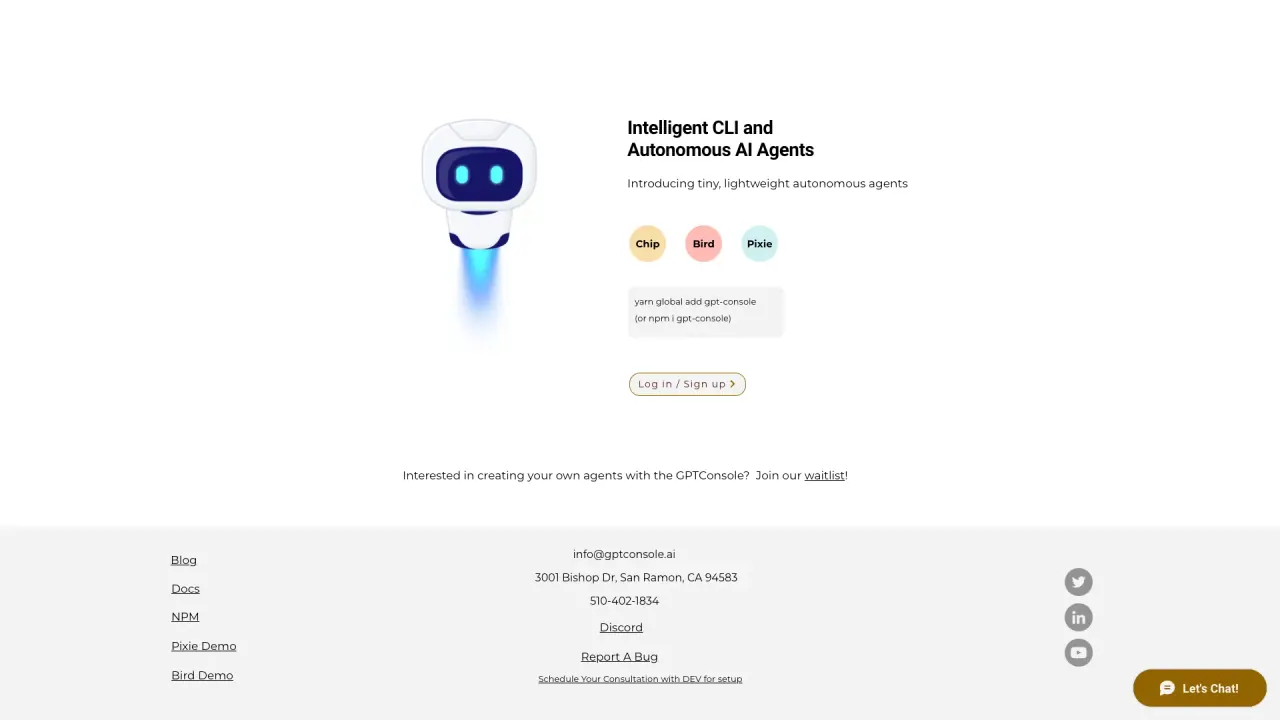
What does GPTConsole do?
What AI agents are available in GPTConsole and what do they do?
GPTConsole includes in-house AI agents Pixie, Chip, and Doodle.
- Pixie: an autonomous AI agent that can build web applications, specializing in Dashboards, AI-Applications, and Landing Pages for any business case.
- Chip: learns your entire codebase, answers questions about your codebase, and reviews pull requests.
- Doodle: generates animated doodles, not just static images.
What type of applications can Pixie build with GPTConsole?
Pixie is capable of autonomously building web applications. It specializes in creating Dashboards, AI-Applications, and Landing Pages tailored to any business case, meeting up to 80% of requirements in 90% less time.
How can GPTConsole help manage code repositories and Jira tickets?
GPTConsole offers an AI agent named Chip that can learn your entire codebase and assist with managing code repositories. Chip reviews pull requests and answers questions on pull requests, streamlining code development and issue tracking.
How do I install and use the GPTConsole CLI?
GPTConsole provides a CLI tool for accessing agents directly from the command line. Install the package with either yarn global add gpt-console or npm i gpt-console, then simply run gpt-console to get started.
Can I download the code generated by Pixie and deploy it on any cloud platform?
Yes. You can download the code generated by Pixie and deploy it on any cloud platform.
What are the pricing options available for GPTConsole?
Free 100 Credits on Sign-Up.
Flexi-Plan: $1 for 10 Credits, Top-Up Anytime(No Lock-In)
How can I join the waitlist to build my own agents?
Join our waitlist to start building your own GPTConsole agents.
Who is GPTConsole for?
Built for Developers, by Developers.
Is this your tool?
Claim GPTConsole to manage this listing, or upgrade to Pro for featured-first placement and a newsletter feature.