
AIProfilePictures
Fun Profile Picture AI Creator
AIProfilePictures: Fun Profile Picture AI Creator. Generate 200+ AI-driven profile pictures and avatars from your uploaded images.
Promoted
 Sidrune AI85% off. Stable Claude API for agent developers. Pay as you go. Invoices & refunds available.
 Pixmax.aiPixmax.ai is an all-in-one AI workspace for videos, visual stories, and marketing content.
 RewindType any X/Twitter handle. Get their year back as a narrated video story. Then ask it anything.
 KurodyneSell the tools from your AI side projects. Listing is free.
 SEOify - Improve your SEO & rankingsBuild links to rank in Google. Improve your DR with links you can start building now.Advertise here270,000+ people visit Dang.ai every month.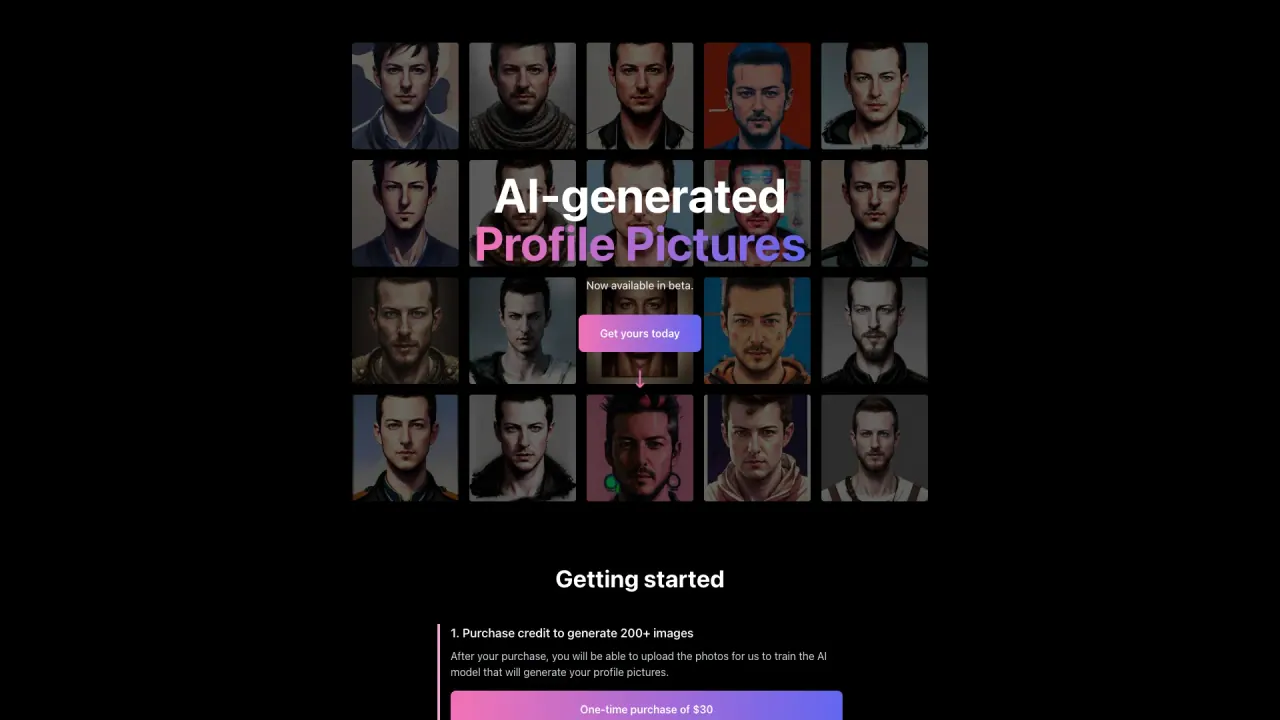
What does AIProfilePictures do?
How do I get started with AIProfilePictures?
One-time purchase of $30 to acquire credits for generating 200+ images. After you purchase, upload at least 10 photos of yourself (10–20 photos recommended) to train the AI model that will generate your profile pictures. Then wait about 2–3 hours for the AI to generate your photos. You’ll receive an email with a link to view them. If you want to view progress on the page while processing, you may click the provided option. You have 7 days to contact support if you’re not satisfied to generate additional photos. There are no refunds after you submit your photos due to the cost of training the model.
How many images will I receive per purchase?
You’ll be able to generate 200+ profile photos from a single one-time purchase of $30.
What photos should I upload for the best results?
Upload 10–20 photos of yourself (or your subject) with variety, including:
- Close-ups of your face in varying positions
- Chest-up and full-body photos
- Different poses and facial expressions
- Different backgrounds and lighting
- Eyes looking in different directions
Avoid:
- Multiple photos from the same setting
- Photos with the same expression
- Photos with multiple people
- Nude or sexually explicit content
What subject identities can I select during upload?
Subject identities available to select:
- man
- woman
- person
- dog
- cat
How long does generation take and how will I know when it’s done?
Generation typically takes about 2–3 hours. Once your photos are ready, you’ll receive an email with a link to view all your photos.
What should I do if I’m not satisfied with the generated photos, and are refunds available?
You have 7 days to contact support if you’re not satisfied. They will work with you to generate additional photos until you’re completely satisfied. Note that refunds are not provided after you submit your photos due to the cost of training the model.
Can I view my gallery while processing my photos?
Yes. If you want to view progress while processing, you may view the page via the provided option. The gallery itself will be unavailable until you submit your photos.
Is this your tool?
Claim AIProfilePictures to manage this listing, or upgrade to Pro for featured-first placement and a newsletter feature.