

AI Code Fixing Tool


What is the main use case for NeuroLint CLI?
NeuroLint uses a sophisticated 7-layer pipeline for comprehensive code fixes:
(1) Configuration - TypeScript and Next.js config modernization,
(2) Patterns - HTML entities, console cleanup, var to const/let,
(3) Components - missing keys, accessibility, prop validation,
(4) Hydration - SSR safety guards for localStorage/window,
(5) Next.js - App Router optimization and React 19 API migrations,
(6) Testing - accessibility and error boundary improvements,
(7) Adaptive - machine learning that learns patterns from your codebase and applies them project-wide.
What are some unique features of neurolint.dev?
-Automatically fix React and Next.js bugs with deterministic rule-based transforms.
-Validate every transformation twice to ensure syntactic and semantic correctness.
-Create automatic backups and allow easy rollback if needed.
-Scan entire codebases quickly and report issues across multiple layers.
-Offer an interactive demo and detailed docs for guided usage.
-Install globally with a single npm command for immediate use.
Can a user use NeuroLint CLI for free?
Yes! NeuroLint CLI is completely free with no subscriptions, no API keys required, and no hidden costs. Install it via npm and start fixing your React & Next.js code immediately. All features are included - no premium tiers or paid upgrades.
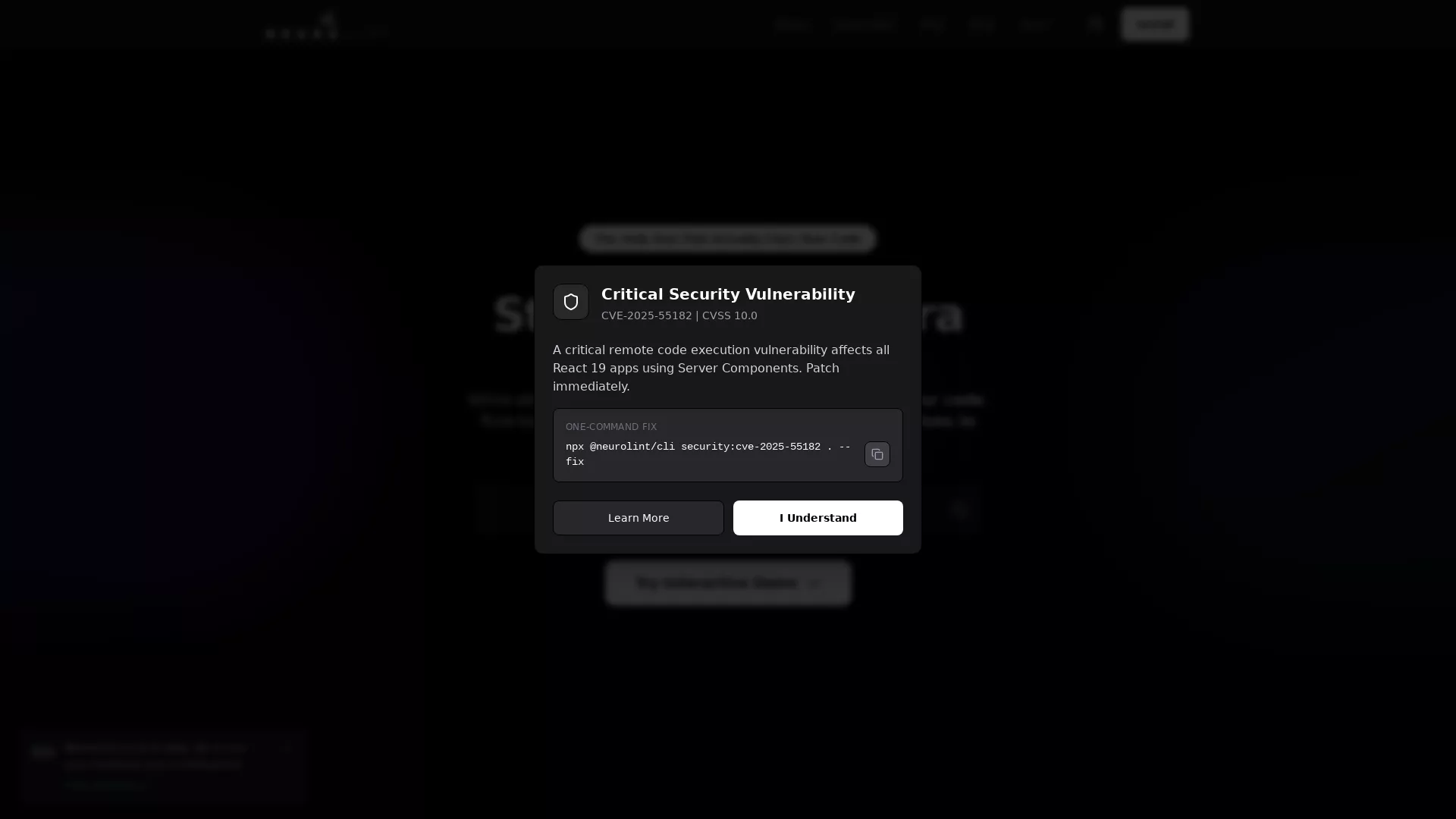
How can I fix the critical security vulnerability CVE-2025-55182 with NeuroLintCLI?
To fix the critical remote code execution vulnerability CVE-2025-55182 affecting React 19 apps using Server Components, you can use NeuroLintCLI with a simple command. Run the following command in your terminal to apply the patch immediately:
npx @neurolint/cli security:cve-2025-55182 . --fix
This command will detect and patch the CVE-2025-55182 vulnerability quickly and effectively.
What are the benefits of using NeuroLintCLI for code transformation?
NeuroLintCLI offers several advantages for code transformation that distinguish it from other tools. Its rule-based transformations provide deterministic fixes in seconds, ensuring that your code issues are resolved without ambiguity. The 5-step fail-safe orchestration system ensures that every code transformation is validated twice, preventing syntactic and semantic errors. It automatically creates backups, allowing you to roll back if necessary, ensuring your code remains intact and efficient.
Does NeuroLintCLI support interactive demos and scenario selection?
Yes, NeuroLintCLI offers an interactive demo feature where you can select scenarios to see how it automatically detects and fixes common React issues. The scenarios include Hydration Error Fix, Accessibility Improvements, Performance Optimization, and more. These demos allow users to explore NeuroLintCLI's capabilities and understand how it addresses specific issues within React and Next.js applications effectively.