
LetsEnhance
AI Image Enhancer & Upscaler Tool
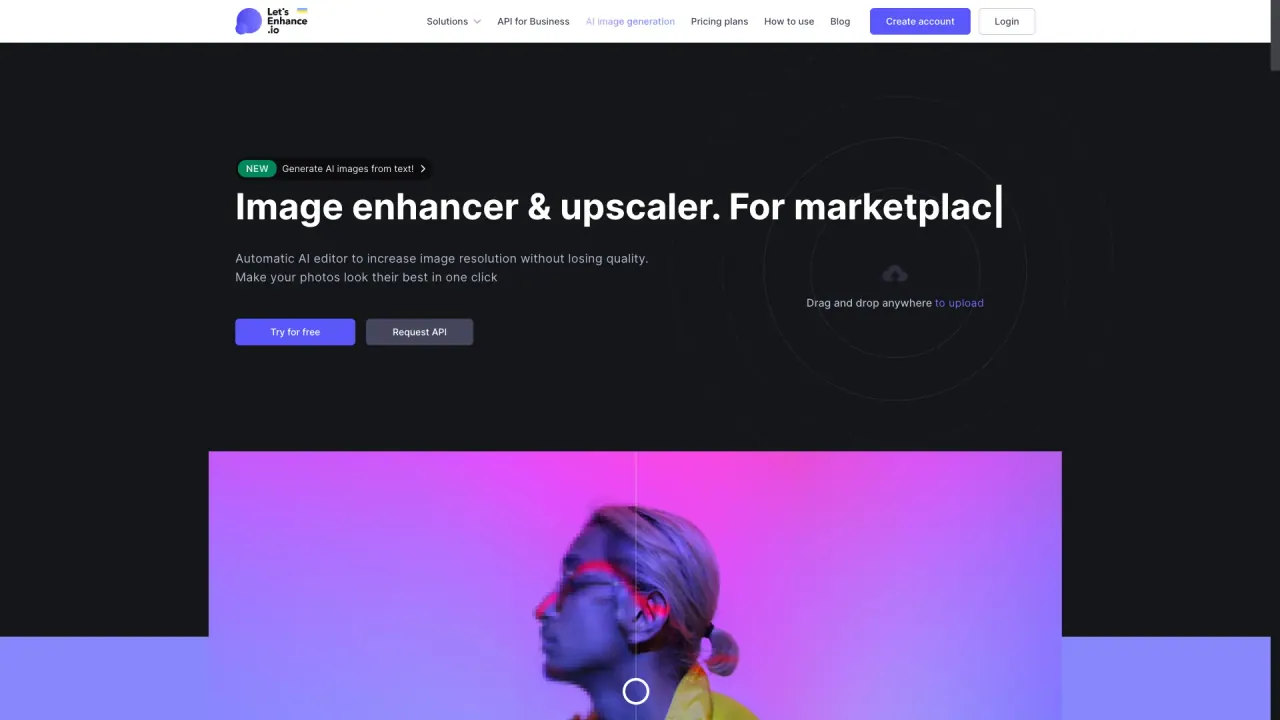
LetsEnhance is an AI image enhancer and upscaler that sharpens, fixes color, and increases resolution for print-ready results.
What does LetsEnhance do?
LetsEnhance improves image quality with AI-powered enhancement, upscaling, and restoration. It’s designed to recover real detail and correct color naturally, helping outputs look professionally shot rather than over-processed.
Choose an enhancement type based on your goal: Upscale increases resolution for larger sizes, Enhance improves overall quality, and Sharpen fixes blur. Prime is the default mode for most images, while Gentle helps preserve small text and fine details, and Old Photo can repair damaged old images.
Upload JPG, PNG, or WebP and download your improved image in full resolution. You can edit up to 20 images at once, and paid plans are watermark-free. The upscaler can increase resolution up to 512 MP, supporting print and web workflows.
What can LetsEnhance improve in my images?
You can enhance photo quality, fix color, sharpen blur, and upscale resolution. It also includes restoration options for damaged or degraded images.
Which enhancement mode should I use: Prime, Gentle, Enhance, Upscale, or Sharpen?
Prime is the default for most images. Gentle is best when you need to preserve small text or fine details, while Upscale targets larger size, Enhance targets overall quality, and Sharpen targets blur.
What image formats does LetsEnhance support?
Upload JPG, PNG, and WebP files.
Can I process multiple images in one go?
Yes— you can edit up to 20 images at once.
Will my enhanced images have a watermark?
Outputs are watermark-free on paid plans.
Can LetsEnhance be used for print-quality upscaling?
Yes. The upscaler increases image resolution up to 512 MP, and it’s intended for print and web use cases like posters, canvas, merchandise, and large displays.
Is this your tool?
Claim LetsEnhance to manage this listing, or upgrade to Pro for featured-first placement and a newsletter feature.