
Stenography
AI VSC Code Generator Tool
Automate code documentation with a powerful AI VSC code generator tool.
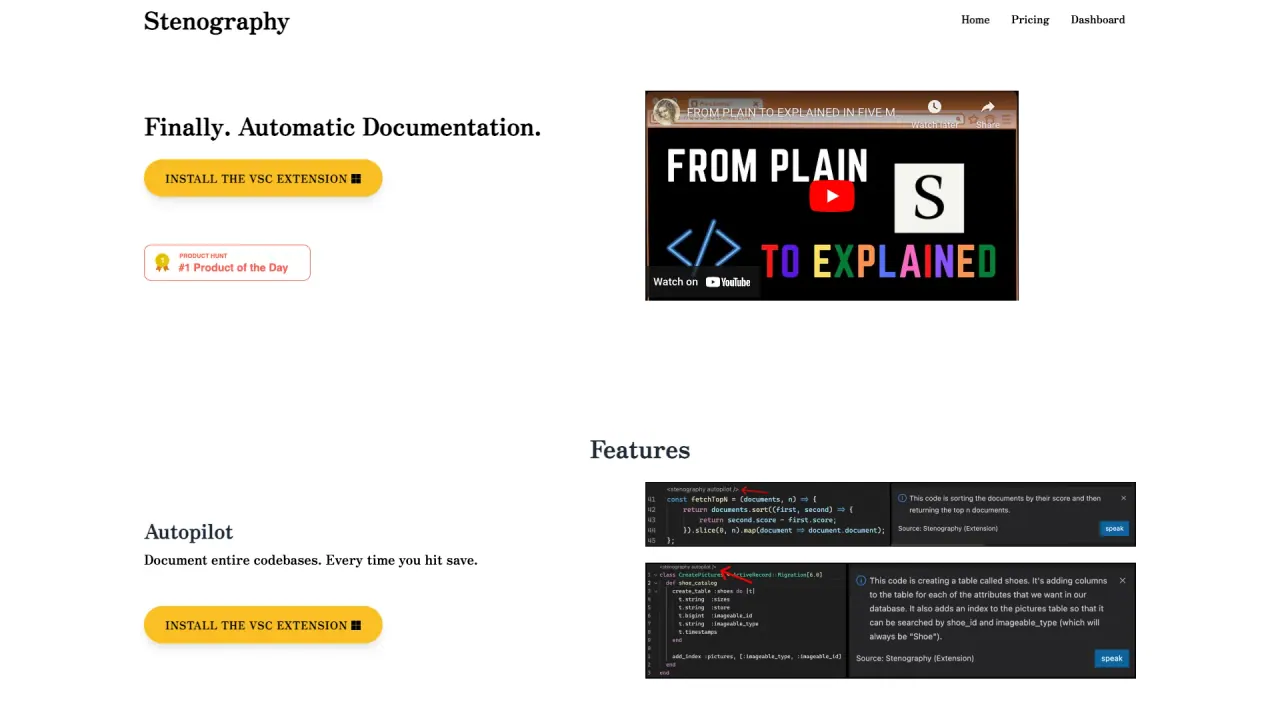
What does Stenography do?
What are the key features of Stenography for automatic code documentation?
Stenography offers a powerful blend of automation and AI-assisted explanations:
- Autopilot Documentation: Automatically documents the entire codebase every time you save in Visual Studio Code, keeping docs up-to-date with minimal effort.
- Powerful API: Pass in code and receive a plain-English explanation, with customization options to suit your style and detail level.
- Stack Overflow Suggestions and Linked Documentation: Enrich explanations with Stack Overflow suggestions and links to relevant documentation across the web.
- Privacy First: Uses a passthrough API and does not store your code; your code stays on your system.
- Extensions: Integrates across environments wherever code lives, including extensions for popular platforms.
How can Stenography extensions improve the coding experience?
Extensions streamline documentation within your workflow:
- The Visual Studio Code extension provides automatic, real-time documentation updates as you save.
- Chrome extension and other platform extensions integrate documentation into the places you work, including code encountered on the web.
- Explanations and related content help you understand code faster, making learning and collaboration more efficient.
What privacy measures does Stenography implement to protect your code?
Stenography prioritizes privacy with a security-first approach:
- Passthrough API: processes code without storing it, so your code remains on your local system.
- No server-side storage of your code, minimizing exposure risk.
- Privacy-first design to build trust with developers handling sensitive code.
How many free API invocations are available per month?
250 free monthly invocations. Call the API 250 times per month for free, on Visual Studio Code or using your own extension.
Which environments or extensions are supported by Stenography?
Stenography supports multiple environments through extensions:
- Visual Studio Code extension for automatic documentation on save.
- Chrome extension for documenting code encountered on the web.
- Extensions across other environments to help you integrate documentation where code lives.
Is there a paid plan or how can I get more invocations?
If you need more than the 250 free invocations per month, you can schedule a call to discuss options for additional usage.
Is this your tool?
Claim Stenography to manage this listing, or upgrade to Pro for featured-first placement and a newsletter feature.