Styldod
AI Virtual Staging & Photo Editing
Elevate property listings with AI virtual staging & photo editing.
- Pricing
- Freemium
- Category
- Interior design
- Listed
- Jul 22, 2023
- Updated
- May 25, 2026
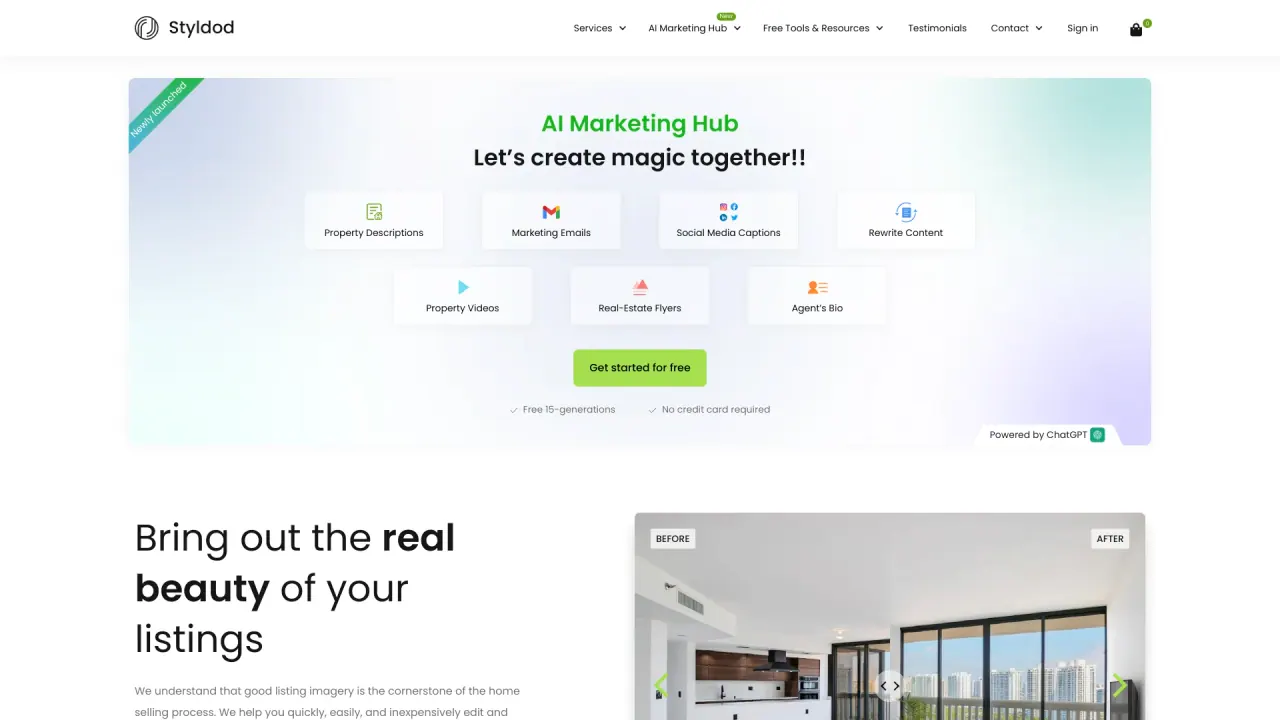
What does Styldod do?
How do I start using Styldod?
You can start free on ReimagineHome, with no credit card required for the free start. You can also request a demo or explore enterprise options.
What is Decision Canvas?
A Decision Canvas is a controlled workflow that turns a photo into outcomes with constraints, intent, and measurable results. It is not "generate an image and hope it works." The Canvas locks what must stay true, applies checks, and produces outputs you can actually ship. It can be delivered as software (self-serve or embedded) or as an expert-delivered service.
Do I need to be technical to use Styldod?
No. Homeowners can self-serve in ReimagineHome with guided workflows. Pros can use Expert Services when precision matters or time is tight. Enterprises can embed Smart Media Module inside existing listing or media workflows. The experience is designed to be simple at the surface, with the complexity handled by the system and optional expert support.
How do privacy, consent, and data work with Styldod?
Styldod is consent-first. Users choose what they upload and what gets shared. We process photos to generate outputs and to run workflow checks like compliance. For enterprise partners, controls like retention settings, audit logs, and role-based access can be configured. We do not sell personal data, and reporting is aggregated and permissioned.
What counts as compliance checks?
Compliance checks look for listing-policy risks before media is published. Examples include personal photos, prohibited content, misleading structural edits, and policy-sensitive transformations. When allowed, issues can be auto-corrected. Otherwise they are flagged for review. Rules are configurable by MLS or brokerage policy, including CA AB 723 requirements where applicable.
How is Styldod different from AI redesign tools?
Styldod is built for decision-grade outputs that stay true in the real world. That means structure integrity, policy checks, and budget guardrails where relevant. It also means outputs designed for real workflows, including review, auditability, and repeatable results. The goal is deployable outcomes, not just pretty renders.
Is Smart Media Module only for MLSs?
No. Smart Media Module can be embedded in MLS, brokerage, portal, and partner workflows wherever listing media and engagement matter. It is designed to standardize quality, reduce compliance burden, and make outputs easier to review and publish. It can also produce structured signals from photos to support downstream workflows. The module is configurable to the policies and operating model of the organization.
Where can the Smart Media Module be embedded?
Smart Media Module can be embedded inside existing listing or media workflows across MLS, brokerage, portal, and partner environments to standardize quality and improve compliance and review.
What do Structure Lock and Compliance do?
Structure Lock and Compliance are built-in controls to help keep the listing true and compliant. They help prevent misrepresentation by keeping layout true and by flagging risky edits before you publish, with batch processing that runs in minutes.
How many photos can I upload and how long does batch processing take?
You can upload up to 50 photos at once, and outputs are produced in about a minute. The process includes automatic fixes and delivered outputs in listing-ready form.
What outputs do I get for listing media?
You receive listing-ready outputs and, for each uploaded photo, an Original and an Edited pair. Batch processing is designed for speed, delivering results in roughly one minute for 50 photos.
What is the turnaround time for Expert Services?
Expert Services include QA and revisions with a service level agreement of 24–48 hours. Revisions are included.
Can upgrade lists include real products and budgeting within area?
Yes. The platform supports upgrade-aware plans with real products, within budget, and available in your area.
What is ReimagineHome?
ReimagineHome is the self-serve platform for decision-grade visuals and workflows to help with selling a home and planning upgrades. You can use it self-serve, have outputs delivered by experts, or run it at enterprise scale with Smart Media Module.
How can I contact Styldod or get help?
You can reach help at help@styldod.com or use the Help Center. You can also explore demos and request assistance through the site.
Is this your tool?
Claim Styldod to manage this listing, or upgrade to Pro for featured-first placement and a newsletter feature.