
Voe Ai
Verified
AI Video Generator,Veo 3.1 Video Generator,Voe Ai
Create cinematic AI videos fast—powered by Veo 3.1 with richer audio and stronger prompt control.
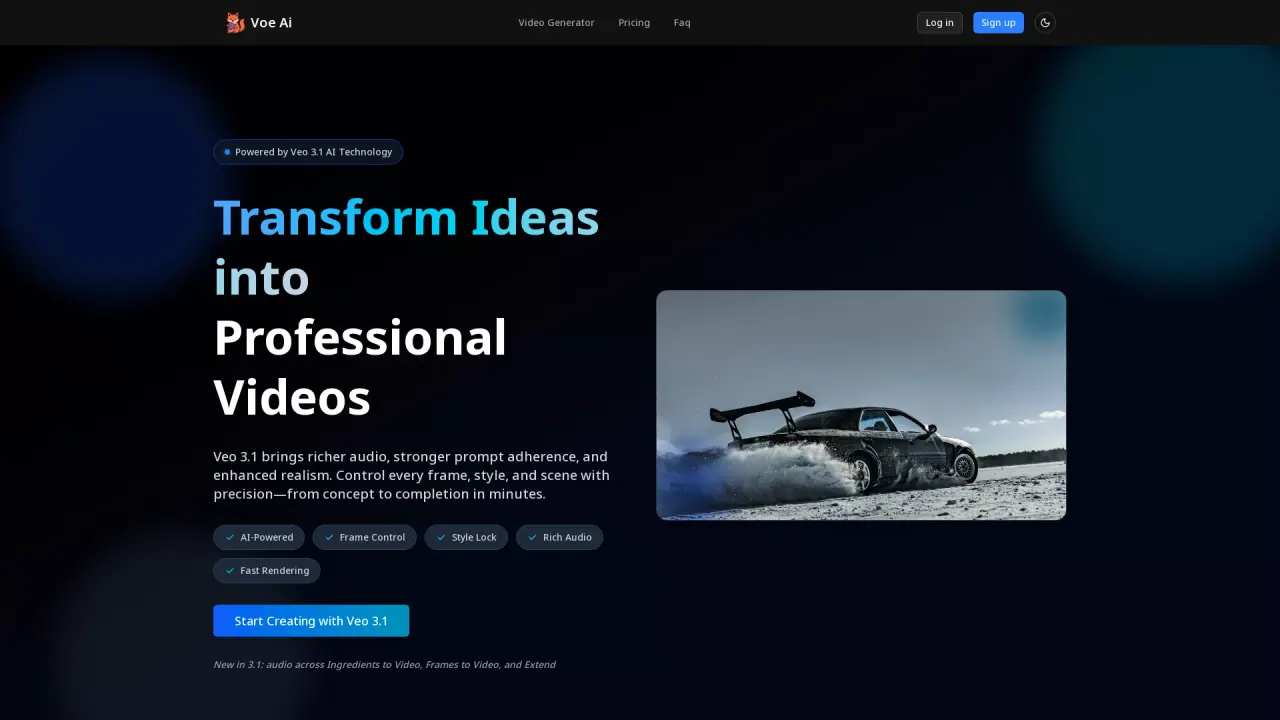
What does Voe Ai do?
What is the main use case for Voe Ai?
Veo 3.1 is an AI video generation tool that helps users create professional-quality videos from text prompts or reference images. It is designed for fast content production with strong prompt adherence, consistent style control, and rich generated audio—ideal for marketing, storytelling, and social media content creation.
Who is the target audience of voe31.com?
The tool is built for content creators, marketers, small teams, and businesses who need high-quality videos quickly. It is also useful for designers, advertisers, and social media managers who want to produce on-brand video content without heavy editing skills or expensive production resources.
What model of AI does Voe Ai use?
This tool is powered by Veo 3.1, an advanced AI video generation model known for enhanced realism, strong narrative control, and richer synchronized audio. It supports text-to-video, image-to-video, multi-image reference generation, frame control, and extendable shots for longer scenes.
What are the pricing plans available for Veo 3.1?
Veo 3.1 offers three pricing plans to suit different user needs: the Starter Plan at $9.9/month for beginners and light usage, the Pro Plan at $23.9/month for individual creators and small teams, and the Studio Plan at $39.9/month for professional creators with high-frequency generation needs. Each plan includes monthly credits, commercial use rights, and 24/7 customer support.
How does Veo 3.1 enhance video creation with audio capabilities?
Veo 3.1 enhances video creation with richer, generated multi-layer audio that is synchronized with video scenes. This capability allows for improved sound design, contributing to more professional and immersive video outputs. The tool seamlessly integrates audio across its various generation modes, enhancing realism and narrative impact.
How can users benefit from Veo 3.1's versioning and A/B testing features?
Users can benefit from Veo 3.1's versioning and A/B testing features by duplicating scenes to test different hooks, color schemes, or call-to-actions. This allows for rapid iteration and experimentation, helping users optimize their video content for better performance and audience engagement without the need for multiple reshoots.
Is this your tool?
Claim Voe Ai to manage this listing, or upgrade to Pro for featured-first placement and a newsletter feature.