
Alli AI
AI Seo Software
Improve SEO Efforts with Alli AI: Powerful AI SEO software for agencies & enterprises. Optimize, automate, deploy, & scale without coding.
- Pricing
- Free trial
- Category
- SEO
- Listed
- Aug 4, 2023
- Updated
- May 25, 2026
Promoted
 Pixmax.aiPixmax.ai is an all-in-one AI workspace for videos, visual stories, and marketing content.
 RewindType any X/Twitter handle. Get their year back as a narrated video story. Then ask it anything.
 KurodyneSell the tools from your AI side projects. Listing is free.
 Sidrune AI85% off. Stable Claude API for agent developers. Pay as you go. Invoices & refunds available.
 SEOify - Improve your SEO & rankingsBuild links to rank in Google. Improve your DR with links you can start building now.Advertise here270,000+ people visit Dang.ai every month.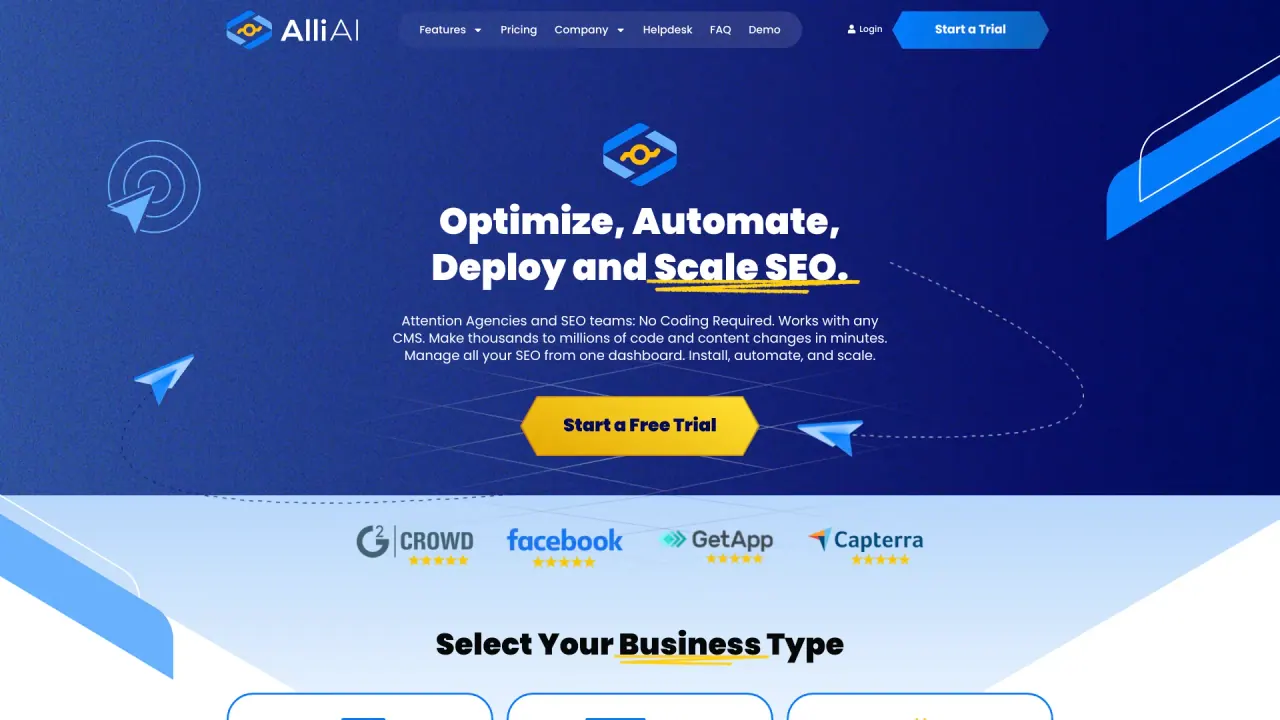
What does Alli AI do?
How does Alli AI automate large-scale SEO tasks for agencies and teams?
Alli AI provides a no-code platform that works with any CMS, letting you create one optimization rule and apply it automatically to all matching pages across every property. This bulk deployment eliminates manual page-by-page work, with changes deploying in real time and easy testing. It supports WordPress, Shopify, Wix, and any CMS or framework, including React, Vue, Next.js, and Angular, and uses a visual browser editor for granular control. No developer access is required; changes deploy via JavaScript injection, and you can track deployment history with rollback if needed.
What benefits does Alli AI offer for ecommerce SEO?
Alli AI enables rapid optimization of large product catalogs by automating updates across numerous product pages. It includes AI-powered content generation to craft optimized meta descriptions, titles, and schema markup based on page content, and provides a centralized dashboard to manage SEO tasks at scale. This accelerates implementation, reduces manual work, and helps improve search performance across ecommerce sites.
Can Alli AI make SEO changes without a developer?
Yes. Alli AI is a no-code platform that lets you implement recommended optimizations directly from the dashboard. There’s no need for SSH, FTP, or CMS backend access; updates can be deployed via JavaScript injection, empowering non-developers to manage SEO campaigns quickly.
What platforms and frameworks does Alli AI support?
Alli AI works with WordPress, Shopify, and Wix, and for developers it supports React, Vue, Next.js, Angular, and essentially any JavaScript framework. It’s designed to render content access for AI crawlers via server-side rendering and includes automatic crawler whitelist management to prevent blocks by security tools.
How does Alli AI enable AI crawlers to access and read my site?
Alli AI uses server-side rendering to pre-render HTML specifically for AI crawlers (e.g., ChatGPT, Claude, Perplexity) so modern JavaScript apps become readable to these platforms. It automatically detects 50+ AI crawlers, maintains a crawler whitelist to prevent blocking by security tools like Cloudflare, and provides real-time analytics on crawler access patterns.
How fast can I deploy changes across thousands of pages?
You can deploy across thousands of pages in minutes. For example, updating 10,000 title tags across 50 sites can be done in under 60 seconds, with changes going live in under a minute.
Can I rollback changes if needed?
Yes. Alli AI includes complete deployment history and one-click rollback capabilities across any property, so you can revert changes if necessary.
Do I get a unified dashboard for Google and AI search optimization?
Yes. Alli AI provides a single deployment that optimizes for both traditional search engines (like Google) and AI platforms (such as ChatGPT, Perplexity, and Claude). The dashboard shows unified analytics across channels, with schema and meta tags formatted for both search engines and AI platforms.
How can I monitor AI crawler activity on my site?
Alli AI provides real-time analytics showing which AI platforms access your site and how often. It also offers citation tracking to measure where and how often your content appears in AI responses.
How do I get started with Alli AI? Is there a trial or demo?
You can start with a Free Trial or Request a Demo from the Alli AI site. You can sign up using Google if you prefer, and then begin deploying optimizations across your portfolio.
What is the AI Search Visibility Engine?
The AI Search Visibility Engine is a feature that helps make your site readable to AI platforms. It complements Alli AI’s unified optimization by ensuring your content is accessible and properly structured for AI crawlers across multiple channels.
How does Alli AI handle security and avoid blocking by Cloudflare and other tools?
Alli AI includes automatic crawler whitelist management to prevent AI bots from being blocked by Cloudflare and other security tools, ensuring AI crawlers can access your site as needed.
Is this your tool?
Claim Alli AI to manage this listing, or upgrade to Pro for featured-first placement and a newsletter feature.