
BrieflyAI
AI Meeting Notes Chatbot
Transform meeting transcripts into polished documents effortlessly with BrieflyAI - the AI Meeting Notes Chatbot.
- Category
- Summary
- Listed
- Jul 22, 2023
- Updated
- May 25, 2026
Promoted
 KurodyneSell the tools from your AI side projects. Listing is free.
 Sidrune AI85% off. Stable Claude API for agent developers. Pay as you go. Invoices & refunds available.
 Pixmax.aiPixmax.ai is an all-in-one AI workspace for videos, visual stories, and marketing content.
 RewindType any X/Twitter handle. Get their year back as a narrated video story. Then ask it anything.
 SEOify - Improve your SEO & rankingsBuild links to rank in Google. Improve your DR with links you can start building now.Advertise here270,000+ people visit Dang.ai every month.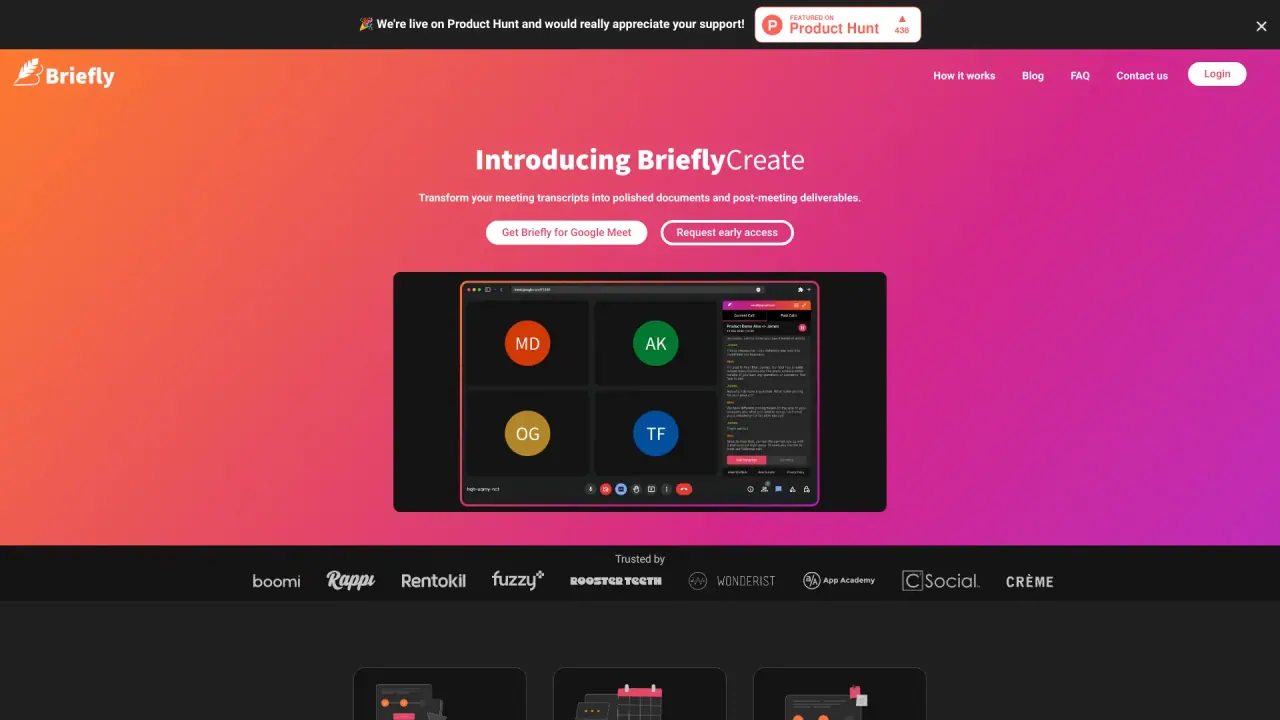
What does BrieflyAI do?
What is BrieflyAI and what does it do for my meetings?
BrieflyAI provides real-time meeting translation, transcription, and insights. It automatically detects languages spoken in a meeting, transcribes in real time, and delivers AI-generated meeting notes and summaries across all your meetings. It also includes a Briefly AI Assistant to help with priorities, roadmaps, and ready-to-send follow-up emails, plus email and Slack updates and automatic CRM updates.
Can BrieflyAI automatically detect languages and translate in real time?
Yes. BrieflyAI can automatically detect the languages spoken in a meeting and translate in real time, allowing multilingual collaboration within the same meeting.
How are meeting insights and summaries delivered?
BrieflyAI creates AI meeting notes and summaries that can be translated into 40+ languages. You can receive these AI summaries via email or Slack, and you can also access them from your dashboard.
How does BrieflyAI help with CRM management?
BrieflyAI automatically updates your CRM by saving transcripts and AI-generated summaries to CRM systems, and by sharing meeting notes to tools like Salesforce and HubSpot. It also offers features to enrich CRM data with call insights and to convert these insights into actionable items.
Which CRM systems does BrieflyAI integrate with?
BrieflyAI integrates with Salesforce and HubSpot, and can share notes via Slack as part of its CRM workflow.
What pricing plans does BrieflyAI offer?
BrieflyAI offers Free, Pro, and Enterprise Solutions. For detailed pricing information, visit the BrieflyAI pricing page.
How do I get started with BrieflyAI?
- Install the Chrome extension and pin it to your toolbar.
- Sign in using your Google account through the extension.
- Start or join a Google Meet call and click on "Start transcribing this meeting" in the Briefly sidebar.
- If needed, adjust the Google Meet captions language in Settings to use BrieflyAI in another language.
- After the meeting, receive an AI-generated summary by email, or access all calls, transcripts, AI summaries, and BrieflyCreate from your dashboard at app.brieflyAI.com.
What is the Briefly AI Assistant and what can I ask it to do?
Briefly AI Assistant can help you pull a list of your top priorities for the week, outline a product roadmap, or generate a ready-to-send follow-up email. It’s designed to keep conversations natural and seamless while you transcribe meetings.
How many languages does BrieflyAI support for translations and notes?
BrieflyAI supports translating meeting notes into 40+ languages.
Where can I access my calls, transcripts, summaries, and BrieflyCreate?
You can access them from your dashboard at app.brieflyAI.com, and summaries can also be delivered to your email or Slack.
Is this your tool?
Claim BrieflyAI to manage this listing, or upgrade to Pro for featured-first placement and a newsletter feature.