
Klart AI
AI Mail Assistant
Get more done with Klart AI - the AI Mail Assistant that revolutionizes your inbox.
What does Klart AI do?
How can Klart AI help enhance your Gmail productivity?
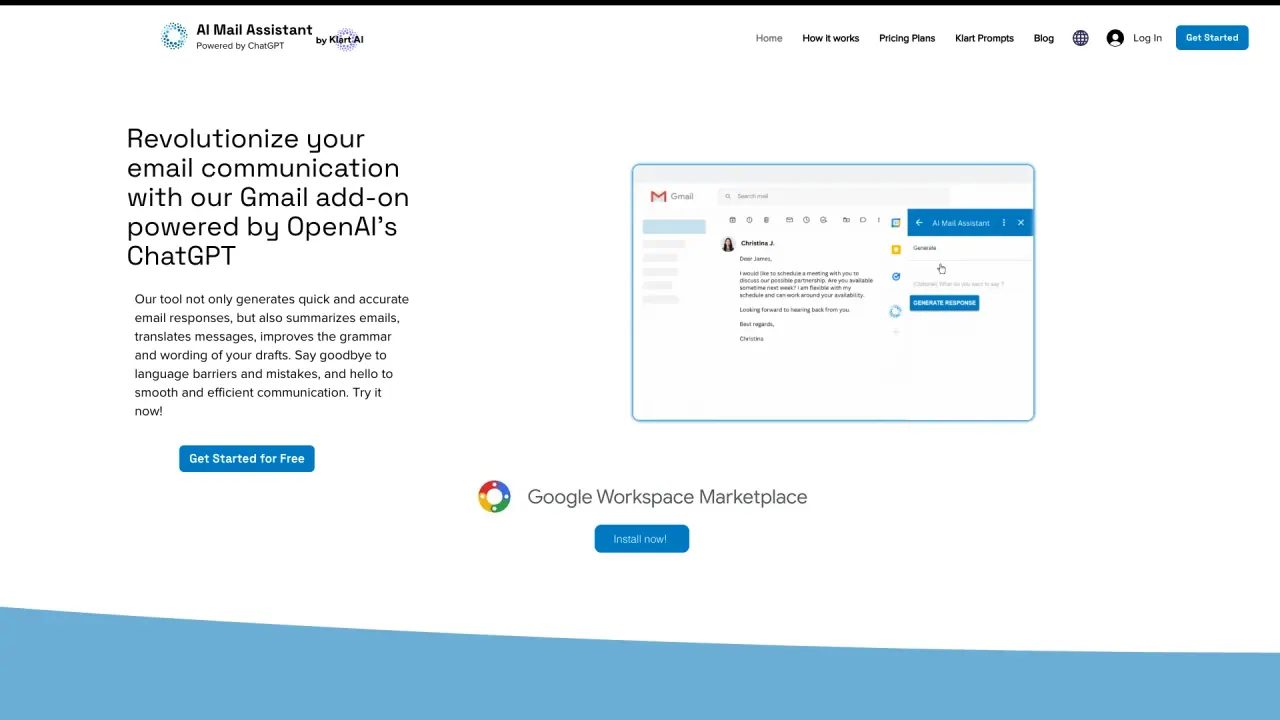
Klart AI bundles two Gmail add-ons—AI Mail Assistant and AI Label Assistant—to automate and optimize your email workflow. AI Mail Assistant generates smart responses, translates messages, improves grammar and wording, summarizes long emails, and lets you ask questions to ChatGPT directly within Gmail. AI Label Assistant automatically labels, tags, and archives messages, categorizes them by your labels, and handles topic-specific automation based on your instructions. The tools translate both incoming and outgoing emails (13 languages), offer advanced text analysis to detect sarcasm, harassment, discrimination, mobbing, ethical issues, and other sensitive topics, and run on OpenAI's GPT-4o. The goal is to boost your productivity up to 10x by streamlining communication and organization.
What features does the AI Mail Assistant offer for email management?
AI Mail Assistant, powered by OpenAI's GPT-4o, offers:
- Generate smart email responses
- Translate emails in 13 languages (incoming and outgoing)
- Improve grammar and wording
- Quick email summaries
- Real-time support by asking questions to ChatGPT directly within Gmail
- Comprehensive text analysis to detect nuances such as sarcasm, harassment, discrimination, mobbing, ethical issues, and sensitive topics
How does the AI Label Assistant simplify Gmail organization?
AI Label Assistant automates Gmail labeling, tagging, and archiving. It categorizes messages based on your labels, can manage specific topics automatically using custom instructions, reduces reliance on complex filters, helps eliminate spam, and streamlines inbox organization to save time.
What is the difference between AI Mail Assistant and AI Label Assistant?
AI Mail Assistant focuses on message content—generating responses, translations, grammar improvements, summaries, and ChatGPT-based questions and analysis. AI Label Assistant focuses on inbox organization—labeling, tagging, archiving, and topic-based automation to keep your mailbox tidy.
How many languages are supported for translation, and can it translate both directions?
Translation supports 13 languages and applies to both incoming and outgoing emails.
Can I ask questions to ChatGPT directly within Gmail?
Yes. You can ask ChatGPT questions directly within Gmail to get real-time answers and insights (powered by GPT-4o).
What are the pricing options, and what do they include?
- Free Plan: €0 per month with limited access to all AI Mail Assistant features; 10 requests per month.
- Premium Plan: €4.99 per month; includes Generate reply, Translate, Summarize, Grammar & wording enhancements, Analyze email, and Ask any question to ChatGPT.
- All plans come with a free trial period.
- Payments are accepted via Stripe and PayPal.
Which platforms or services do Klart AI tools work with?
Klart AI tools are Gmail add-ons, installed within Gmail to enhance your email workflow.
Is there a privacy policy, and how is data handled?
Yes, there is a Privacy Policy. For specifics on data handling and protections, refer to the Privacy Policy on the site.
How can I get support or contact Klart AI?
Use the Contact Form on the Klart AI site to reach the support team.
Is this your tool?
Claim Klart AI to manage this listing, or upgrade to Pro for featured-first placement and a newsletter feature.