
JobwizardAI
AI Job Application Assistant
JobwizardAI: The Ultimate AI Job Application Assistant for Effortless Job Hunting.
Promoted
 KurodyneSell the tools from your AI side projects. Listing is free.
 Sidrune AI85% off. Stable Claude API for agent developers. Pay as you go. Invoices & refunds available.
 Pixmax.aiPixmax.ai is an all-in-one AI workspace for videos, visual stories, and marketing content.
 RewindType any X/Twitter handle. Get their year back as a narrated video story. Then ask it anything.
 SEOify - Improve your SEO & rankingsBuild links to rank in Google. Improve your DR with links you can start building now.Advertise here270,000+ people visit Dang.ai every month.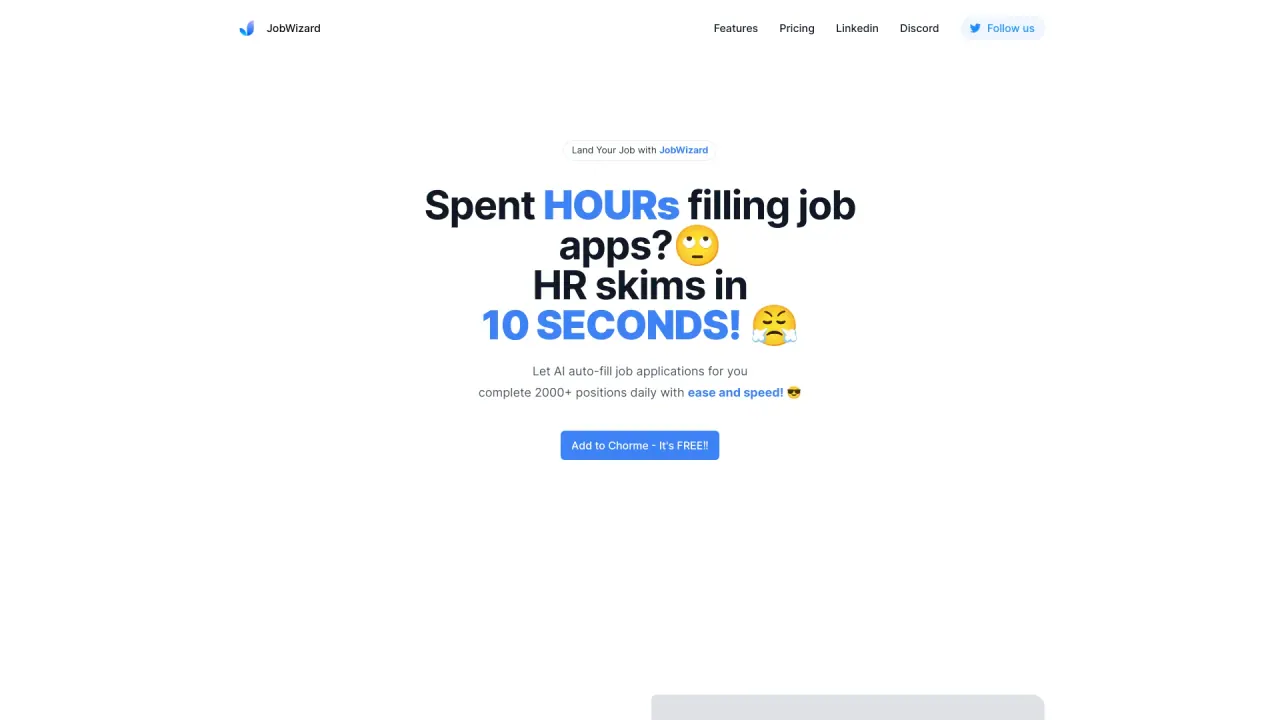
What does JobwizardAI do?
What is JobWizard, and how can it help me?
JobWizard is your AI-powered job search assistant. The Chrome extension automates repetitive tasks like autofilling applications, helps you generate tailored cover letters, and assists in assessing your job fit—all in one place. It works with top platforms such as Workday, Greenhouse, and LinkedIn to make your job search faster and more efficient. It also highlights key skills, optimizes resumes with job-specific keywords, and can help you connect with referrals to boost your chances of getting hired.
Is JobWizard free?
Yes! JobWizard is currently free. Pricing will be introduced soon, so you can try it out now at no cost.
What platforms does JobWizard work with?
JobWizard supports top ATS platforms and job boards, including Greenhouse, Workday, and LinkedIn. More integrations are coming soon.
What is an ATS, and why does it matter?
An Applicant Tracking System (ATS) helps companies filter resumes by automatically scanning for relevant skills, job titles, and keywords. Over 98% of Fortune 500 companies rely on ATS to streamline hiring. To increase your chances of getting noticed, your resume needs to be optimized with the right keywords—this is where JobWizard can help.
How do I get started with JobWizard?
- Install the extension from the Chrome Web Store.
- Create an account or log in.
- Set up your profile with your name, contact details, and resume.
- Configure preferences (job types, industries, and other criteria).
- Start applying: browse job boards or company pages, and use the JobWizard icon to autofill your application, generate a tailored cover letter, and optimize your resume.
- Utilize features like keyword optimization, job fit scores, and referrals to improve your applications.
Why isn’t JobWizard working after I installed it?
Make sure you’ve enabled “Allow access to all pages” in your browser settings. This is necessary for JobWizard to read login information and function properly.
How can I keep track of my job search with JobWizard?
Keep track of your job search by monitoring jobs you’ve viewed, saved, autofilled, and applied for. You can also add notes and resume tags for better organization and review past applications to stay organized.
How can I connect with referrals using JobWizard?
JobWizard helps you identify and connect with potential referrals by processing your resume and LinkedIn information to match you with relevant company contacts. It then helps you reach out to these referrers to strengthen your networking and improve your chances of getting interview opportunities.
How do I delete my JobWizard account?
You can delete your account anytime by emailing support@jobwizard.ai. We’ll process your request within 24 hours.
How can I contact support if I still have questions?
For additional questions, you can reach support@jobwizard.ai.
Is this your tool?
Claim JobwizardAI to manage this listing, or upgrade to Pro for featured-first placement and a newsletter feature.