
Spectate
AI Incident Management Tool
Effortlessly oversee and address incidents with Spectate, the AI incident management tool.
- Category
- Chatbot
- Listed
- Aug 4, 2023
- Updated
- May 25, 2026
Promoted
 Sidrune AI85% off. Stable Claude API for agent developers. Pay as you go. Invoices & refunds available.
 Pixmax.aiPixmax.ai is an all-in-one AI workspace for videos, visual stories, and marketing content.
 SEOify - Improve your SEO & rankingsBuild links to rank in Google. Improve your DR with links you can start building now.Advertise here270,000+ people visit Dang.ai every month.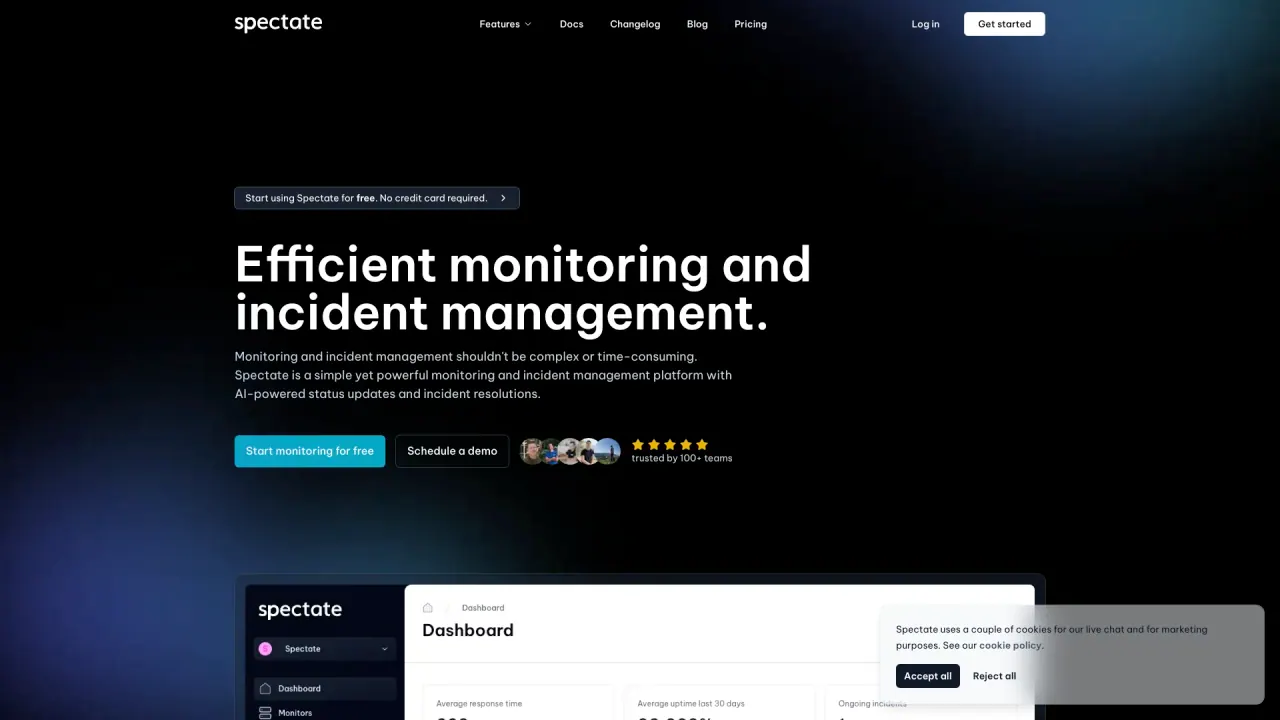
What does Spectate do?
How can I get started with Spectate for free?
Spectate lets you start monitoring websites, APIs, and servers at no cost. Start monitoring — it’s free, and no credit card is required. It only takes about 20 seconds to get started: visit Spectate, click “Start monitoring — it’s free,” and follow the steps.
What monitoring capabilities does Spectate offer?
Spectate provides a comprehensive set of monitoring features, including uptime monitoring, performance monitoring, server monitoring, and domain name monitoring. It’s an all-in-one observability and incident-management solution with AI-powered status pages, branded status pages, and integrations. You can monitor websites and APIs from around the globe.
How many locations can I monitor from?
You can monitor your website from 10+ locations around the globe.
How do AI-powered status pages work? Can I brand them?
Spectate offers customizable AI-powered status pages with fully automated status updates. You can create branded status pages to keep your customers informed about service status.
How do alerts and incident management work, and which channels can I use?
You can define custom alert policies and receive notifications via the integration you prefer. For example, if a server goes down you might get a phone call, or for a performance issue you might be notified via Slack.
What is AI-powered root cause analysis and automated status updates?
Spectate uses AI-powered root cause analysis to help resolve issues faster and automatically update your status pages, reducing manual effort and speeding communication with your users.
Where can I find pricing details?
Pricing details are available on Spectate’s Pricing page.
What integrations does Spectate support for alerts?
Spectate supports integrations for alerting; for example, you can receive notifications via Slack and other preferred channels through its integrations.
Is this your tool?
Claim Spectate to manage this listing, or upgrade to Pro for featured-first placement and a newsletter feature.