
ImagableAIImageToVideo
Verified
AI Creativity Tool
AI Image & Video Generator
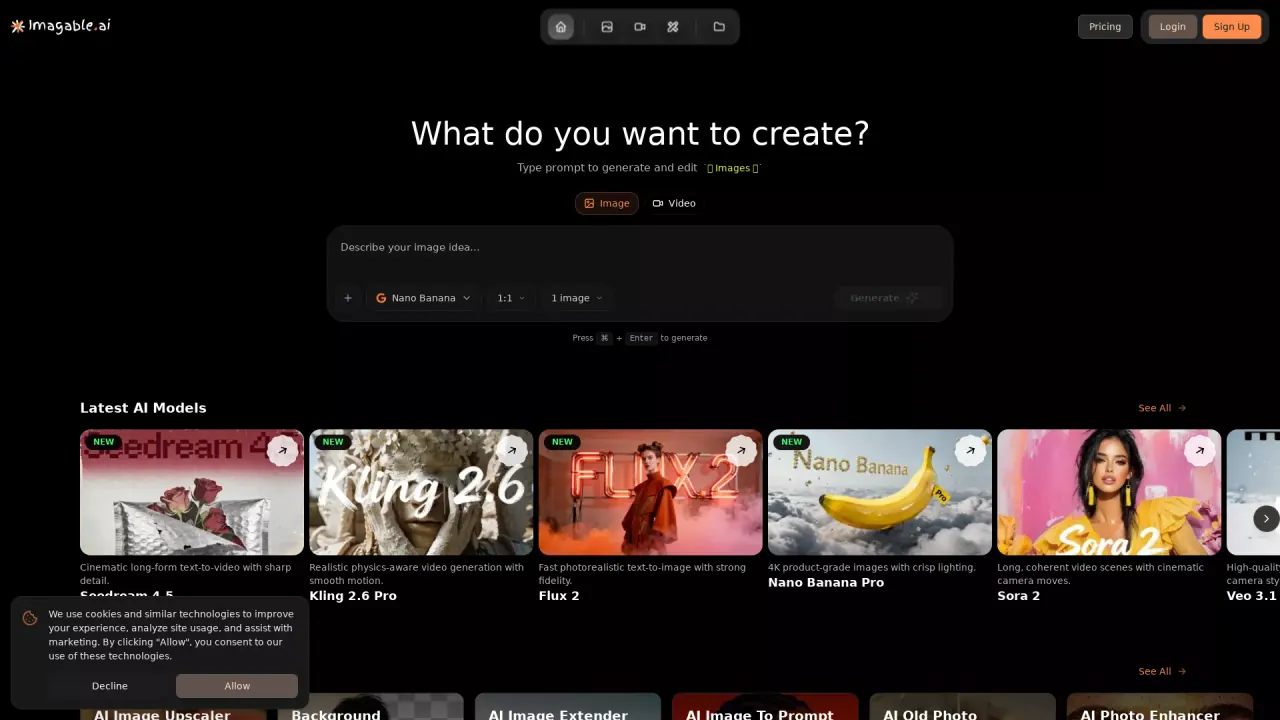
What does ImagableAIImageToVideo do?
What does Imagable AI - Image to Video do?
Generate high-quality images and videos with modern AI models. Text-to-image, image-to-image, and image-to-video—fast, consistent, and easy to use.
Who is the target audience of imagable.ai?
Graphic Designers - Speed up creative workflows Content Creators - Produce engaging visual content faster Marketing Professionals - Create campaigns without external designers E-commerce Owners - Product photography made simple Game Developers - Generate concept art and assets Video Creators - AI-powered B-roll and video enhancement General Users - Anyone wanting to explore AI creativity
Can a user use Imagable AI - Image to Video for free?
Imagable offers both free and paid features. You get 10 free daily uses for tools like Background Remover, Image Upscaler, and Image-to-Prompt. Premium AI models and video generation require credits, which you can get through subscription plans or one-time credit packs.
What AI models does ImagableAIImageToVideo support?
ImagableAIImageToVideo supports over 15 industry-leading AI models, including Flux Pro, Ideogram V3, Sora 2, Veo 3.1, Kling 2.5, and Nano Banana. Users can access all models through the unified AI Studio, with different credit costs depending on the model.
How can I create videos with ImagableAIImageToVideo?
ImagableAIImageToVideo allows users to generate videos by transforming text prompts into video content, animating existing images, or applying effects to pre-existing videos. Video generation is supported by models such as Sora 2, Veo 3.1, and Kling, although it requires the use of credits.
What are the pricing details for ImagableAIImageToVideo credits?
Credits for ImagableAIImageToVideo can be acquired through subscription plans starting at $9.99 per month, or through one-time credit packs that start at $12.99. Different AI models consume varying amounts of credits, and detailed pricing information can be found on Imagable's pricing page.
Is this your tool?
Claim ImagableAIImageToVideo to manage this listing, or upgrade to Pro for featured-first placement and a newsletter feature.