
PixelHunter
AI Image Resizer
Optimize visuals for social media effortlessly with PixelHunter's free AI image resizer.
Promoted
 Pixmax.aiPixmax.ai is an all-in-one AI workspace for videos, visual stories, and marketing content.
 RewindType any X/Twitter handle. Get their year back as a narrated video story. Then ask it anything.
 KurodyneSell the tools from your AI side projects. Listing is free.
 Sidrune AI85% off. Stable Claude API for agent developers. Pay as you go. Invoices & refunds available.
 SEOify - Improve your SEO & rankingsBuild links to rank in Google. Improve your DR with links you can start building now.Advertise here270,000+ people visit Dang.ai every month.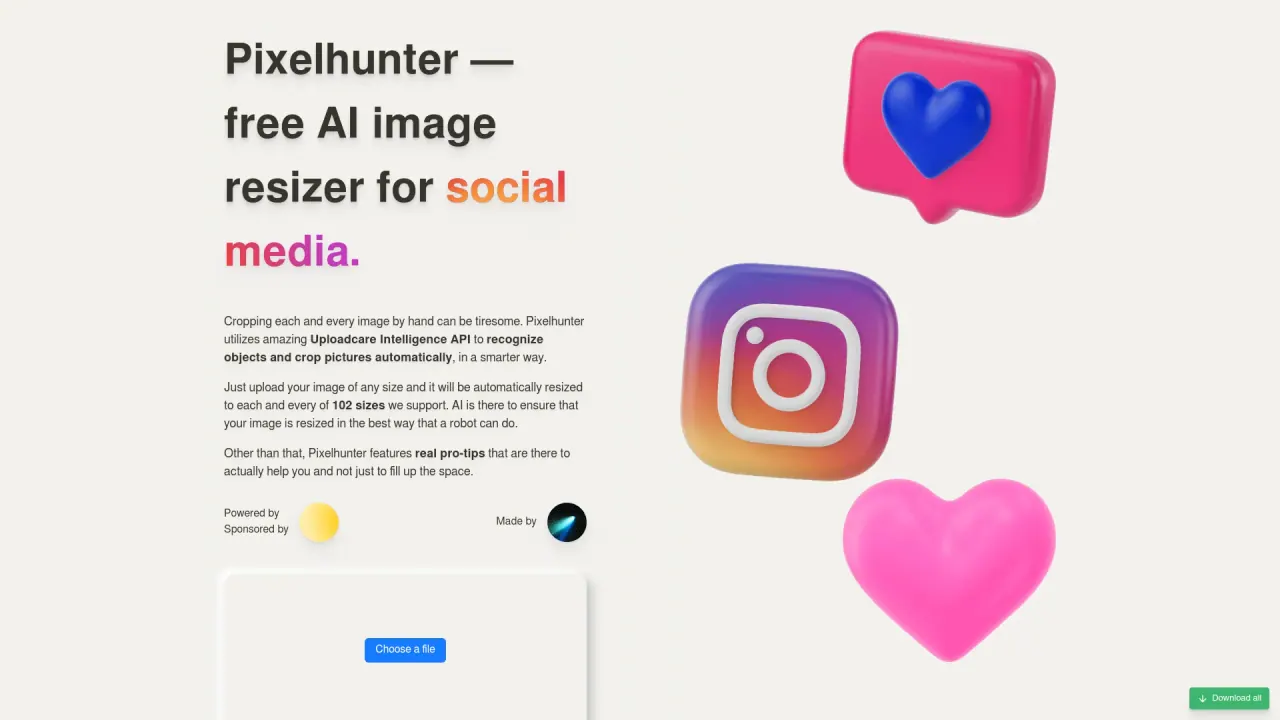
What does PixelHunter do?
What is PixelHunter?
PixelHunter is a free AI image resizer for social media. It uses the Uploadcare Intelligence API to automatically recognize objects and crop images, resizing them to 103 sizes.
Is PixelHunter free to use?
Yes. PixelHunter is a free AI-powered image resizing tool for social media.
How many image sizes does PixelHunter support?
PixelHunter supports 103 image sizes.
Which platforms and outputs does PixelHunter cover?
PixelHunter provides platform-specific outputs for:
- Facebook: Profile picture, Image post, Cover photo
- Instagram: Stories, New post, Square post, Profile picture
- Twitter: Profile photo, Post image, Header
- YouTube: Profile picture, Channel art, Thumbnail
- TikTok: Vertical video ad, Profile photo
- Open Graph: Universal image (used for shared links)
Open Graph is presented as a universal option for making shared links visually appealing; if you have to choose one image, Open Graph is recommended.
How does PixelHunter work?
Upload your image (any size) and PixelHunter automatically crops and resizes it to 103 sizes using AI. It also provides pro tips to help optimize images for each platform.
Can I download the resized images?
Yes. You can download individual resized outputs, and there is a Download all option to retrieve all outputs at once.
What are Pro Tips and how do they help?
Pro Tips are platform-specific guidelines included to help you optimize images for each social channel, covering aspects like composition, color, and layout to improve visual impact.
How do I start using PixelHunter?
Click "Choose a file" to upload your image. After upload, PixelHunter generates the resized outputs for the 103 sizes. You can then download the outputs individually or use "Download all" to save everything.
Is this your tool?
Claim PixelHunter to manage this listing, or upgrade to Pro for featured-first placement and a newsletter feature.