
ChecksumAI
AI End To End Testing Tool
The ultimate AI-powered end-to-end testing tool for seamless testing. AI End To End Testing Tool
What does ChecksumAI do?
How does ChecksumAI generate and maintain end-to-end tests?
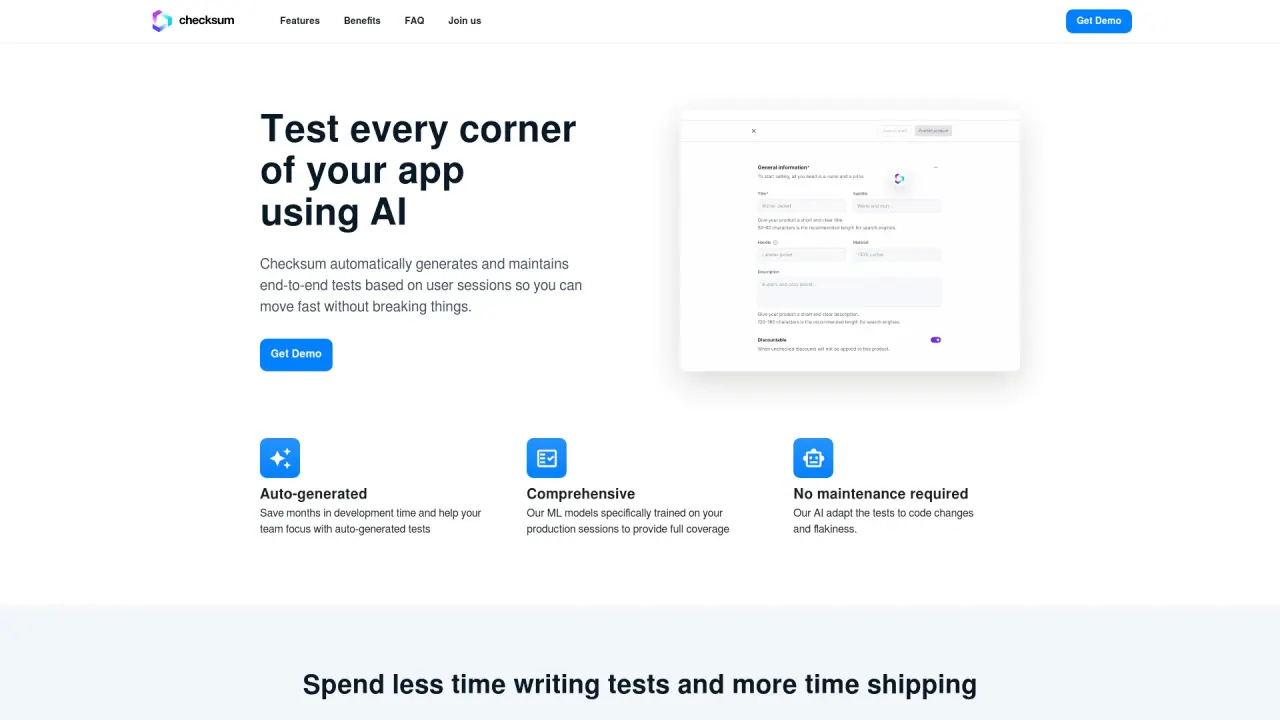
ChecksumAI generates and maintains end-to-end tests by listening to real user sessions. The AI-driven tool automatically creates tests based on user interactions, ensuring coverage of both happy paths and edge cases. As features are added or flows change, the AI agent autonomously adjusts existing tests and generates new ones, keeping the test suite up to date. Tests are self-maintaining and auto-healing: when a test fails, the AI automatically fixes the test as needed, and the suite stays non-flaky.
What tests and frameworks does ChecksumAI generate, and how do I use them?
ChecksumAI generates tests that are written in Playwright or Cypress. You get tests that you can review and run in your existing tooling. Tests can be generated with a single click and are integrated via pull requests directly to your GitHub or GitLab repository, where you can run them in your CI.
How does the autonomous testing suite stay up to date and reliable?
The AI agent continuously adapts tests as new features are shipped or flows change. It automatically adds new tests for new functionality and heals existing tests when needed, ensuring zero flakiness and up-to-date coverage as your product evolves.
What integrations does ChecksumAI support?
- Playwright
- Cypress
- GitHub (PR delivery and GitHub Actions)
- GitLab
- Jenkins
- CircleCI
This allows you to receive tests in PRs and run them within your existing CI/CD pipelines.
How do I generate tests and get them into my codebase?
- Generate tests with a single click (based on detected or defined test flows).
- Tests are written in Playwright or Cypress.
- Receive tests in a PR directly to your GitHub or GitLab repository and run them in your CI.
ChecksumAI auto-detects test flows based on real usage, and you can edit or customize the generated tests in your repository.
How quickly can I achieve full test coverage with ChecksumAI?
ChecksumAI aims for full coverage within days by generating tests across happy paths and edge cases, auto-detecting flows from real usage, and continuously adding tests as you ship new features.
What data do you collect and how does privacy and performance look?
- Data collection is fully anonymized.
- You can integrate to staging and provide only a handful of sessions.
- There is no impact on production performance.
The data collection is designed to minimize footprint while enabling accurate test generation.
Is the SDK integration required, and what does it involve?
Yes. You need to integrate the ChecksumAI SDK into your frontend. It typically requires only two lines of JavaScript and takes about five minutes to implement. This instrumentation enables the AI to observe user sessions and generate tests.
How do I get started with ChecksumAI?
- Schedule a demo to learn more and see a live walkthrough.
- Integrate the SDK into your frontend (two lines of JavaScript; ~5 minutes).
- Configure your testing environment by providing a testing URL (production or staging) and testing credentials.
- Install the GitHub App (or corresponding setup for GitLab) to enable PR delivery.
- Generate and run tests from ChecksumAI in your repository via PRs.
Can I view or customize the generated tests?
Yes. Generated tests are written in Playwright or Cypress, so you can view, edit, and maintain them in your repository just like any other tests. The tests are delivered via PRs to your repo, allowing you to tailor them to your needs within your existing workflow.
Is this your tool?
Claim ChecksumAI to manage this listing, or upgrade to Pro for featured-first placement and a newsletter feature.