
Superreply
No longer active
AI Email Response Tool
AI Email Response Tool | Effortlessly send tailored email replies without writing from scratch. Match tone, choose the best emails with this AI-powered solution for Gmail and Outlook.
Superreply is no longer available
Promoted
 Sidrune AI85% off. Stable Claude API for agent developers. Pay as you go. Invoices & refunds available.
 Pixmax.aiPixmax.ai is an all-in-one AI workspace for videos, visual stories, and marketing content.
 SEOify - Improve your SEO & rankingsBuild links to rank in Google. Improve your DR with links you can start building now.Advertise here270,000+ people visit Dang.ai every month.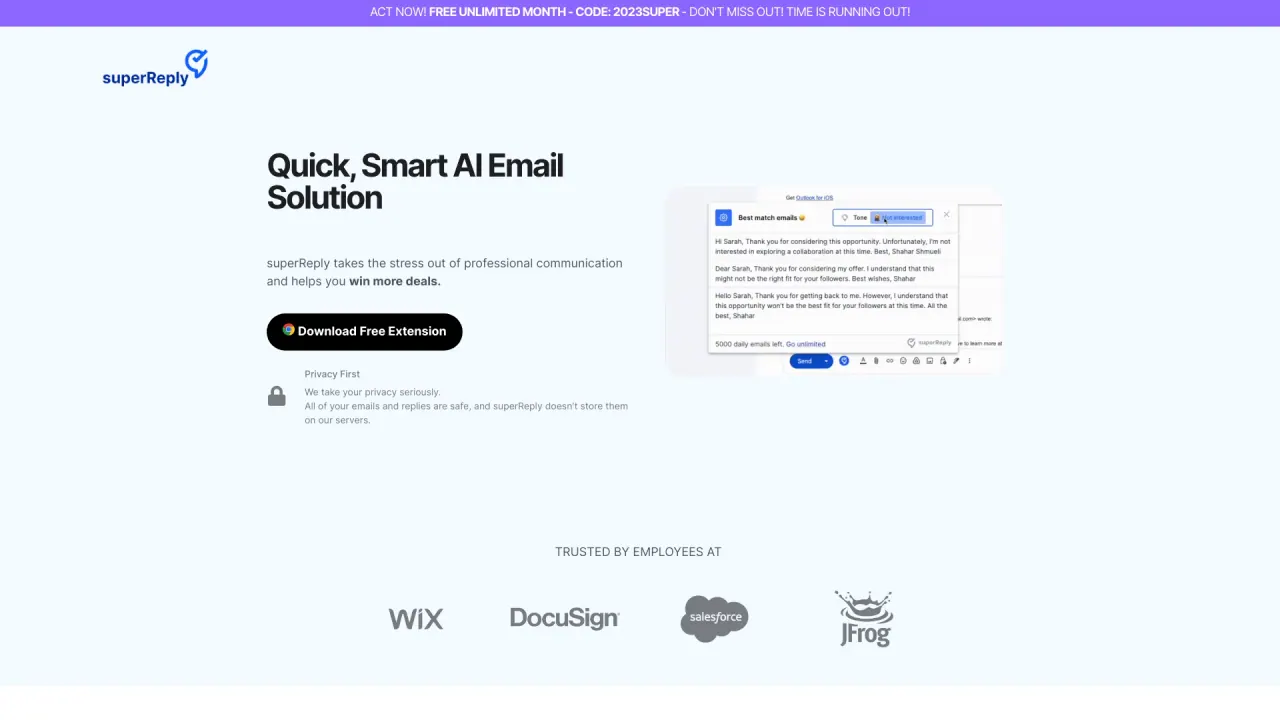
What does Superreply do?
What is superReply and what does it do?
superReply is a smart AI email response generator extension for Gmail and Outlook. It helps you reply faster with instant, one-click AI-powered responses, tone-matching email suggestions, and personalized replies for professional or casual conversations. It emphasizes a privacy-first approach to keep your communications efficient and professional.
Is there a free version, and how do pricing plans work?
Yes, there is a free starting tier. The free plan lets you send up to 90 emails per month at no cost. Paid plans are available with additional features for more extensive use.
How secure is my data with superReply, and do you store my emails or replies?
superReply does not store your emails or automated replies on its servers. Your AI-powered email replies are encrypted, and the extension only accesses the email threads you choose to use it on. We take industry-standard security measures to protect your data.
What data does superReply access, and how is it protected?
superReply only accesses the email threads you select to use with the extension. It does not access or store other emails, and your data is protected with encryption and security best practices.
What are the key features of superReply?
Key features include instant and easy-to-use email handling, personalized responses for professional and casual contexts, tone-matching email suggestions, and a privacy-first approach to keep your communications secure. It also offers one-click response options to help you choose the right words quickly.
How do I install and set up superReply for Gmail and Outlook?
Install the Free Extension from the superReply site to enable Gmail and Outlook integration. The extension is available as a Chrome extension.
How do I cancel my subscription?
Subscription management options are available to cancel your plan; for specific steps, refer to your account settings or contact support at shahar@superReply.co for assistance.
Are there any usage limits or terms I should know about, such as signatures or “unlimited” plans?
Yes. The unlimited plan is subject to reasonable use terms. By default, superReply includes a signature in emails; you can remove it for free, or choose paid options to completely eliminate the signature. SuperReply accesses only the chosen email threads, and it uses encryption and security measures to protect your data.
Where can I download the extension?
You can download or install the extension from the superReply site by selecting the "Download Free Extension" or "Install Free Extension" option. The extension is designed for Gmail and Outlook and is available as a Chrome extension.