
JackRabbitOPS
AI Driven Company Process Documentation Tool
Effortlessly generate, update & manage process documentation with JackRabbitOPS, an AI-driven tool.
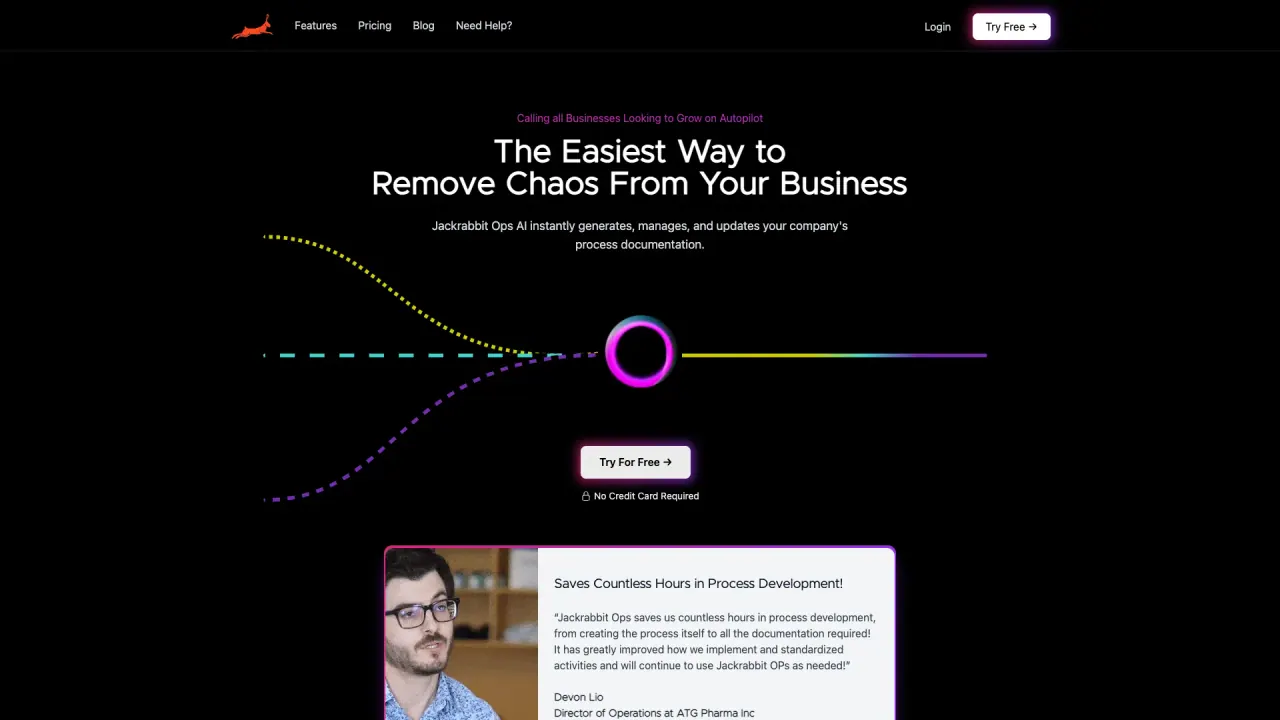
What does JackRabbitOPS do?
What is JackrabbitOps and who is it for?
JackrabbitOps is an AI-powered operations platform for manufacturing. It connects your systems (MRP, ERP, CRM, and more) in one place, lets you ask questions in plain English, and automates workflows without coding. It provides a Real-Time Operations Dashboard with live metrics for revenue, orders, customers, and inventory. It’s designed for manufacturers, operations teams, finance teams, and ERP administrators. The product is currently in private beta. To see how it fits your business, book a demo.
What are the key features of JackrabbitOps?
- AI Manufacturing Assistant
- Real-Time Operations Dashboard
- AI Margin Analysis Tool
- AI Inventory Insights
- Automatic Invoice Matching
- AI Supply Chain Alerts
- Manufacturing Cost Analysis
- 50+ integrations ready (no coding required)
- Connects to popular apps like SAP, Odoo, NetSuite, Epicor, Katana, Fishbowl, QuickBooks, Xero, HubSpot, Salesforce, Stripe, Gusto, Plaid, and more
- Link your MRP/ERP/CRM in minutes (no coding)
- Ask questions in plain English and get fast answers
- 24/7 automated operations and insights
- Enterprise-grade security: read-only by default, SOC 2 compliant, 256-bit encryption, full audit trail
- Real-time data updates across revenue, orders, inventory, and more
How does JackrabbitOps help optimize manufacturing operations?
JackrabbitOps consolidates all your systems in one place and eliminates tedious data copying between spreadsheets. It automates workflows, surfaces real-time insights, and lets you ask questions in plain English to get instant answers. The platform runs continuously (24/7), flags issues, and wakes you up to a clean inbox with actionable items, helping you run operations more efficiently and with less manual effort.
What integrations are available and how do I connect them?
- 50+ integrations are available to connect your MRP, ERP, and CRM systems with no coding required.
- Examples include SAP, Odoo, NetSuite, Epicor, Katana, Fishbowl, QuickBooks, Xero, HubSpot, Salesforce, Stripe, and Gusto, among others.
- The setup follows three steps: Connect (link your systems in minutes), Tell It (define the workflows you want automated), Let It Run (24/7 automation).
- Once connected, all your systems can be queried and automated from a single platform.
How long does it take to deploy and get automation running?
First automation goes live in about 48 hours after you start the setup. The process is a simple three-step flow: Connect your systems, Tell it what to do, and Let it Run 24/7.
What security and privacy protections does JackrabbitOps offer?
- Enterprise-grade security with SOC 2 compliance
- 256-bit encryption
- Read-only by default to protect data
- Full audit trail for data access and changes
- Your data stays yours
Can I see margins and automate invoice matching?
Yes. The AI Margin Analysis Tool provides margin details per order (for example, an order can show revenue, COGS, and gross margin). Automatic Invoice Matching helps align invoices with corresponding orders to streamline financial workflows.
How do I get a demo or start using JackrabbitOps?
Book a demo through the site. Demos are free and require no credit card. The session typically lasts about 30 minutes, and you’ll see how the platform would work for your business.
What is the Real-Time Operations Dashboard?
The Real-Time Operations Dashboard gives you a live overview of your manufacturing data, with metrics like revenue, orders, customers, and inventory updating in real time. It’s designed to provide immediate visibility into current performance and trends.
Is this your tool?
Claim JackRabbitOPS to manage this listing, or upgrade to Pro for featured-first placement and a newsletter feature.