
WUI.AI
Verified
AI Content Repurposing Tool
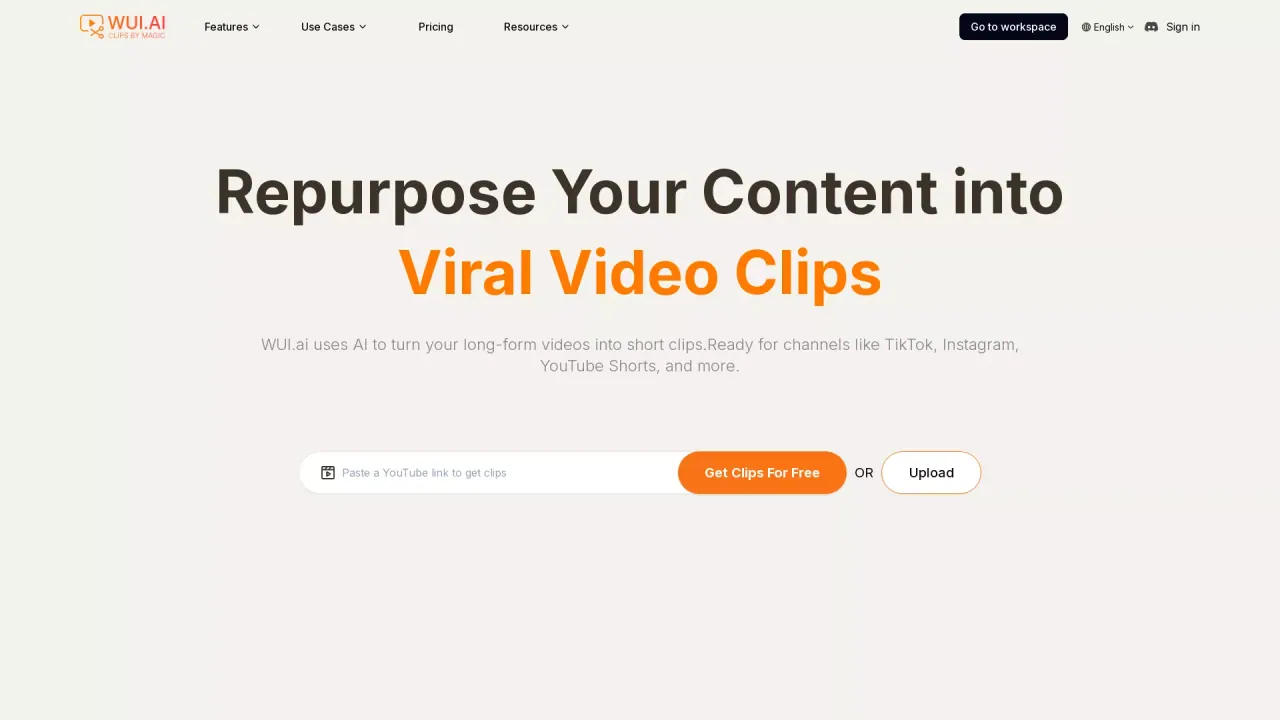
Repurpose Your Content into Viral Video Clips
What does WUI.AI do?
How does the three-step workflow work from idea to final video?
From idea or script to a viral-ready short: Step 1 — Start Your Way: input your idea, script, or creative brief and our agents jumpstart your creation. Step 2 — Instant High-Quality Output: production-ready video is created, with a professional editor available as a fallback for optional fine-tuning. Step 3 — Export & Reuse: export your video in high definition and keep every generated asset to remix, repurpose, and reimagine forever.
Can I start from an idea (not a full script)?
Yes. You can start with a rough idea, a topic, or a few bullet points. We’ll turn it into a structured story short, and you can revise the direction anytime.
How do you keep character consistency across scenes and episodes?
The Directors Agent leads an AI crew (Script, Storyboard, Character, Art Style, Audio) to craft each frame with cinematic precision, and the CHANNEL KIT concept (Character, Style, Voice, Structure) helps preserve channel DNA across episodes. Note: Channel Kit features are listed as coming soon.
Can I guide style and structure via a creative brief?
Yes. You can provide a creative brief to shape the style and structure of your video, and the AI agents will align their output to that guidance.
Is there a video editor — can I refine scenes after generation?
Yes. The Video Editor lets you adjust scenes and pacing, regenerate a specific moment without restarting, and tweak subtitles and voice timing. A professional editor is available as a fallback if you want optional fine-tuning.
What templates and story genres are available?
WUI.AI offers multiple story templates and genres, including Children's Stories, Bible/Jesus Stories, Explainers, Horror, Motivational, Inspirational, Education, and more. The platform provides 40+ templates and effects to support varied storytelling needs.
What formats and export options does WUI.AI support?
Exports are produced in high definition for immediate publishing. You can export your video and keep generated assets for remixing, repurposing, and reimagining future episodes.
How long does it take to finish a short?
Typical time to publish with the all-in-one flow is around 10 minutes. Traditional workflows using multiple tools can take 2–4 hours per short.
How do credits and pricing work?
- Free plan: $0.00 per month (no credit card required) with an initial allocation of 20 credits.
- Pro plan: 800 credits; commonly shown as the most popular option; price shown as $29.00 USD per month (discounted to $23.20 on yearly plans in the listing).
- Lite plan: 300 credits; price shown as $15.00 USD per month (discounted to $12.00 on yearly plans in the listing).
- Plans are available monthly or yearly (with savings on yearly). Credits renew monthly and are used to generate and export videos.
- All plans include the core, multi-model generation capabilities and access to templates and features described on the site.
Can I create a consistent "series" for my channel?
Channel-level consistency is supported by the Channel Kit concept (Character, Style, Voice, Structure) to help maintain a cohesive look and feel across episodes. Some Channel Kit features are noted as coming soon.
Can I export and reuse generated assets?
Yes. Exports are high-definition and you can keep every generated asset to remix, repurpose, and reimagine future videos.
What about language support and subtitles?
The site includes an FAQ about languages and mentions AI Subtitle and AI Translator features designed to create subtitles and translate content. The exact language list is not enumerated on the page, but these capabilities are listed as part of the platform’s features. For language-specific details, refer to the workspace resources and feature descriptions on the site.
Is this your tool?
Claim WUI.AI to manage this listing, or upgrade to Pro for featured-first placement and a newsletter feature.