CodeSnippets
AI Code Snippet Generator
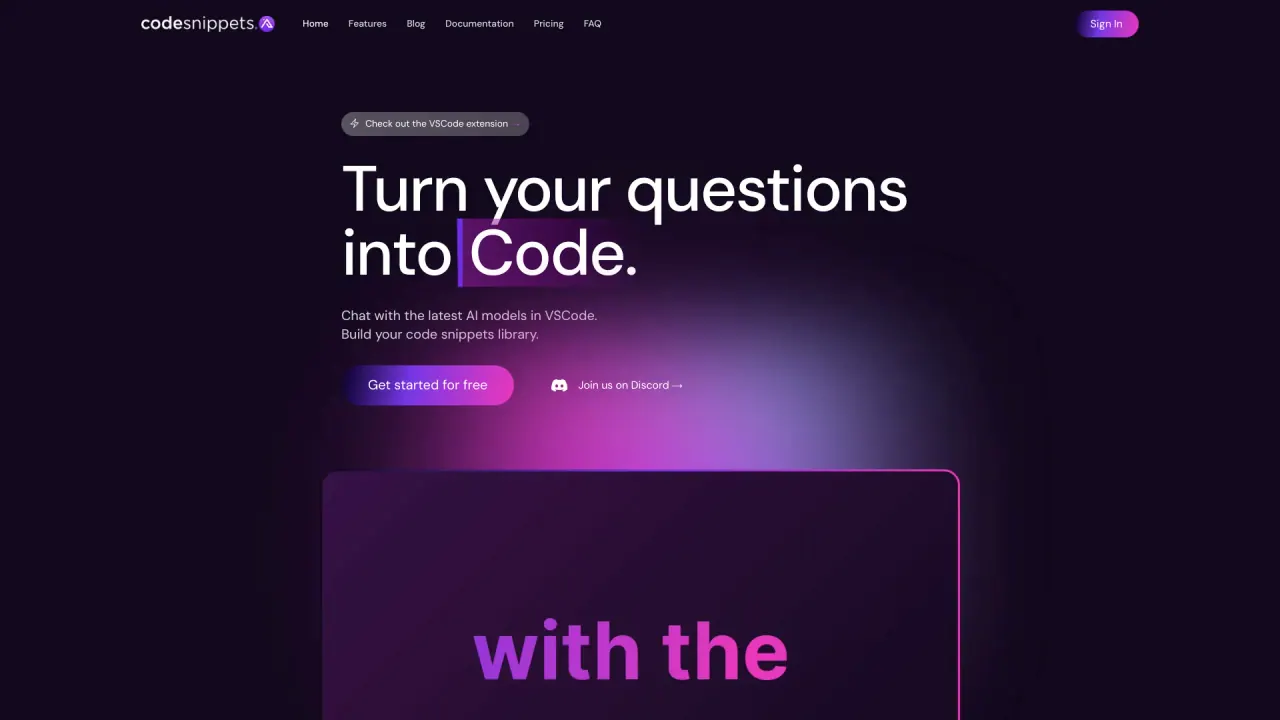
Code Snippets AI: Instantly generate code snippets with our AI-powered tool.
Promoted


What does CodeSnippets do?
What platforms and integrations does Code Snippets AI support?
Code Snippets AI runs on Mac and Windows, with a Chrome extension and a VSCode integration. More integrations are planned for the future to fit broader workflows.
What pricing options are available for Code Snippets AI?
- Basic (Free): Bring your own AI key; online LLMs from OpenRouter; local LLMs from Ollama; save up to 5 snippets; desktop apps included.
- Pro: $7.50 per user per month; 14-day free trial; includes all Basic features plus options like adding team members, Local Codebase Indexing, and Email Support; Chrome Extension included.
- Enterprise: $12.50 per user per month; 14-day free trial; includes all Pro features plus Advanced security, unlimited user accounts, 24/7 priority support, and unlimited snippet storage.
Do you offer a free plan?
Yes. The Basic plan is free and includes desktop apps, bring-your-own AI key, online LLMs from OpenRouter, local LLMs from Ollama, and the ability to save up to 5 snippets.
How does Code Snippets AI help teams collaborate in real-time?
Teams can chat with their codebase to understand and modify code more efficiently. It supports switching between multiple AI models within the same chat for precision, enables secure sharing and management of code snippets, and includes features to collaborate, refactor, and troubleshoot together.
Can Code Snippets AI access or see my code?
Yes. The platform enables contextual conversations by indexing your codebase, allowing chats that reference your actual code and snippets to improve understanding and collaboration.
What is AI Context Generation and how does it help?
AI Context Generation creates context around your snippets, enhancing documentation and providing important background for your development team to understand code more quickly.
Can I use multiple AI models in the same chat?
Yes. Code Snippets AI supports Open & Closed-Source LLMs and lets you switch between them within the same conversation for greater precision and flexibility.
What collaboration features are included (Snippet Sharing, Secure Library, Edit Tracking, etc.)?
The platform supports:
- Snippet Sharing
- Ollama AI for local models
- Secure Library
- Edit Tracking
- Team Collaboration
- AI Context integration
These features help teams share, manage, and discuss snippets securely and efficiently.
Can I use my own API keys with Code Snippets AI?
Yes. Code Snippets AI supports using a custom API key, enabling you to connect with your preferred AI models.
How many team members can I have on each plan?
- Basic (Free): You can add team members.
- Pro: You can add your team members (no specific limit stated in the available material).
- Enterprise: Unlimited user accounts.
How many snippets can I save on each plan?
- Basic (Free): Save up to 5 snippets.
- Pro: Includes all Basic features; the exact snippet limit isn’t separately stated beyond Basic.
- Enterprise: Save unlimited snippets.
Do you offer desktop apps?
Yes. Desktop apps are included with the Basic plan and continue to be available on Pro and Enterprise.
Is there a 14-day free trial and what does it cover?
Yes. All paid tiers (Pro and Enterprise) include a 14-day free trial, giving you access to the features of the applicable plan during the trial period.
How do I get started with Code Snippets AI?
You can start by signing up and starting with the free Basic plan, or begin a 14-day free trial to try Pro/Enterprise features. Look for the Start Free Trial or Get Started For Free options on the site.
Are refunds available for paid plans?
Paid plans do not offer refunds; you will be billed monthly or per the plan terms, and you can cancel anytime.
Is this your tool?
Claim CodeSnippets to manage this listing, or upgrade to Pro for featured-first placement and a newsletter feature.