
Pullflow
AI Chatting Tools
AI-enhanced platform for code review collaboration across GitHub, Slack, and VS Code.
Promoted
 Sidrune AI85% off. Stable Claude API for agent developers. Pay as you go. Invoices & refunds available.
 Pixmax.aiPixmax.ai is an all-in-one AI workspace for videos, visual stories, and marketing content.
 SEOify - Improve your SEO & rankingsBuild links to rank in Google. Improve your DR with links you can start building now.Advertise here270,000+ people visit Dang.ai every month.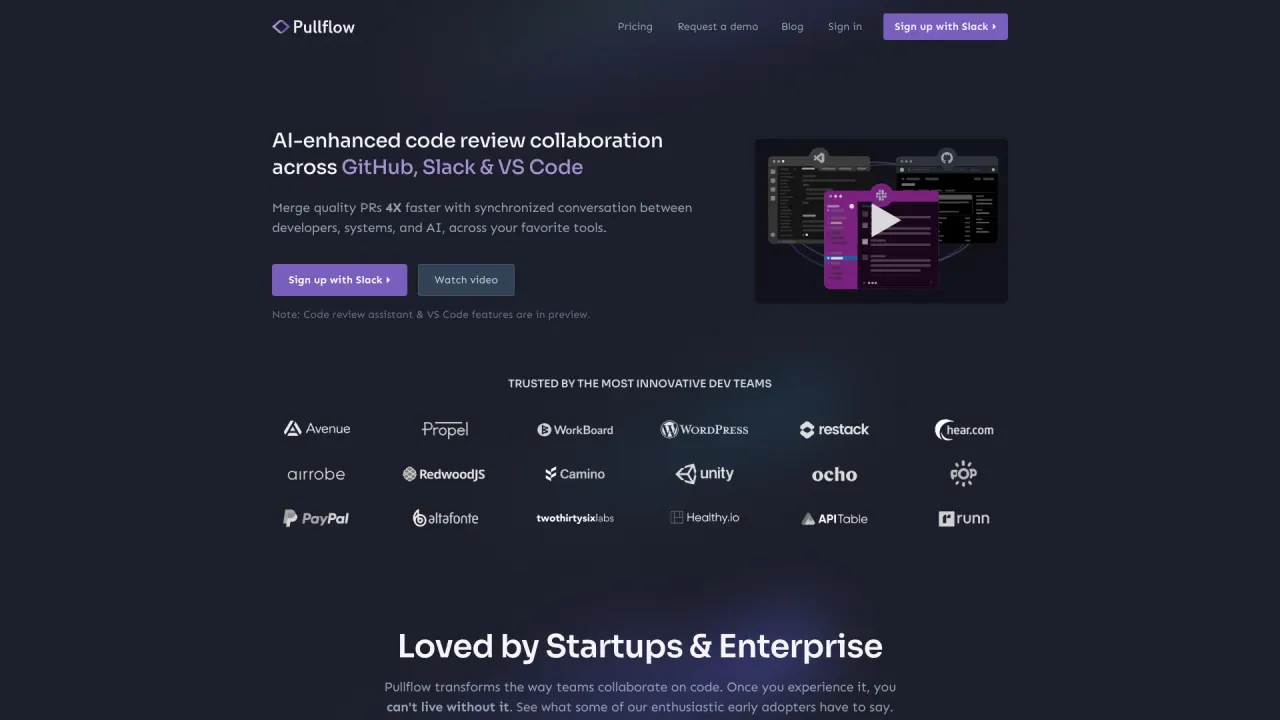
What does Pullflow do?
How can I integrate PullFlow with my existing GitHub and Slack accounts?
PullFlow offers seamless integration with your GitHub and Slack accounts. Simply authenticate your accounts within PullFlow, and the synchronization will be automatically established.
What are the main benefits of using PullFlow for code review collaboration?
PullFlow provides a unified platform for code review collaboration, enabling efficient communication and streamlined workflows. Key benefits include improved team collaboration, faster code review cycles, enhanced code quality, and increased productivity.
Can I choose which GitHub repositories PullFlow can access?
Yes, PullFlow only gets access to the repositories that you authorize through your GitHub account. You can add and remove repositories at any time from GitHub.
Who can sign up for PullFlow in Slack?
Yes, any Slack workspace member can sign up for PullFlow. However, a user with admin access to the GitHub organization is required to complete the setup.
Is PullFlow SOC 2 compliant?
Yes, PullFlow is SOC 2 Type II compliant. We have undergone an independent audit to ensure that our security, availability, and confidentiality controls meet the industry’s highest standards. Contact us for a copy of our SOC 2 report.
Does PullFlow have access to my source code on GitHub?
No, PullFlow does not have or need access to your source code. PullFlow only requests access to the pull request metadata and comments. You control the specific permissions that you grant PullFlow through your GitHub account and you can revoke access at any time.
Does PullFlow have access to all my messages in Slack?
No, PullFlow only has access to messages in channels where you explicitly invite the PullFlow bot. Moreover, PullFlow only processes messages on invited channels within threads associated with pull requests. You can revoke access by removing PullFlow from the channel.
What AI features does PullFlow offer on pull requests?
PullFlow includes an AI agent in PR threads, and supports popular code review agents like Copilot CodeRabbit and Greptile. They are available on every PR thread to assist with coding questions, explain review comments, provide examples, and share best practices.
How does PullFlow help me stay focused on active code reviews?
PullFlow provides an at-a-glance view of PRs waiting on you in Slack and VS Code. You can jump into a PR conversation, take action, set reminders, nudge reviews, and more without losing focus.
How does PullFlow integrate with CI/CD and automation?
PullFlow keeps you up to date with CI/CD in real time and integrates with GitHub Actions, external CI/CD, GitHub Apps, and more, giving you a single view of a PR from draft to test and deploy.
What is PullFlow's pricing and plan options?
Free plan: forever free for open source projects, startups, and small dev teams; includes unlimited public repos, unlimited public users, unlimited private repos, and up to 5 private-repo users. Team plan: $5 per user per month; unlimited paid users and unlimited repos; standard features; email support; start a free trial. Enterprise plan: custom pricing; private cloud & on-premise; audit & access control; single sign-on; and more.
This listing is claimed
Own Pullflow? Sign in with the email used to claim it to manage this listing, or upgrade to Pro for featured-first placement and a newsletter feature.