
Nonoisy
AI Audio Editing Tool
Nonoisy: The AI Audio Editing Tool for Streamlining Post-Production. Eliminate noise, enhance quality, and save time with smart algorithms.
What does Nonoisy do?
What does Nonoisy do to improve audio quality?
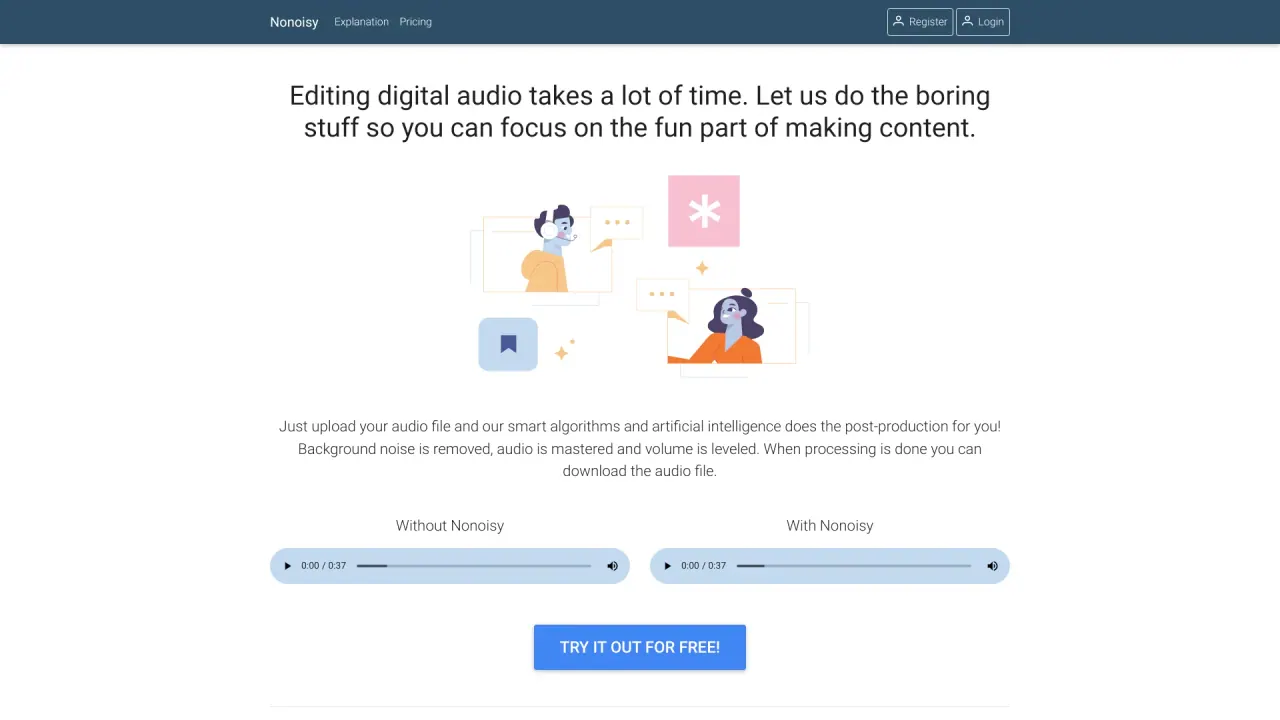
Nonoisy processes your uploaded audio with smart algorithms and AI to automate post-production. It removes background noise, masters the audio, and levels the volume. When there are multiple speakers, their volumes are balanced so everyone is clearly heard. It also removes clicks and pops. After processing, you can download the edited file.
What kinds of content can benefit from Nonoisy, and does it work with any language?
Nonoisy focuses on sound quality rather than language, so it’s suitable for a wide range of content, including podcasts, video audio, and course materials, in any language.
How quickly does processing happen and when can I get the edited file?
Processing starts as soon as you upload your file, and you can download the edited audio once processing is complete. The service emphasizes quick results.
What are the main benefits of using Nonoisy?
- Saves time: automates tedious post-production tasks.
- Saves money: cheaper than hiring a professional editor.
- Quick results: processing starts immediately after upload.
- Language independent: focuses on sound, not words.
- Audio levels are tuned: volume is set to a pleasant listening level.
- No background noises: background hiss and static are reduced or removed.
- Speakers are at the same volume: helps ensure clarity when multiple speakers are present.
- Removes clicks and pops: eliminates annoying artifacts.
Is there a free option to try Nonoisy?
Yes. You can try Nonoisy for free with basic features to assess how the automated editing works for your audio.
How do I get started with Nonoisy?
Visit the Nonoisy site, sign up for an account, upload your audio file, and let the AI process it. Once processing is finished, download your edited file.
Is this your tool?
Claim Nonoisy to manage this listing, or upgrade to Pro for featured-first placement and a newsletter feature.