
Scholarcy
AI Article Summarizer for Schools
Save hours with Scholarcy, the AI article summarizer for schools. Get key facts & sized sections from research.
What does Scholarcy do?
How can Scholarcy help academic researchers and students?
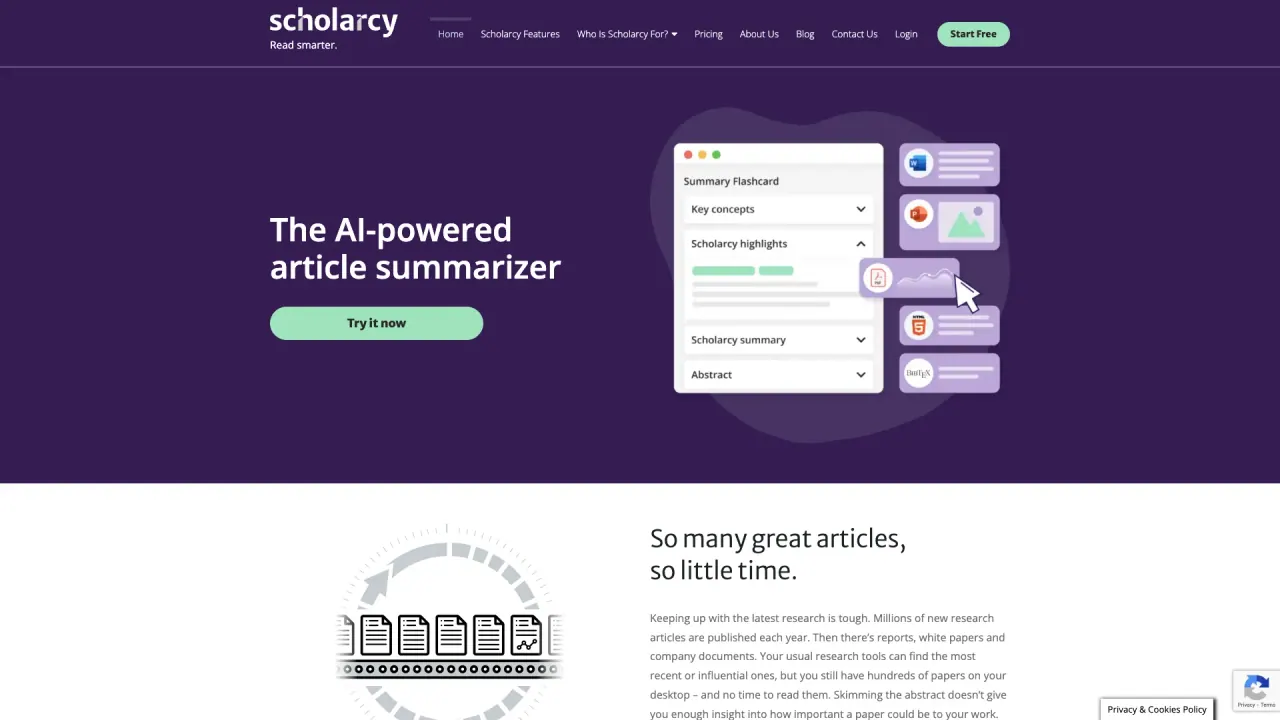
Scholarcy helps you summarize, analyze and organize your research. It converts long, complex texts into interactive summary flashcards, extracts key information (figures, references, tables), and lets you export summaries and references to formats and apps you use. It also provides a library to save, organize and quickly refresh your knowledge across devices.
What are the key features of Scholarcy that boost productivity?
- Import and summarize multiple document formats (PDFs, book chapters, articles, studies, plain text) and even YouTube videos
- Enhance: tailor summaries from a brief overview to a researcher-level depth
- Spotlight: jump straight to key findings, concepts and contributions
- Flashcard summaries: structured, readable summaries
- Highlight, annotate and take notes as you read
- Organize: save summaries in a personal library with references, figures and tables
- Export: flashcards and summaries to various formats; generate bibliographies in Word; export to Excel, PKMS and more
- Import from Zotero and convert Zotero libraries to Scholarcy flashcards
- Generate bibliographies in a click and export to citation managers or BibTeX/RIS
What file formats and sources can Scholarcy import?
- PDFs, book chapters, articles, and studies
- Plain text
- Import from Zotero
- Import from Google Drive
- Import from YouTube (videos can be summarized)
Can Scholarcy summarize videos?
Yes. Scholarcy can summarize videos as well as text-based documents, turning them into interactive flashcards.
What is Spotlight?
Spotlight highlights the important points, key concepts and contributions in a document, helping you jump directly to the most relevant findings.
What is Robo-Highlighter?
Robo-Highlighter automatically highlights significant phrases and contributions within the analyzed papers to speed up comprehension and review.
How does Scholarcy help me organize and recall what I read?
Scholarcy’s library lets you save summaries and generate flashcards for quick review. You can store all references, figures and tables and easily find them again, helping you refresh key facts before lectures or meetings. It supports cross-device access so you can read, annotate and review across devices.
How can I export my notes and bibliographies?
- Export flashcards to a range of formats compatible with many apps
- Export summaries to formats suitable for your workflow
- Generate fully formatted bibliographies in Word
- Export to Excel, PKMS, and other formats
- Import directly from Zotero to create Scholarcy flashcards; export citations to common managers in BibTeX or RIS
Can I import from Zotero and use Zotero with Scholarcy?
Yes. You can import directly from Zotero and convert your Zotero library into Scholarcy flashcards for easier article screening and study. You can also export citations back to your preferred citation manager or BibTeX/RIS formats.
Do I need to pay to use Scholarcy, and are there free options?
Scholarcy offers both free and paid options. You can start with a free trial to explore basic functionalities. To access the full suite of features (e.g., Library features, multi-device reading, and broad exporting), a monthly subscription is required. Pricing is available for individuals and academic institutions.
Are there limits or caveats I should know about?
- Document size limit: up to 400 pages per document; Scholarcy does not support processing entire books in a single pass
- Full feature access requires a subscription
- Accuracy can vary with very complex or poorly written documents
Is there a browser extension?
Yes. Scholarcy offers browser extensions to help you summarize content while you browse.
How many people use Scholarcy?
Scholarcy is used by over 600,000 people to save time and streamline research workflows.
How do I get started with Scholarcy?
You can start for free by signing up and trying the core features. Look for Start Free or Get Started on the site to begin your trial.
Is this your tool?
Claim Scholarcy to manage this listing, or upgrade to Pro for featured-first placement and a newsletter feature.