
Connected Papers
AI Paper Visualization Tool
Discover related papers with Connected Papers - the AI paper visualization tool. Simplify your research process and gain valuable insights into emerging trends.
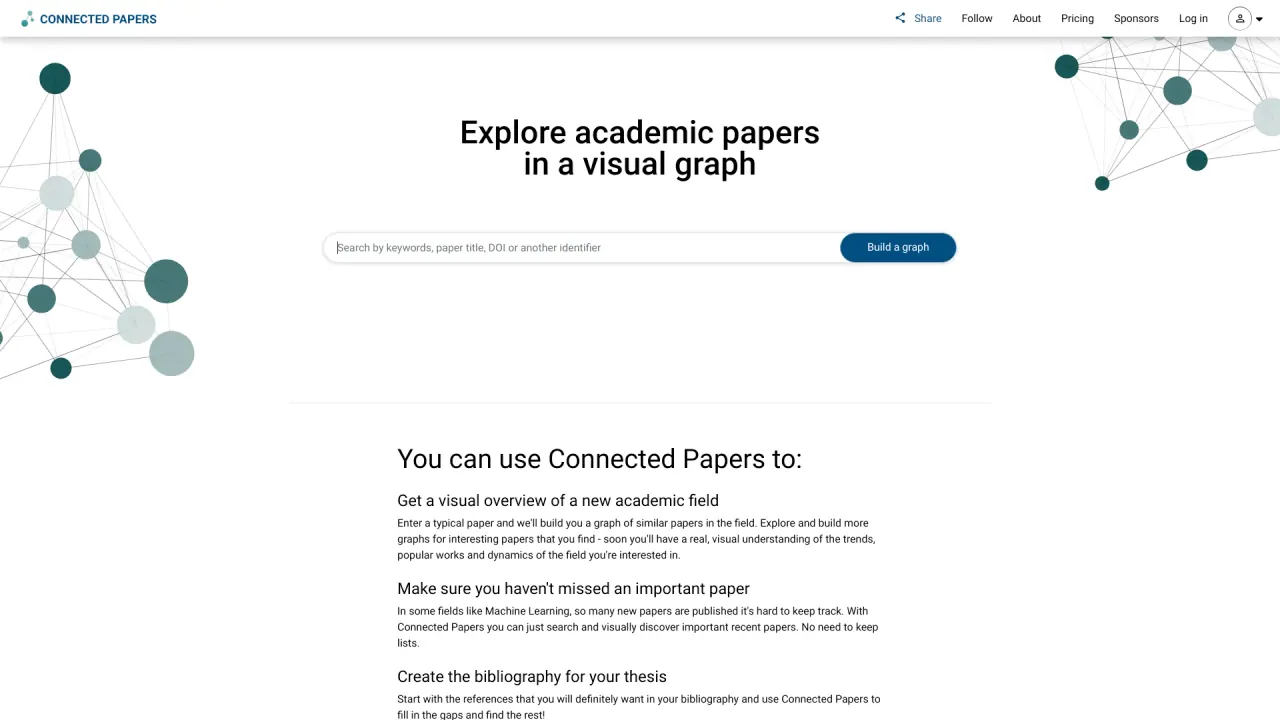
What does Connected Papers do?
How do I start building a graph in Connected Papers?
To start, enter a paper identifier: a DOI, an arXiv ID, a Semantic Scholar Paper URL, a PubMed Paper URL, or a paper title. You can also start with one of our example graphs to explore the interface and build more graphs from interesting papers.
Which database powers Connected Papers?
Connected Papers uses the Semantic Scholar database, which contains hundreds of millions of papers from all fields of science.
What are Prior Works and Derivative Works views?
Prior Works view helps you find important ancestor papers in your field, while Derivative Works view helps you find literature reviews and recently published state-of-the-art papers that followed your input paper.
How does Connected Papers help you stay on top of recent papers?
In fast-moving fields like machine learning, a lot of new papers are published regularly. Connected Papers helps you stay up-to-date by letting you search and visually discover important recent papers related to your input paper, highlighting influential new work.
Where can I find pricing information?
Pricing information is available on the Pricing page of the site.
What are the limitations of Connected Papers?
- It does not display direct citation relationships between papers; it shows connections based on co-citation and bibliographic coupling.
- Coverage may not include all papers in a field, especially very recent or obscure ones.
- Commercial use is restricted unless you have the Business plan; the data and platform are powered by Semantic Scholar.
Is this your tool?
Claim Connected Papers to manage this listing, or upgrade to Pro for featured-first placement and a newsletter feature.