AmbigramGenerator.org
AI Design Tools
Create rotational ambigrams instantly for free—no sign-up, no watermark—and download crisp PNGs in seconds.
- Pricing
- Free
- Category
- Design
- Listed
- Sep 1, 2026
- Updated
- Sep 2, 2026
Promoted
 Pixmax.aiPixmax.ai is an all-in-one AI workspace for videos, visual stories, and marketing content.
 AI Checker PlusAI detector that highlights which passages AI wrote. Free check, no sign-up. Plagiarism too.
 RewindType any X/Twitter handle. Get their year back as a narrated video story. Then ask it anything.
 KurodyneSell the tools from your AI side projects. Listing is free.
 Sidrune AI85% off. Stable Claude API for agent developers. Pay as you go. Invoices & refunds available.
 SEOify - Improve your SEO & rankingsBuild links to rank in Google. Improve your DR with links you can start building now.Advertise here270,000+ people visit Dang.ai every month.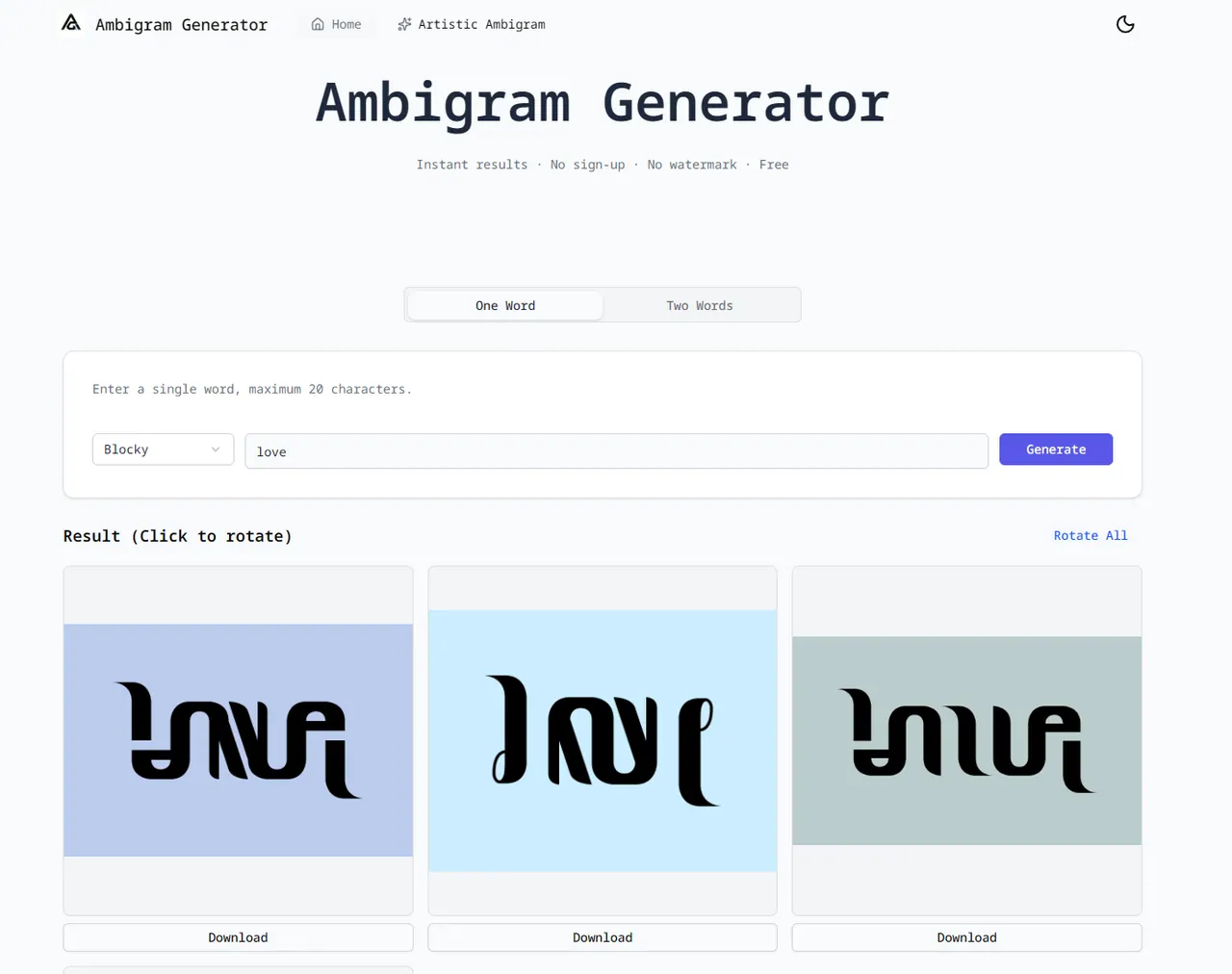
What does AmbigramGenerator.org do?
AmbigramGenerator.org turns your text into a rotational ambigram design that stays readable after a 180° flip. Type one word (or two names) into the generator, choose a style, preview the rotation, and download the result as a PNG.
The tool is built around letter pairing so the design reads correctly in both orientations. It includes multiple font styles (including options geared toward tattoos and bold readability) and a real-time preview so you can check clarity before exporting.
Ambigrams are commonly used for tattoos, logo marks, personal name designs, couple/two-name compositions, prints, and social profile art. If a word doesn’t work in the generator, try a different style, adjust length/letter choice, or test again using the preview at the size you plan to use.
Is AmbigramGenerator.org free to use?
Yes—there’s no sign-up required, and downloads come without a watermark.
Do I need an account to generate and download my ambigram?
No account is required. You can type your text, preview the 180° flip, and download the PNG right away.
What input can I use—one word or two names?
You can generate a single word (up to 20 characters) or create designs using two names. For two-name rotational ambigrams, both names need the same number of letters.
What file format do downloads come in?
You can download the finished design as a PNG file.
Is this just upside-down text, or a real ambigram?
It creates a genuine rotational ambigram by redrawing letterforms so the design reads as your text both ways after a 180° rotation.
Why might my word not work?
Some letters and longer strings are harder to flip while staying readable. If it fails, try a different style, keep the text shorter, or test at the actual size you’ll use (for example, for a tattoo or logo).
This listing is claimed
Own AmbigramGenerator.org? Sign in with the email used to claim it to manage this listing, or upgrade to Pro for featured-first placement and a newsletter feature.