
StableDiffusionAI
AI Art Generator
Fast, multilingual AI art generator with superior image quality and free trials.
- Pricing
- Free trial
- Category
- Art
- Listed
- Nov 15, 2023
- Updated
- May 25, 2026
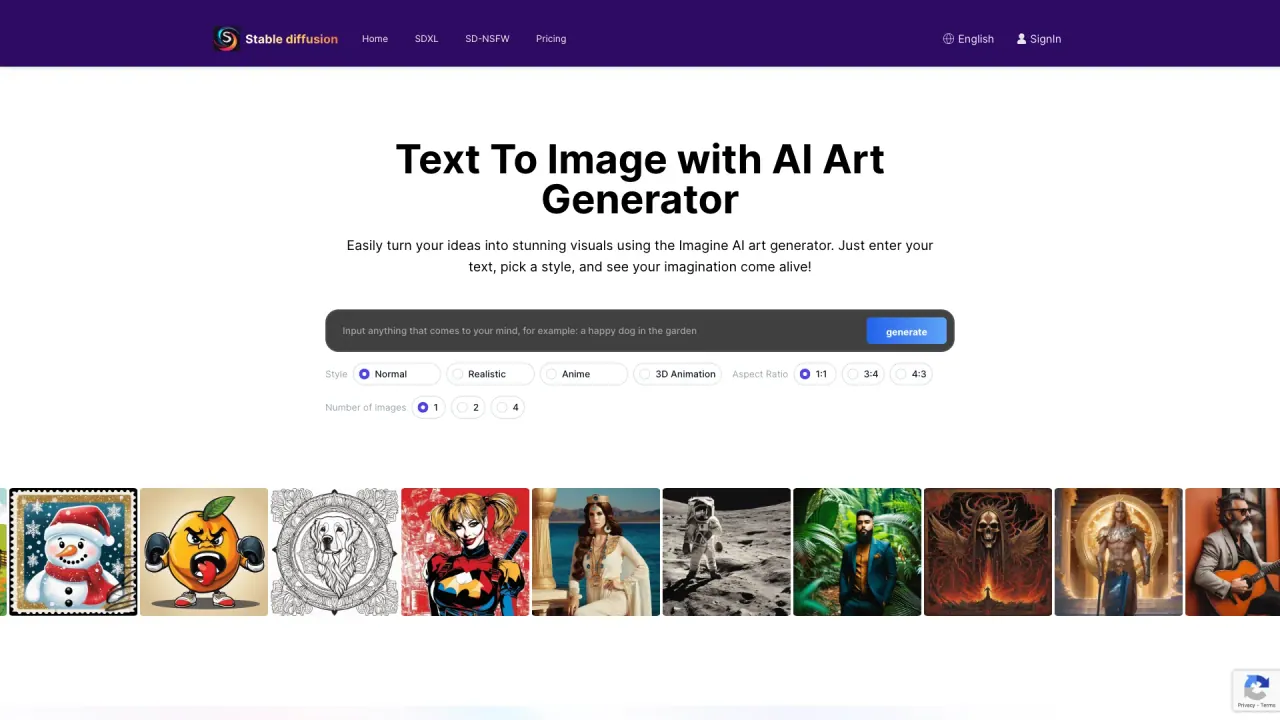
What does StableDiffusionAI do?
What is Stable Diffusion AI?
Stable Diffusion AI is an open-source AI image generator built on diffusion models. It creates realistic images from text prompts and can edit existing images via inpainting and outpainting. It uses a Latent Diffusion Model (LDM) architecture with a VAE, a U‑Net, and an optional text encoder. You can run Stable Diffusion locally on a single GPU or access it online through platforms like Dream Studio. The project is open-source with code, pretrained models, and licenses available for running it yourself.
How do I use Stable Diffusion AI?
To use Stable Diffusion AI: go to the Stable Diffusion AI site, type a text prompt describing the image you want, and adjust settings like image size and style. Click “Dream” to generate images, then select your favorite image to download or share. You can refine prompts and settings to get the desired result, and you can also edit images with inpainting and outpainting.
How can I access Stable Diffusion AI (locally or online)?
You can access Stable Diffusion by running it locally from the source code or by using online platforms. Download the source code from the official GitHub repository to set up Stable Diffusion locally, or use Dream Studio’s API and web interface. Dream Studio provides a simple, intuitive interface. You can also access Stable Diffusion via third-party sites like Hugging Face and Civitai, which host various Stable Diffusion models. For local use, you’ll need Python and a capable GPU; offline operation is possible, while web access requires internet.
How do I download Stable Diffusion AI?
Stable Diffusion is available on GitHub. To download: go to github.com/CompVis/stable-diffusion and click the green Code button, then select “Download ZIP” to download the source code and model weights. Extract the ZIP after downloading. You’ll need at least 10 GB of free disk space and a GPU with at least 4 GB VRAM. You’ll also need Python. You can alternatively access Stable Diffusion through websites like Stablediffusionai.ai without installing it locally.
How do I install Stable Diffusion AI?
To install Stable Diffusion, you typically need a PC with Windows 10 or 11, a GPU with at least 4 GB VRAM, and Python installed. Download the Stable Diffusion code repository and extract it. Get the pretrained model checkpoint file and config file and place them in the proper folders. Run the web UI (e.g., webui-user.bat) to launch the interface. You can generate images by typing prompts and adjusting settings such as sampling steps. You can also install extensions like Automatic1111 for more features.
How do I train Stable Diffusion AI?
Training Stable Diffusion requires a dataset of image–text pairs, a GPU with sufficient VRAM, and technical expertise. Steps include preparing and cleaning the training data, modifying the Stable Diffusion config to point to your dataset, setting hyperparameters (e.g., batch size, learning rate), and launching training scripts to train the VAE, U‑Net, and text encoder. Training is computationally intensive and may require cloud GPUs. After training, evaluate performance and fine‑tune as needed.
What is LoRA for Stable Diffusion?
LoRA (learned regional augmentation) is a technique where small neural networks are trained on image data to specialize a model for detailed elements like faces, hands, or clothing. To use a LoRA, download it and place it in the proper folder, then add the LoRA’s keyword to your prompt to activate it. LoRAs provide more control over details without retraining the entire model, enabling specialized outputs (e.g., anime characters, portraits, fashion models).
What is a negative prompt for Stable Diffusion AI?
Negative prompts tell the model what not to include in the generated image. They are words or phrases that you want to avoid, such as "poorly drawn, ugly, extra fingers." Using negative prompts alongside positive prompts helps steer the output away from unwanted elements and improves image quality and accuracy.
Does Stable Diffusion AI need internet?
Stable Diffusion can run offline once installed locally; the only internet requirement is to download the code and model files initially. After setup, you can generate images through the local web UI without an internet connection. Accessing Stable Diffusion through websites or online platforms requires internet access.
How do embeddings work in Stable Diffusion AI?
Embeddings enable Stable Diffusion to imitate a specific visual style. To use embeddings, train them on a dataset representing the desired style, place the embedding file in the embeddings folder, and in your prompt include the embedding’s name surrounded by colon brackets like [:Name:] to activate it. You can adjust the strength parameter to control the influence of the embedding on the output.
What is Stable Diffusion XL (SDXL) and how does it relate to Stable Diffusion?
Stable Diffusion XL (SDXL) is the latest version of Stable Diffusion. Released in July 2023, SDXL introduces major upgrades with a 6 billion parameter dual model system, enabling 1024x1024 resolution, highly realistic image generation, legible text, simplified prompting, and built‑in preset styles. SDXL represents a significant leap in quality, flexibility, and creative potential compared to earlier Stable Diffusion versions. Stable Diffusion XL Online focuses on high‑resolution outputs for professional and artistic projects.
What are the limitations of Stable Diffusion?
Stable Diffusion can reflect biases present in its training data, which is predominantly English-language content, leading to Western‑biased results. It can also struggle with generating accurate human limbs and faces. Some users report differences between SD2 and SD1 in depicting celebrities and artistic styles. Fine‑tuning and customization can help expand capabilities and reduce limitations.
How can I use ControlNet with Stable Diffusion?
ControlNet enables you to guide image style and color while preserving structural details. It allows you to influence the output’s style and color while maintaining the original geometry of the image, giving you more precise artistic control over results.
Is this your tool?
Claim StableDiffusionAI to manage this listing, or upgrade to Pro for featured-first placement and a newsletter feature.