
HoverBot
AI Chatbot Management Platform
Product-aware AI chat for ecommerce and marketplace teams.
Promoted
 Sidrune AI85% off. Stable Claude API for agent developers. Pay as you go. Invoices & refunds available.
 Pixmax.aiPixmax.ai is an all-in-one AI workspace for videos, visual stories, and marketing content.
 SEOify - Improve your SEO & rankingsBuild links to rank in Google. Improve your DR with links you can start building now.Advertise here270,000+ people visit Dang.ai every month.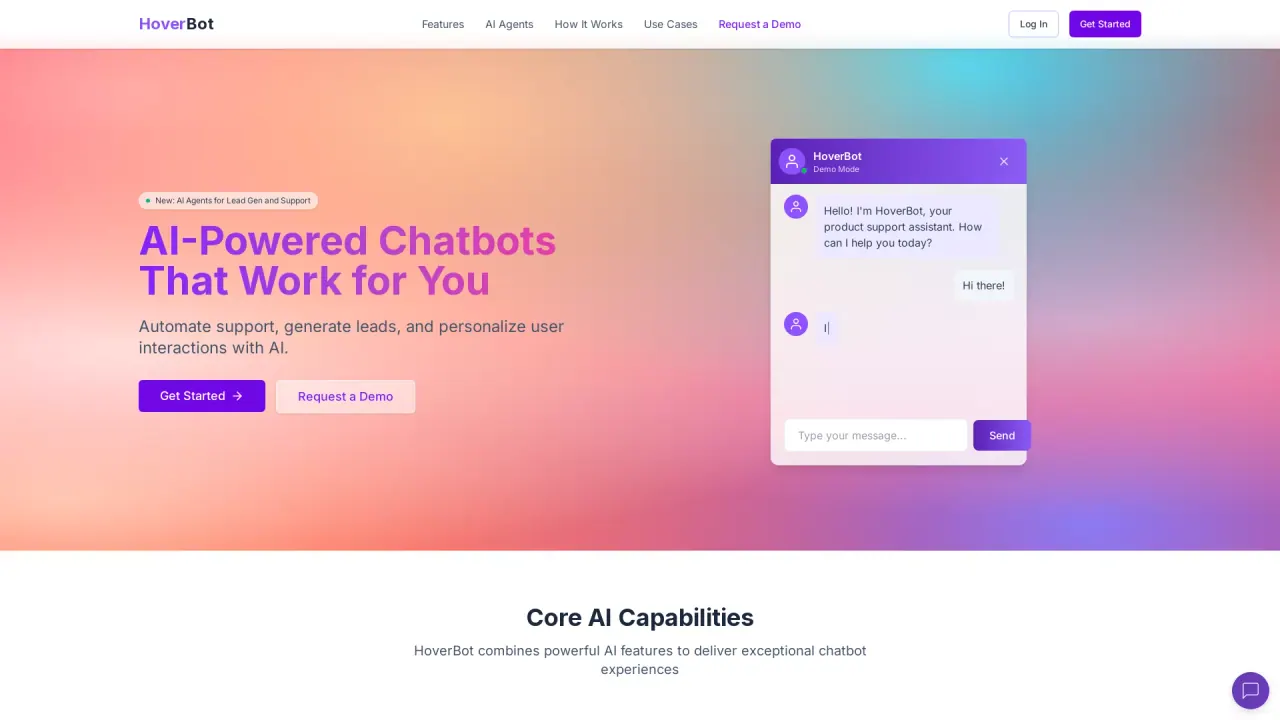
What does HoverBot do?
HoverBot is an AI chatbot platform for customer support and lead capture. It grounds every answer in a company's own catalog, policies, and documentation using retrieval-augmented generation, masks personal data before it reaches the model, and hands conversations to human agents when confidence drops. HoverBot was founded in 2025, is bootstrapped, and is headquartered in Singapore.
How can HoverBot help with lead generation and conversions?
HoverBot uses AI-powered lead generation to identify purchase intent in conversations, automatically collects user details, and creates structured lead cards for sales teams. It converts inquiries into leads, quotes, and purchases by capturing purchase intent and guiding buyers toward checkout or CRM handoffs.
How does HoverBot ensure reliability and security in business environments?
HoverBot includes AI-driven content filtering, customizable guardrails, and PII masking by default. It also provides full audit logs of changes and conversations, real-time monitoring, automatic flags for unanswered questions, and analytics to surface gaps and improve the knowledge base.
Can HoverBot be customized for different industries and use cases?
Yes. HoverBot is designed to be customized for various industries and use cases, allowing you to tailor agent behavior to sales, support, product, and other workflows.
How does HoverBot handle sensitive topics and escalation to humans?
HoverBot is safe by design, with human-in-the-loop for sensitive topics. You can define guardrails and escalation rules, and complex or high-risk inquiries can be handed off to humans as needed.
How do I train HoverBot with my documents, FAQs, and APIs?
In the Train & Configure step, connect your docs, FAQs, and APIs, and define guardrails and escalation rules. You can also enable agent skills to automate real workloads.
How does the chat-to-buy flow work?
The chat-to-buy flow uses product knowledge to recommend products and bundles, captures buyer intent, and routes to checkout or to a sales team. Steps: 1) Customer asks about products or needs, 2) AI recommends products and bundles, 3) Intent is captured and routed to checkout or sales.
What are agent skills and which ones are available?
HoverBot includes agent skills such as Chat-to-Buy, Lead Generation, and Product Support. You can turn on these skills to handle real workloads and support product-specific conversations.
How do I embed HoverBot on my website?
Embed HoverBot using the widget code on your site. The setup involves adding the embed snippet (including botId and nonce) and loading the widget script to enable conversations on your pages.
How can I manage access and collaboration within HoverBot?
HoverBot provides role-based access, a shared workspace for sales, support, and product teams, and analytics to track usage, resolution rates, and lead quality.
How can I join HoverBot's design partner program?
HoverBot is currently inviting a small group of marketplaces and ecommerce teams to join its design partner program. You can book a demo or apply as a design partner.
What use cases does HoverBot support for different teams?
- For Marketplaces & Ecommerce: product recommendations, accessories and bundles, capture structured purchase intent, and hand off to checkout or CRM.
- For Sales Teams: convert website visitors into leads, qualify leads automatically, and collect detailed customer preferences.
- For Customer Support: reduce response times, automate FAQs, provide 24/7 instant responses, and escalate complex issues to humans.
- For Product Teams: provide real-time product assistance with API calls, help users navigate features, troubleshoot issues, and gather product feedback.
This listing is claimed
Own HoverBot? Sign in with the email used to claim it to manage this listing, or upgrade to Pro for featured-first placement and a newsletter feature.